

Table of Contents
TL;DR:
Manual check-in means staff look up names on a list. It costs little and feels personal, so it works well for small events of around 100 guests or fewer. Automated check-in uses QR codes, scanners, or wristbands. It is faster, makes fewer mistakes, is harder to fake, and shows you who has arrived in real time, so it suits bigger events. For large conferences, use both: let technology handle most guests, and keep a small desk with staff for lost passes, ID checks, and VIPs.
Introduction
The first few minutes of an event matter a lot. If guests walk in quickly, they feel relaxed and ready to enjoy the day. If they wait in a long line while a volunteer searches for their name on a paper list, they get annoyed before the first speaker even starts. Research shows QR-based check-in can cut processing time from 45 seconds to just 7 seconds per attendee, which is a gap guests feel the moment they arrive.
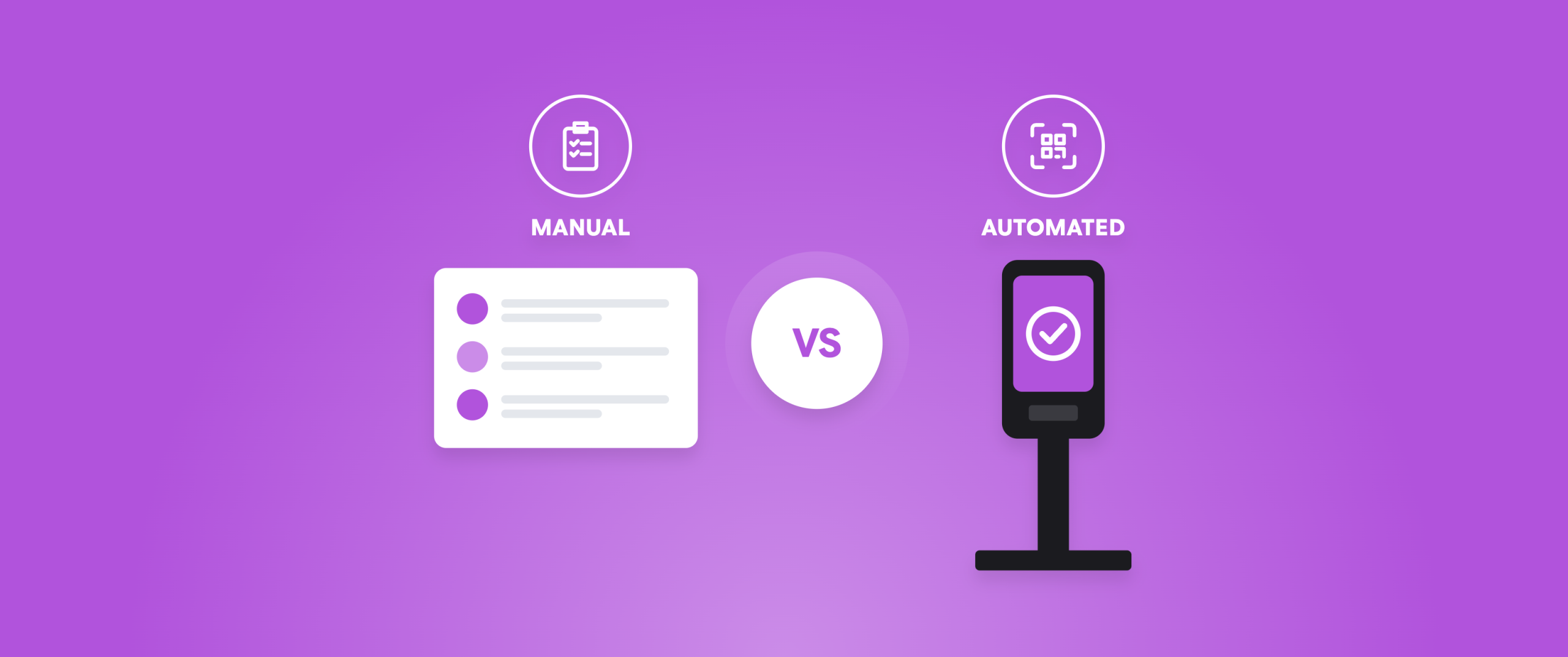
That is why the debate around manual vs automated event entry matters so much to organisers. The way you check people in affects security, attendee experience, staffing costs, and the quality of the data you collect. In this guide, we break down how each approach works, where each one shines, and how to decide which is right for your event.
What Is Manual Event Entry?
Manual event entry relies on people rather than software to admit attendees. A staff member or volunteer sits at a desk with a printed guest list, a spreadsheet, or paper tickets, and checks each arrival by hand.
A typical manual process looks like this:
- The attendee gives their name or shows a printed ticket.
- A staff member finds the name on the list and ticks it off.
- Identification may be checked against a government ID or company card.
- A badge is handwritten or pulled from a pre-printed stack and handed over.
This is where manual attendee verification comes in. A real person looks at the attendee, compares them with their ticket or ID, and makes a judgment call. That human touch can be valuable for exclusive events, VIP sessions, and situations where something unexpected comes up, such as a name misspelled at registration or a last-minute substitute.
Manual entry is common at small gatherings, private dinners, community events, and workshops where the guest count is low, and the budget is tight. It needs very little technology, which makes it easy to set up, but it depends heavily on the speed and accuracy of the people running it.
Manual Entry: Pros
- Low setup cost and minimal technology required
- Personal, welcoming first impression
- Easy to handle special cases and last-minute changes
- No reliance on internet connectivity or hardware
Manual Entry: Cons
- Slow, especially during peak arrival windows
- Higher risk of human error and inconsistent checks
- Limited security against duplicate or forged tickets
- Little to no real-time data
- Requires more staff as attendance grows
What Is Automated Event Entry?
Automated event entry uses technology to validate attendees with minimal staff involvement. Instead of searching a list, the system checks credentials instantly and records the result.
The automated event entry process usually works like this:
- Attendees receive a unique QR code, barcode, or digital pass when they register.
- On arrival, they scan it at a kiosk, a turnstile, or a handheld scanner.
- The system checks the code against the live attendee database in real time.
- If the code is valid and unused, entry is granted, and the check-in is logged.
- A badge can be printed on the spot, or the digital pass serves as the badge.
More advanced setups add RFID wristbands, NFC badges, or even facial recognition for contactless entry. Because every scan feeds into a central system, organisers can see arrivals as they happen, spot bottlenecks, and flag duplicate or fraudulent tickets immediately.
Automated Entry: Pros
- Fast, consistent throughput with shorter queues
- Real-time check-in data and reporting
- Stronger fraud prevention through unique, single-use codes
- Fewer staff needed at the door
- Scales easily from hundreds to thousands of attendees
Automated Entry: Cons
- Upfront investment in software, scanners, and training
- Dependence on connectivity and working devices
- Needs a backup plan for technical failures
- Can feel impersonal if not paired with friendly on-site staff
- Attendees who are less comfortable with technology may need help
Manual vs Automated Event Entry: How They Differ
Factor | Manual event entry | Automated event entry |
| Speed | A trained volunteer working from a list might check in one or two people a minute, and fewer still when names are hard to find. | A QR scan takes just a few seconds, and the system confirms the guest straight away. Multiple lanes or self-service kiosks can run side by side, so queues stay short even when everyone arrives at once. |
| Accuracy | Lists are prone to typos, outdated versions, and missed entries. | Systems validate against a single source of truth, so errors are far less likely. |
| Security | A printed ticket can be photocopied, and a name on a list can be claimed by someone else. | Unique, single-use codes make duplication much harder, and every scan is time-stamped. |
| Data | A ticked list at the end of the day, if you are lucky. | Live arrival numbers, peak-time patterns, session attendance, and exportable reports. |
| Flexibility | Humans handle exceptions naturally. | Needs clear rules and a fallback plan for the cases that do not fit the standard flow. |
| Cost structure | Low upfront costs, but higher ongoing labour costs as the event grows. | Needs an initial investment in software and hardware, but the cost per attendee falls as numbers rise. |
Read More: Event Entry Management and Check-In Solutions Are Key to Success.
Which Approach Works Best for Large Conferences?
The event entry process for large conferences is where the gap between the two methods becomes impossible to ignore.
Consider a conference with 3,000 attendees, most of whom arrive within a ninety-minute window before the opening session. At five check-ins per minute per desk, you would need around seven desks running flat out with no hiccups. Add lost badges, name changes, and queries about session access, and the queues grow quickly. Late starts and irritated attendees follow.
With automation, those same 3,000 people can be processed through a handful of scanning lanes or self-service kiosks. Badges print on demand, and staff are free to help the people who actually need assistance rather than checking every single arrival.
Large conferences also have needs that go beyond the front door:
- Multiple entry points: Main entrance, exhibition hall, workshops, and VIP lounges all need consistent access control.
- Session tracking: Organisers and sponsors want to know who attended which talk.
- Capacity management: Fire safety limits and room capacities need monitoring in real time.
- Sponsor and exhibitor value: Lead capture and footfall data help prove return on investment. Dreamcast’s lead retrieval data shows that trade show exhibitors using digital badge scanning apps capture 3.5x more qualified leads than those relying on business cards or paper sign-up sheets.
- Security: Larger events attract higher-profile guests and a greater risk of ticket fraud.
Automation handles all of these far more reliably than a paper list ever could. That said, the best large-scale setups are rarely fully automated. Many organisers keep a small manual desk for exceptions, such as lost passes, ID checks for high-security areas, and VIP guests who deserve a personal welcome. This hybrid model pairs the efficiency of technology with the judgement of trained staff.
How to Choose the Right Approach
There is no universal answer to the manual vs. automated event entry question. Work through these factors to find the right fit.
1. Attendance size. Under 100 guests, manual entry is usually perfectly workable. Between 100 and 500, a hybrid approach often makes sense. Beyond that, automation quickly becomes the practical choice.
2. Arrival pattern. If everyone arrives at once, as at a conference keynote, speed matters most. If arrivals are spread over several hours, a slower process may cope.
3. Security requirements. Events with high-profile guests, expensive tickets, or restricted areas benefit from unique, trackable credentials, and may still need manual attendee verification for ID checks at sensitive points.
4. Budget. Consider the total cost, not just the upfront price. Manual entry looks cheap until you count staffing hours, queue-related complaints, and the data you did not collect.
5. Data needs. If sponsors, stakeholders, or your own marketing team need attendance insights, automation provides them without extra effort.
6. Venue and connectivity. Check Wi-Fi or mobile coverage before committing to a fully online system. Many platforms offer offline modes, but test them in advance.
7. Attendee profile. A tech-savvy audience will breeze through QR scanning. A more mixed audience may need clear signage and friendly staff to guide them.
8. Contingency planning. Whatever you choose, prepare a fallback. Keep a printed backup list, spare scanners, and charged power banks so a single failure never stops the queue.
Read More: Top 11 Event Check-In Tips for Faster Entry and Happy Attendees.
A simple rule of thumb: start with automation as the default and keep a manual desk for exceptions, then scale the balance up or down based on your event size and risk profile.
Final Thoughts
In the manual vs automated event entry debate, manual entry offers a personal touch and low startup costs, which makes it a good fit for small, intimate events. Automated entry delivers speed, accuracy, security, and valuable data, which is why it has become the standard for larger gatherings. For most organisers running mid-sized to large events, a hybrid model is the sweet spot: let technology handle the volume while people handle the exceptions.
The right choice ultimately comes down to what your attendees expect, what your event demands, and how you want those first ten minutes to feel.
FAQs
Manual entry relies on staff checking names or tickets against a list by hand, while automated entry uses technology such as QR codes, scanners, or RFID badges to validate attendees instantly and record the check-in digitally.
Generally, yes. Unique, single-use codes are much harder to duplicate than printed tickets or names on a list, and every scan is time-stamped. However, manual attendee verification still has value for ID checks at high-security areas, so many events use both.
Throughput depends on the hardware and setup, but a single scanning lane can typically process far more attendees per minute than a manual desk. Multiple lanes or self-service kiosks can multiply that capacity for large crowds.
A good contingency plan covers this. Keep a printed or offline copy of the attendee list, extra scanners, and backup power. Many platforms also work offline and sync later, so check-in can continue without a connection.
Yes. For small, private, or highly personal events, manual entry is simple, inexpensive, and welcoming. If you have fewer than around 100 guests and no need for detailed data, it can be the most practical option.