
loader

Event Registration

Why Do Enterprise Events Need More Than Basic Registration Tools?

Big events today are on a different level. Think fairs, exhibitions, big conferences. Thousands of people walk in. Sometimes even more. In mega events, that number can jump from 50,000 to 500,000. That’s not small. That’s a moving city. Now imagine handling all those people from the very first step. Registration. If that part breaks, everything after it feels messy. Long lines. Confusion. Frustration. It doesn’t take much. For smaller events, simple tools can do the job. But at this scale, things change. You need something built to handle pressure. That’s where an enterprise event registration platform comes in. Also, a good enterprise event registration software supports the whole event flow. From sign-up to entry and beyond. Let’s break down what that really means.

The Limits of Basic Event Registration Tools Compared to Enterprise Event Registration Software

Why, you may wonder, a simple digital form is not the best solution for a mega event. The best way to understand this is by looking at what basic event registration tools offer. This will automatically make you familiar with the gaps that an advanced enterprise event registration software fills:

enterprise event registration setup

1. Simple Sign-Up Forms

Most tools start and end here. A basic form. Name, email, phone number. Fill it in and you’re registered. It’s quick. Easy. But that’s all it does. There’s no depth. No flexibility if your event needs more details.

2. Basic Ticketing And Confirmations

Once someone signs up, they get a confirmation. Maybe an email. Maybe a simple ticket. It works for small crowds. But there’s no smart logic behind it. No different journeys for different types of attendees.

3. Limited Data Capture

These tools don’t collect much beyond the basics. You get a list of names and emails. That’s it. No real insights. No way to understand attendee behavior or preferences in a meaningful way.

4. Minimal Integrations

Most basic tools don’t connect well with other systems. You might get email support. But that’s usually where it stops. No smooth link with apps, CRMs, or check-in systems.

What Do Enterprise-Scale Mega Events Look Like?

Basic registration tools don’t fit mega events. They fall short, fast. You’ve already seen their limits. Now let’s picture what these large events really look like. It helps you see why you need something stronger. Something built for scale.

Enterprise-Scale Mega Events
  • Multi-Location Or Multi-Entry Setup:

Big events don’t always happen in one small space. Sometimes they run across different locations. Sometimes it’s one huge venue with many gates. People walk in from everywhere. At the same time. A basic system struggles to keep all this in one place. It gets messy for the team handling it.

  • Tens Of Thousands Of People Checking In Together:

Crowds don’t move one by one. They come in waves. Fast. Loud. Constant. This is where things break if your system is weak. An enterprise event registration platform helps manage this speed. It keeps lines moving. It keeps things calm.

  • Different Tickets, Different Access:

Not everyone gets the same pass. Some are VIPs. Some have limited access. Paid more for extra perks. Every person needs the right entry. The right experience. That means clean data and proper tracking. A basic tool can’t handle that well. An enterprise event registration software can.

  • High Security And Strict Checks:

With large crowds, safety matters more. You need to know who is entering. You need to verify them. No guesswork. No gaps. This level of control needs a strong system behind it.

  • Teams Working Together In Real Time:

Different teams handle different parts. One manages sign-ups. One handles entries. Another runs the event. If a problem shows up, everyone needs quick access to the same info. Basic tools don’t sync well. They slow things down. A better system keeps everyone aligned.

Where Basic Tools Fall at Scale and Create the Need for Enterprise Event Registration Platform?

Basic tools start to struggle the moment scale kicks in. Let’s look a little closer at where they fall apart. This is where the need for an enterprise event registration platform becomes clear.

1. System Crashes And Slowdowns

Heavy traffic hits. The system slows down or crashes. People drop off midway. Registrations are lost. It directly affects turnout and ROI.

2. Check-In Bottlenecks

Slow systems create slow entries. Teams have to check details manually. There’s no quick way to verify attendees. No central record to rely on.

3. Poor Attendee Experience

Long queues build up fast. People wait. They get frustrated. Errors also creep in. Wrong details. Missing data. It all adds up to a bad first impression.

4. Zero Real-Time Visibility

Organisers can’t see what’s happening live. No clear count. No movement tracking. Decisions become guesswork instead of action.

5. Lack Of Customization

Every event is different. Basic tools don’t adapt. You can’t create custom flows or control who sees what. That limits control in a big way.

6. Weak Integrations

These tools don’t connect well with other systems. CRMs, apps, badging, analytics all stay separate. Teams work in silos. Data stays scattered. An enterprise event registration software solves this by bringing everything together.

What Enterprise Events Actually Need?

Enterprise events need more than a basic setup. They need a system that can handle everything together. From sign-up to final reports, every step should work smoothly. That’s where an enterprise event registration platform like Dreamcast helps. It is built for large events where scale and control matter.

Let’s see how it supports big events.

a.) Scalable Infrastructure

Large events bring heavy traffic. Many people try to register at the same time. Basic tools slow down or crash. Dreamcast works as a scalable event registration system that handles peak loads well. It keeps the process smooth and steady.

b.) Smart Access Control

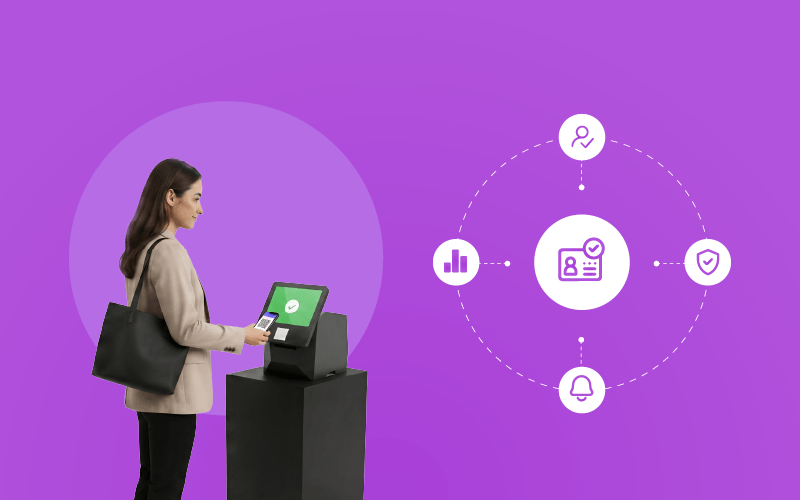
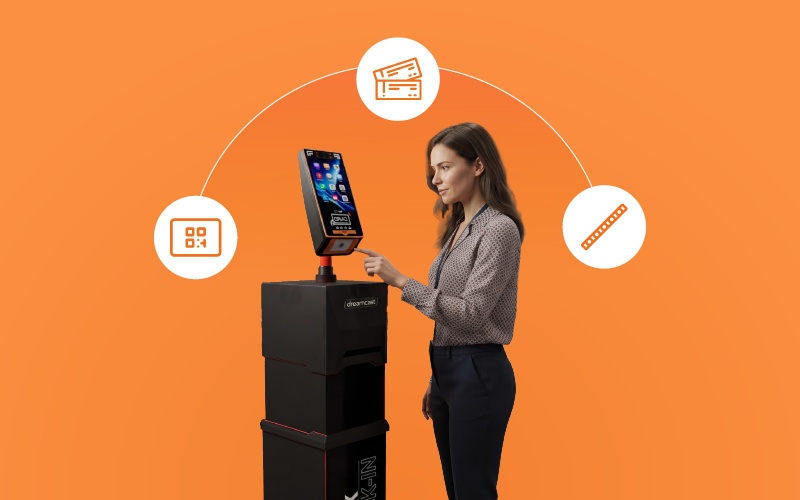
Entry needs to be quick and clear. Dreamcast supports QR codes, RFID, and facial recognition. This helps teams verify people fast. You can also set access levels. VIPs, speakers, and general attendees all get the right entry.

c.) Real-Time Data And Dashboards

Teams need to know what is happening at all times. Dreamcast shows live data. You can track check-ins, crowd flow, and numbers. This helps teams act quickly when needed.

d.) Smooth Integrations

Events use many tools. Apps, CRMs, and security systems all need to work together. Dreamcast connects them. As an event registration platform for enterprise events, it keeps data in one place and easy to use.

e.) Automation At Every Step

Manual work takes time and leads to errors. Dreamcast automates the full journey. From sign-up to check-in, everything moves faster. As an enterprise event registration system, it reduces workload for teams.

For Large-Scale Events

f.) Custom Workflows

Every event is different. Dreamcast lets you set up flows based on your needs. Different ticket types, different paths. This makes it a strong event registration software for large events.

All of this comes together in one enterprise event registration software that helps teams manage large events with ease.

How Will Your Mega Event’s Journey with Dreamcast Look Like?

When the right enterprise event registration software is in place, everything feels easier. Attendees don’t see the effort behind the scenes. They just feel that things are smooth. Teams stay in control. Nothing feels rushed or broken. That’s the kind of experience Dreamcast helps create. Besides registration, it helps you make your event a premium experience for attendees in terms of networking, check-ins, and post-event follow-ups, too. Let’s see how:

Glitch-Free Registration

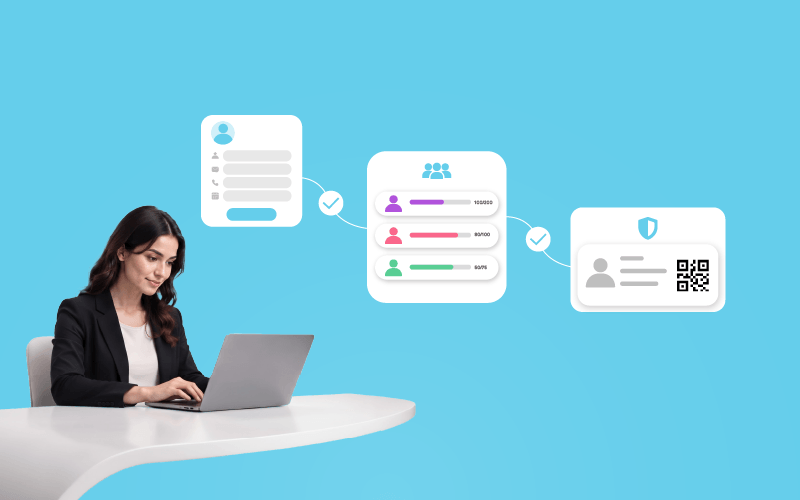
    Everything starts with registration. People sign up from different places. Sometimes in huge numbers at the same time. With Dreamcast, the process stays simple and steady. Pages load fast. Forms work the way they should. People complete their sign-up without frustration. Organisers get to customize the forms to fit the event’s specific needs. Confirmations are instant and there are multiple payment and ticketing options as well.

    Zero-Queue Event Entry

      The entry point is a crucial moment. If it’s disorganised, it affects the whole experience. Dreamcast keeps entry fast and smooth. Attendees move through quickly without long lines, and staff don’t have to struggle with checks.

      • Check-ins are fast with QR codes.
      • RFID and facial recognition speed up identity verification.
      • Badges can be printed on site. 
      • All attendee information is centralised for quick access.

      Smooth In-Event Networking

        Once inside the event, people want to connect effortlessly. Dreamcast helps attendees find the right contacts and keeps conversations flowing without any hassle.

        • AI-driven matchmaking helps improve connections. 
        • The app includes chat and interactive tools.
        • Sharing contacts is simple.
        • The event app provides schedules and navigation.

        Prompt Communication

          At big events, timing is important. Attendees need updates when it matters, and teams must stay coordinated. Dreamcast keeps everyone clearly informed and on schedule.

          • Push notifications deliver real-time info.
          • Communication can happen via WhatsApp.
          • Instant alerts update people on sessions and changes.

          Simplified Post-Event Tasks

            Once an event is over, there’s still plenty to do: reviewing data, sharing content, following up. Dreamcast helps teams manage this more quickly and simply.

            • Detailed reports on attendance and activity are available.
            • Attendee info is easy to access for follow-ups. 
            • Feedback is collected automatically.

            On top of this, tools like Snipin AI and Picbot make a big difference.

            Tools like Snipin AI and Picbot add extra value.

            Snipin AI turns long event videos into short highlights, cutting down editing time. The clips are ready to share quickly.

            Picbot makes photo delivery straightforward. Attendees receive their photos right away using facial recognition or a quick scan, without digging through folders. It feels fast and personal.

            From start to finish, the whole process feels smooth for everyone. Behind the scenes, a solid system is managing each step. That’s why Dreamcast is a reliable choice for enterprise event registration software, especially for large events.

            The Bottom Line

            A scalable event registration platform makes large events easier to manage. It handles heavy traffic without slowing down. Even when many people sign up at the same time, the system keeps working smoothly.

            With Dreamcast, organisers also get full control. They can shape the registration flow the way they want. Forms, tickets, and steps can be adjusted based on the event. This makes planning simpler and more flexible.

            An enterprise event registration software also improves the full event flow. Ticket confirmations go out on their own. Teams don’t have to manage everything by hand.

            But Dreamcast goes beyond just registration. It also helps with networking during the event. After the event, it supports content creation and photo sharing. Everything stays connected.

            So while it works well as an event registration platform for enterprise events, it also acts as a complete event tech solution.

            FAQs

            Is Dreamcast an enterprise event registration software?

            Yes. But, it also provides other event tech solutions like check-in solutions, mobile event app, live streaming, etc.

            Can it handle an event with lakhs of attendees?

            Absolutely. Dreamcast’s solutions are built to handle mega events from start to finish.

            Does Dreamcast provide any automated communication solutions for events?

            Yes. There’s WhatsApp-based communication, push notifications, and automated ticket confirmations via text and e-mail.

            Are these solutions customizable?

            Yes.

            Mohi Gaur

            An experienced content writer with a passion for reading and storytelling. Skilled at explaining mundane topics creatively and adapting one's writing style to diverse niches.

            Read All Articles

            Leave a Reply

            Your email address will not be published. Required fields are marked *

            Join Live Demo