


“Enterprise event registration is a critical data pipeline. If you treat registration as a last-minute administrative task, you face a compounding operational deficit on event day- from desynchronized attendee databases to severe check-in bottlenecks.”
Siddharth Shah- Co-Founder of DreamcastThe Complete Guide to Setting Up
Event Registration
TL;DR
Event registration is more than collecting names and email addresses. It is the process of gathering attendee information, managing sign-ups, processing payments, assigning sessions, and preparing attendees for a successful event experience.
This guide explains how to set up event registration for any event from 50-person workshops to 5,000-person conferences. You'll learn how to choose the right registration method, build effective registration forms, manage different attendee types, automate workflows, reduce registration errors, and scale registrations for large events.
Whether you're planning a conference, trade show, seminar, corporate meeting, expo, fundraiser, or community event, a well-planned registration process can save hours of manual work and improve attendee satisfaction.
Key Takeaways
- Event registration is the foundation of attendee management and event operations, serving as the primary source for 100% of initial attendee data.
- Small events can sometimes use manual registration methods, but larger events benefit from registration platforms.
- The right registration setup reduces errors, saves time, and improves attendee experiences.
- Registration forms should collect only the information needed to run the event successfully, as reducing form fields to under 5 can increase conversion rates by up to 35%.
- Different attendee groups often require different registration paths.
- Automation can significantly reduce administrative workload.
- Multi-day events and conferences require session and capacity management.
- Registration data from websites, partners, and marketing campaigns should be managed in one system.
- A strong registration process can increase attendance and improve event ROI by reducing the 40%–50% no-show rate common at free events.
Introduction
Every successful event starts with one critical process: event registration.
Before attendees arrive, before badges are printed, and before sessions begin, organizers need a reliable way to collect attendee information, confirm participation, manage ticket sales, and prepare for event day.How many people are attending? (Essential for planning, considering that free events regularly face no-show rates as high as 50%, where
Many organizers underestimate how much impact registration has on the overall event experience. A complicated sign-up process can reduce registrations. Missing attendee data can create operational issues. Poor registration management can result in long check-in lines, incorrect badges, and frustrated attendees.
On the other hand, a well-structured registration process helps event teams stay organized while giving attendees a smooth experience from the moment they decide to attend.
Industry studies consistently show that registration experiences directly affect attendance rates. In fact, comprehensive data analytics show that excessive form length stands as one of the single largest culprits of form abandonment, with up to 27% of users dropping out mid-form due to form complexity
That means event registration is not simply an administrative task. It is one of the first attendee touchpoints and often determines the first impression of your event. According to a study, mobile-friendly design and easy payment options can boost conversion rates beyond 12.6%.
In this guide, we'll walk through every stage of setting up event registration, from choosing the right tools to efficiently managing thousands of attendees.
Understanding Event Registration Before You Begin
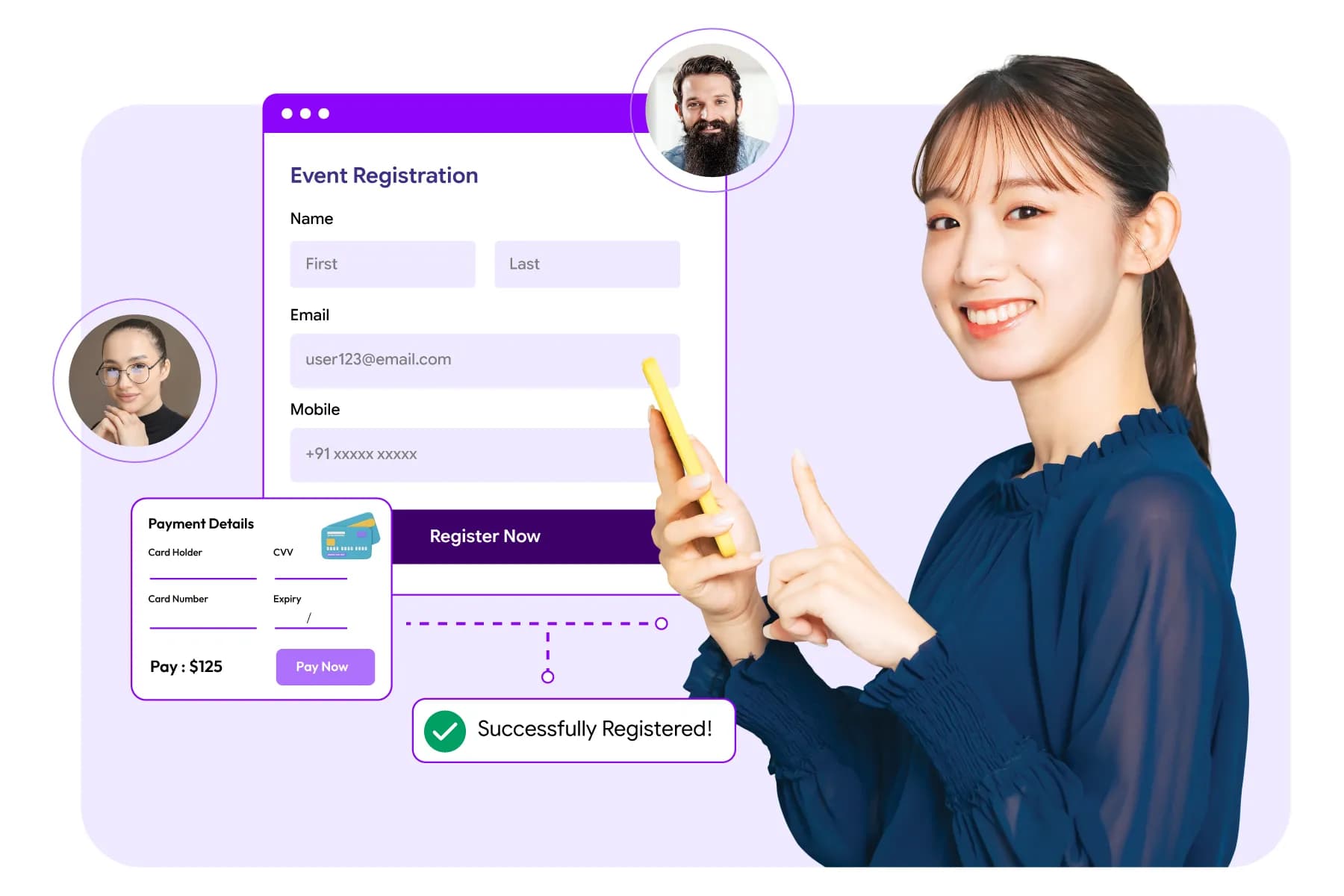
Before choosing a platform, creating forms, or promoting your event, it's important to understand what event registration actually involves.
Many organizers think registration is simply collecting names and email addresses. In reality, it affects attendance forecasting, ticket sales, session planning, badge printing, event check-in, attendee communication, and post-event reporting.
Whether you're organizing a 50-person workshop or a 5,000-attendee conference, the quality of your registration process can directly affect the attendee experience and your team's workload.
What Is Event Registration and Why Does It Matter?
Event registration is the process of collecting attendee information, managing sign-ups, and confirming participation before an event. It matters because it helps organizers track attendance, communicate with attendees, manage logistics, and deliver a smooth event experience.
For most attendees, registration is their first interaction with your event.
Before they see your venue, meet speakers, or attend sessions, they experience your registration process. If it feels confusing, slow, or difficult, some people may abandon the process before completing their sign-up. Lengthy or complex event registration forms cause up to 40% of prospective attendees to abandon the process.
A strong registration process helps organizers answer critical questions long before event day:
- How many people are attending? (Essential for planning, considering that free events regularly face no-show rates as high as 50%, whereas paid tickets see an average attrition of just 10% to 20%)
- Who has paid and who hasn't?
- Which sessions are attracting the most interest?
- How many VIPs, exhibitors, speakers, and visitors are expected?
- Are there dietary requirements or accessibility needs to prepare for?
- How many badges need to be printed?
Without registration, event planning becomes guesswork. A proper event registration process helps improve conversion rates, attendee data management, experience, and smooth check-in.
Related insight: View LinkedIn post
For example, imagine you're organizing a business conference expected to attract 1,000 attendees. If you don't have accurate registration data, it becomes difficult to estimate seating requirements, catering quantities, staff allocation, and session capacity.
Registration also creates a centralized attendee database that can support:
- Event marketing
- Email communication
- Badge printing
- Check-in and access control
- Lead retrieval
- Networking activities
- Post-event surveys

In simple words, event registration is the foundation of attendee management. The more organized your registration process is, the easier every other aspect of event management becomes.
Do I Need an Event Registration Platform for a Small Event, or Can I Do It Manually?
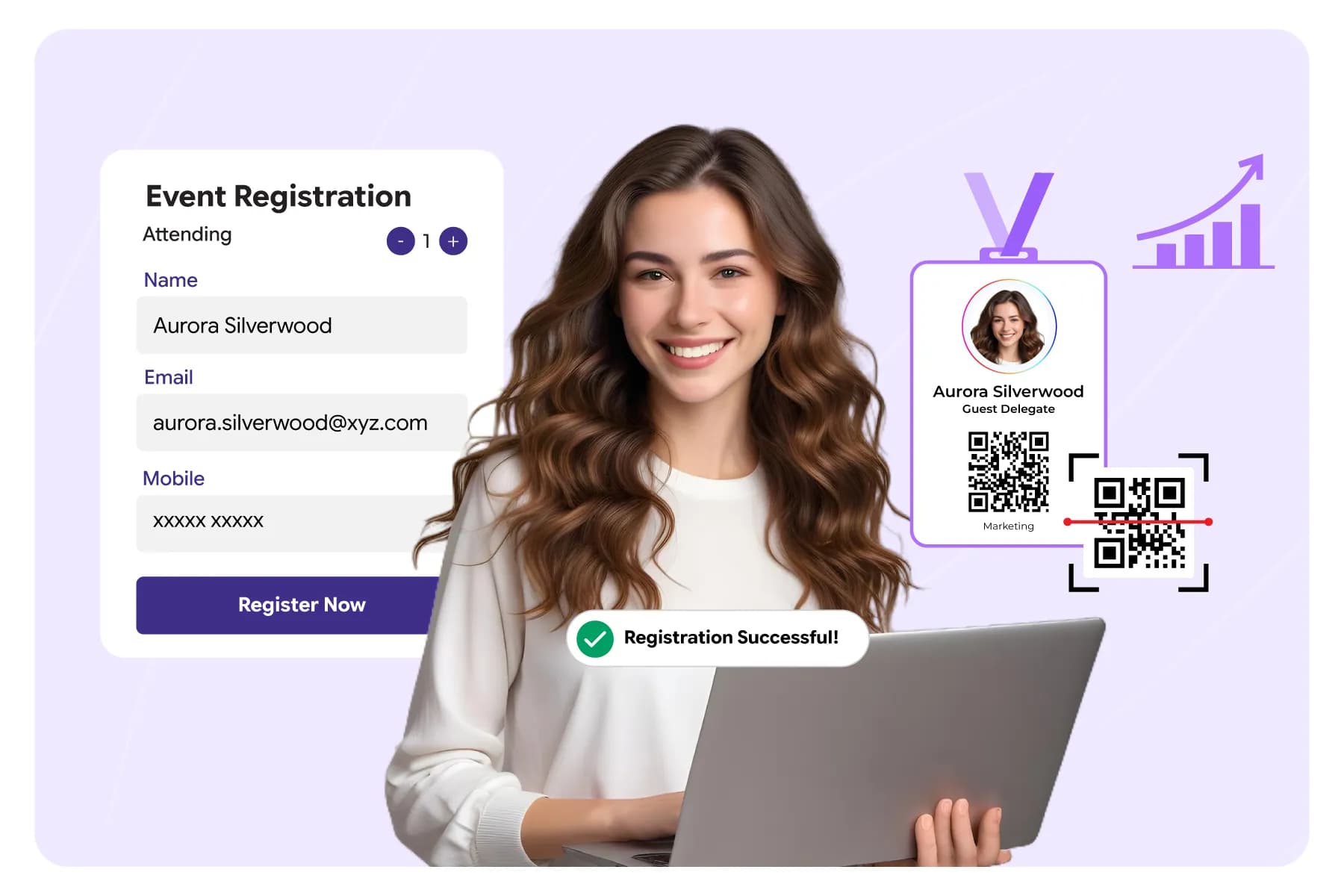
Yes, you can manage registration manually for very small events. However, once registrations increase, payments are involved, or attendee data becomes more complex, an event registration platform is usually the more efficient and reliable option.
This is one of the most common questions event organizers ask.
The answer depends on three factors:
- Number of attendees
- Event complexity
- Available administrative resources
For a small gathering of 20 to 50 attendees, tools such as Google Forms, spreadsheets, and email confirmations may be enough.
For example, if you're organizing:
- A local workshop
- A community meetup
- An internal company training session
- A networking breakfast
Manual registration may work perfectly well. However, challenges begin to appear when attendee numbers grow.
Let's say your event attracts 300 registrations.
Now you may need to manage:
- Payment tracking
- Confirmation emails
- Session selections
- Waitlists
- Attendee updates
- Ticket categories
- Reminder communications
Handling all of this manually can consume significant time and increase the chances of errors.
A registration platform automates much of this work. Instead of manually updating spreadsheets and sending emails, the system handles routine tasks automatically.
As a general rule:
| Event Size | Recommended Registration Method |
|---|---|
| Up to 50 attendees | Manual registration may be sufficient |
| 50–250 attendees | The registration platform is recommended |
| 250–500 attendees | A dedicated registration platform is strongly recommended |
| 500+ attendees | Registration software is typically essential |
Another factor to consider is attendee expectations.
Today's attendees expect online registration, instant confirmations, digital tickets, and self-service updates. Manual processes often struggle to deliver this experience consistently.
Example
A 30-person leadership workshop may only require a registration form and email confirmations. A 300-person industry seminar, however, may require ticketing, session management, attendee categories, and automated communications. In that case, using an event registration platform can save dozens of administrative hours.
Manual Registration Vs. Event Registration Platform
Manual registration can work for small and simple events. As attendance and complexity increase, registration software usually becomes a more practical solution.
| Manual Registration (Spreadsheets, Forms, Email) | Event Registration Platform |
|---|---|
| Best suited for small events with limited attendees | Suitable for events of all sizes, especially those with growing attendance |
| Requires significant manual effort from organizers | Automates much of the registration workload |
| Attendee information is often stored across multiple files | Attendee data is centralized in one system |
| Organizers spend more time on administrative tasks | Organizers can focus more on attendee experience and event planning |
| Changes and updates must be managed manually | Updates can be processed automatically and instantly |
| Scaling becomes difficult as registrations increase | Can easily support hundreds or thousands of registrations |
| Higher chance of data entry mistakes and duplicate records | Built-in validation helps maintain data accuracy |
| Visibility into registration progress is often limited | Registration numbers can be tracked in real time |
| Managing registrations from multiple sources can be challenging | Registrations from websites, partners, and campaigns can be managed together |
| Suitable when event requirements are simple | Better suited for events with ticketing, sessions, multiple attendee categories, and complex workflows |
What is the Easiest Way to Manage Registrations for a Business Event?

The easiest way to manage registrations for a business event is through a centralized event registration platform that combines attendee registration, ticketing, communication, reporting, and event management in one place.
Business events often involve more moving parts than people expect.
A typical business event may include:
- Attendees
- Sponsors
- Speakers
- Exhibitors
- VIP guests
- Internal staff
- Media representatives
Each group may require different registration rules and access permissions. This is where many organizers run into problems. They use one tool for registration, another for ticketing, a spreadsheet for attendee tracking, and separate email software for communication.
The result is duplicated work and inconsistent attendee data.
A centralized event registration system solves this problem by keeping everything connected. Instead of managing multiple files and tools, organizers can:
- View registrations in real time
- Monitor attendance trends
- Track ticket sales
- Manage attendee categories
- Send automated emails
- Generate reports
For example, if a registrant updates their job title, organization name, or contact details, the information can automatically update across the registration database
This reduces manual work while improving data accuracy.
Why Business Events Need Structured Registration
Business events often generate valuable attendee data.
According to several event industry studies, professional networking, lead generation, and business development remain among the top reasons attendees participate in conferences and trade shows.
Accurate registration data helps organizers:
- Match attendees with relevant sessions
- Support networking activities
- Measure event ROI
- Improve future events
The easier your registration process is, the more likely attendees are to complete it. The simplest registration process is usually the one that requires the fewest manual steps for both attendees and organizers.
How Do Companies Handle Registration for Large Corporate Events?
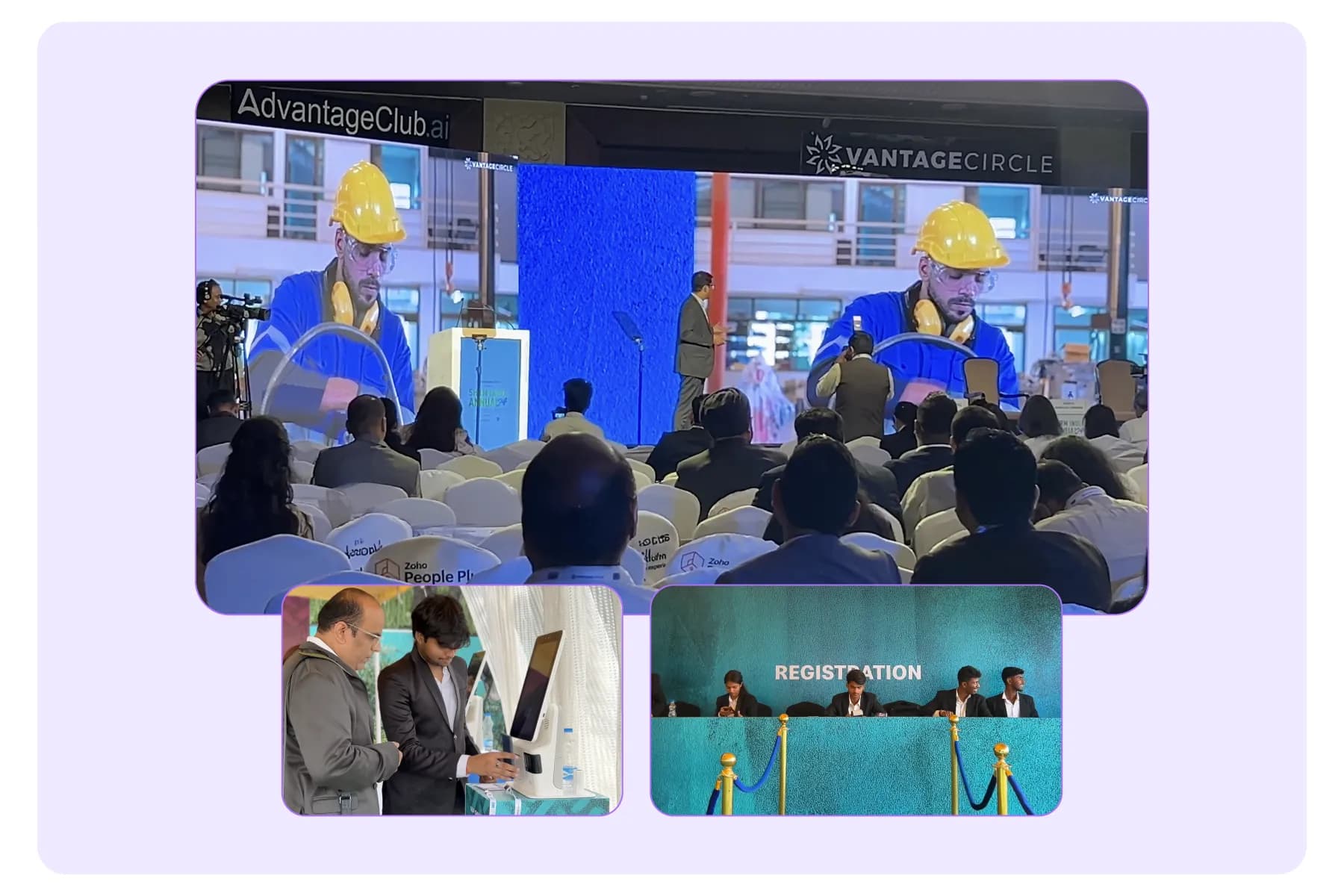
Large corporate events rely on structured registration systems because manual processes become difficult to manage at scale.
Companies typically manage large corporate event registration through dedicated event technology platforms, attendee segmentation, automated workflows, approval processes, and real-time reporting.
Large corporate events can involve hundreds or even thousands of participants.
Unlike smaller events, corporate events often include multiple attendee groups that require different registration experiences.
For example:
| Attendee Type | Registration Requirements |
|---|---|
| Employees | Internal registration access |
| Customers | Standard registration process |
| VIP Guests | Invitation-only registration |
| Sponsors | Sponsor-specific registration forms |
| Exhibitors | Booth and staff registration |
| Speakers | Speaker profile and session details |
Rather than using a single registration form for everyone, companies often create customized registration paths.
This approach helps collect the right information from each audience without overwhelming registrants with unnecessary questions.
Common Registration Practices Used by Large Organizations
Large event teams often automate:
- Registration approvals
- Confirmation emails
- Reminder campaigns
- Ticket generation
- Session enrollment
- Badge creation
- Check-in workflows
Automation becomes increasingly important as registration volume grows.
Imagine manually processing 3,000 registrations. Even spending just three minutes reviewing each registration would require 150 hours of work. Here, automation helps eliminate much of this administrative burden.
Example
A global sales conference with 4,000 attendees may have:
- Employees from multiple regions
- Executive leadership teams
- External partners
- Sponsors
- Guest speakers
Each audience follows a different registration process, but all registration data is managed through a centralized platform.
This creates consistency while reducing operational complexity.
How Do Event Planners Manage Attendee Registrations at Scale?
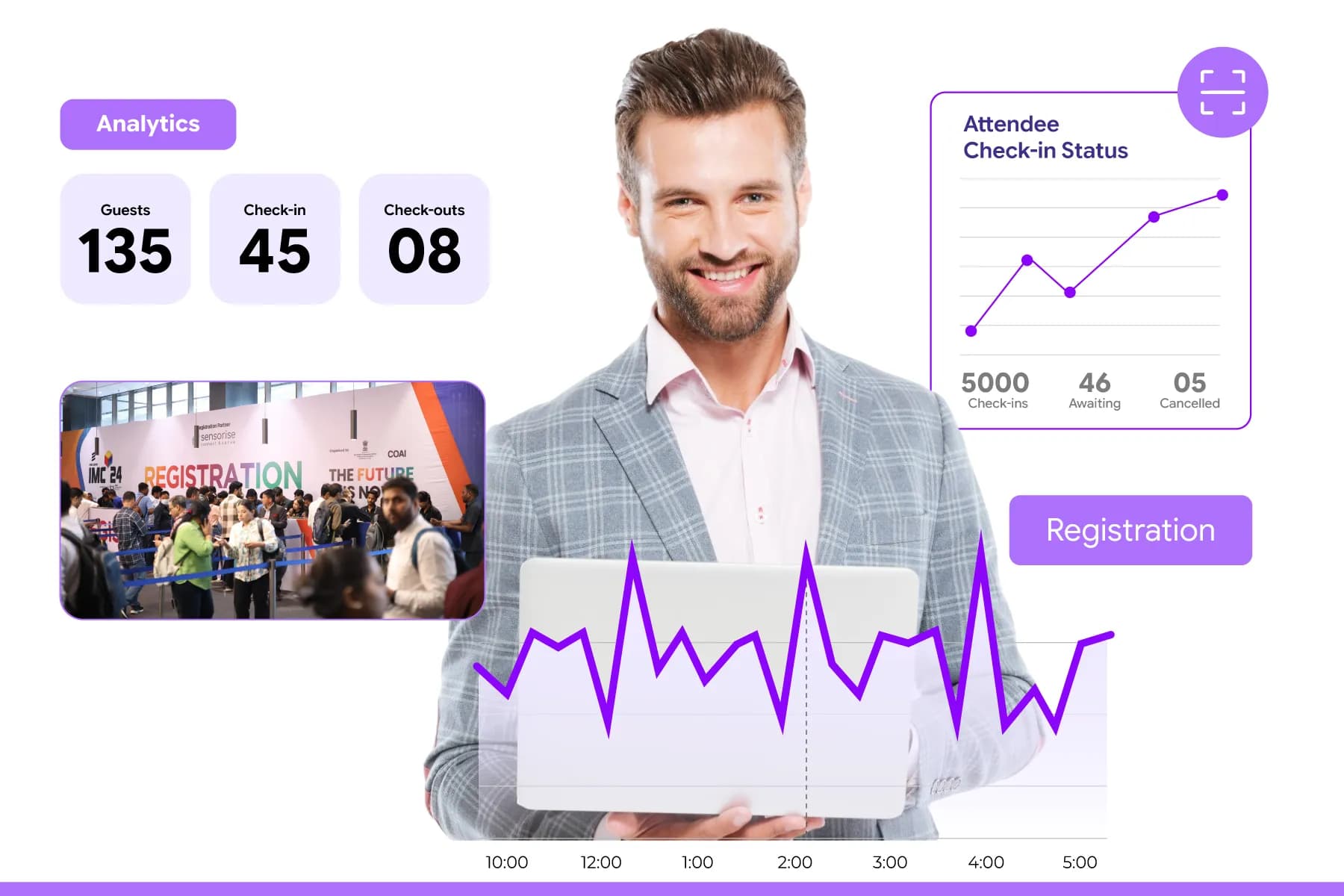
Event planners manage registrations at scale by centralizing attendee data, automating repetitive tasks, creating structured registration workflows, and monitoring registration activity in real time.
Managing registrations for 5000+ attendees is very different from managing registrations for 100 attendees. As attendance increases, registration challenges increase as well. In fact, large-scale coordination is so complex that over 52% of enterprise event professionals state that handling the logistics and data coordination of major events is a primary operational challenge.
Organizers must account for:
- Higher registration volume
- Higher registration volume
- Session capacity limits
- Last-minute registrations
- Data accuracy
- Communication management
Experienced planners focus on scalability from the beginning. Instead of creating processes that work for the first 100 registrations, they build systems that can support thousands.
What are the Major Strategies Event Planners Use to Scale Event Registration?
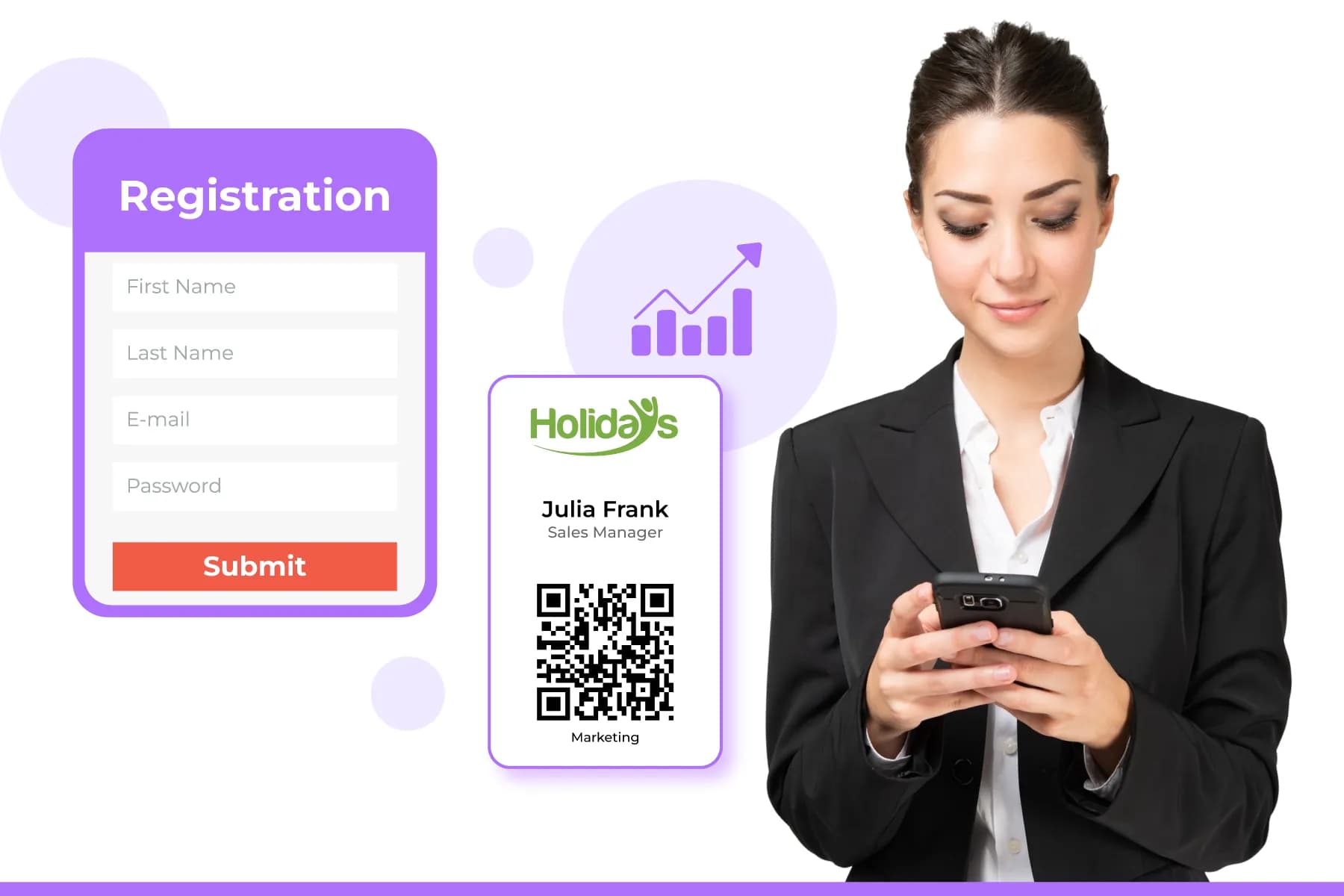
- Centralize Attendee Data- Keeping registration data in one system reduces duplication and reporting issues. It is a critical foundation for modern event growth, as recent event marketing benchmarks via Wave Connect show that 79% of organizers now fully integrate their event software with their CRM or marketing automation platforms to eliminate data silos.
- Automate Routine Tasks- Tasks such as confirmations, reminders, and registration updates should not require manual effort.
- Create Clear Registration Categories- Separating attendees into groups such as VIPs, speakers, exhibitors, sponsors, and visitors improves organization.
- Monitor Registration Trends- Registration patterns help planners forecast attendance and prepare resources. Many conferences receive a significant percentage of registrations during the final weeks before the event. According to comprehensive data from the Maritz Event Registration Report, 45% of attendees delay registration until less than four weeks before the event, with 22% waiting until the absolute final week. Tracking these trends helps organizers avoid capacity issues.
- Allow Self-Service Updates- Attendees frequently need to update information after registering. Providing self-service options reduces support requests and improves attendee satisfaction.
Key Takeaways of this section
Successful event planners build registration processes that can handle growth without increasing manual work. The goal is not simply to collect registrations but to create a system that remains efficient whether 100 or 10,000 people register.
Scale Attendee Registrations Without Extra Efforts
Connect With Dreamcast
Choosing the Right Event Registration Platform
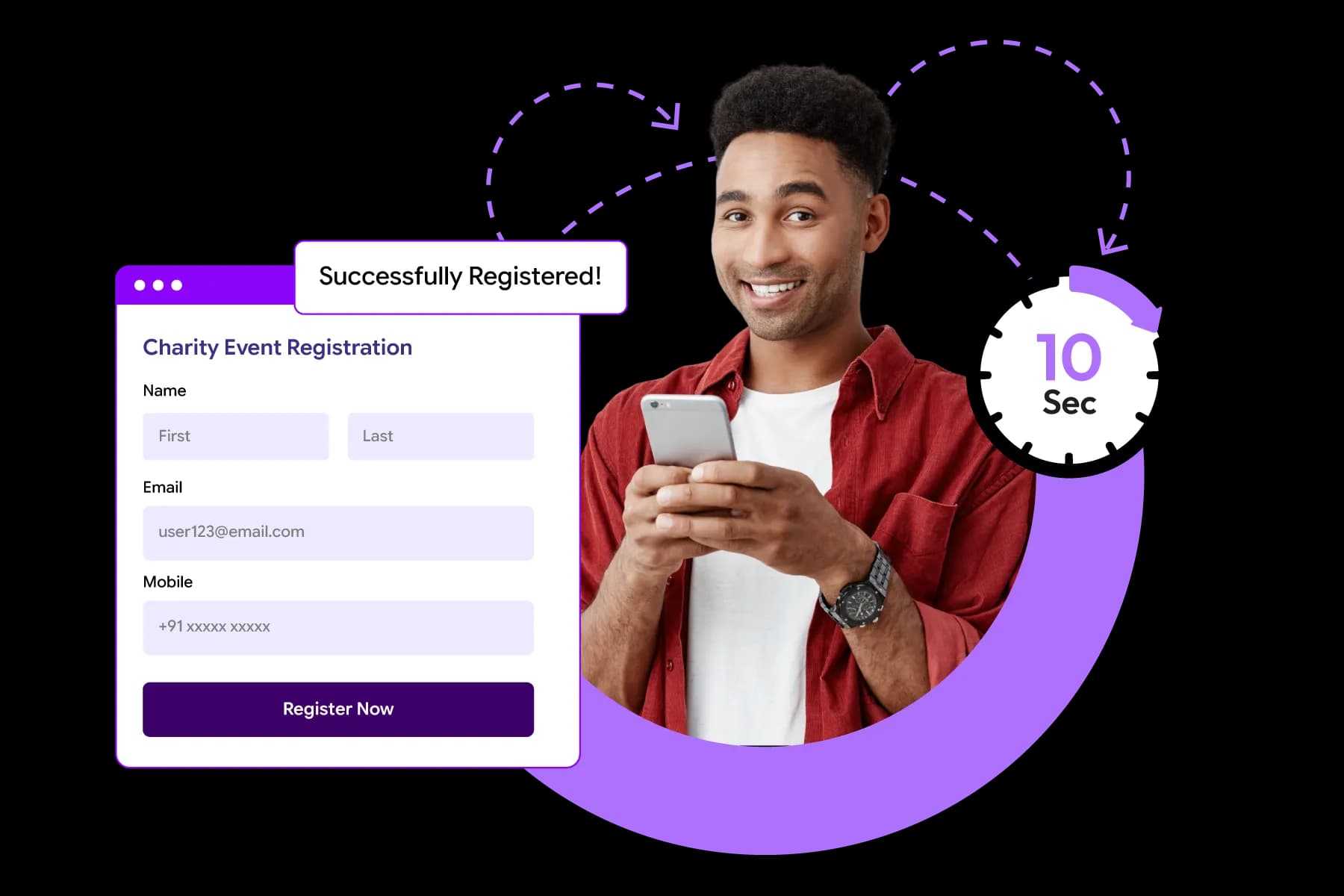
Once you've decided that spreadsheets and manual processes aren't enough, the next step is choosing the right event registration platform. This decision matters more than many organizers realize.
Your registration platform doesn't just collect attendee information. It simplifies ticket sales, attendee experience, reporting, event-day operations, and the amount of work your team handles before the event.
The challenge is that there are dozens of registration platforms available.
Some are designed for small community events. Others are built for conferences with thousands of attendees. Some focus only on registration, while others support ticketing, badge printing, event apps, and check-in. Additionally, Cloud-based solutions dominate the software market because they can automatically scale to handle traffic spikes without requiring costly infrastructure upgrades.
The goal isn't to find the platform with the most features. The goal is to find the platform that fits your event requirements.
Let's break down what that means.
Read More: 15 Best Event Registration Platforms for Effortless Event Management
What Is an Event Registration Platform and How Does It Work?
An event registration platform is a system that helps organizers collect attendee information, manage registrations, process payments, and organize attendee data from one place.
Think about what happens when someone registers for an event.
They visit a registration page, fill out a form, select a ticket, make a payment if required, and receive a confirmation.
Behind the scenes, a lot more is happening.
The platform is:
- Capturing attendee information
- Storing registration records
- Tracking ticket sales
- Sending confirmation emails
- Managing attendee categories
- Updating registration reports in real-time
Without a registration platform, many of these tasks must be handled manually.
With one, much of the work happens automatically. With one, much of the work happens automatically. This automation is a major driver behind the event technology market, which has scaled rapidly to become an estimated $10.24 billion global industry, as organizers heavily prioritize digital efficiency
A Simple Example
Imagine you're hosting a 1,200-attendee conference.
If registrations arrive through email, spreadsheets, payment links, and separate databases, your team spends hours consolidating information.
With a registration platform, all attendee information flows into one system automatically. The result is better visibility, fewer errors, and a smoother attendee experience.
Why Are Event Organizers Moving Away From Spreadsheets?
For years, spreadsheets were the default tool for managing registrations. They still work for very small events.
But as attendance grows, spreadsheets start creating more work than they save.
The issue isn't the spreadsheet itself. The issue is everything happening around it.
- A spreadsheet doesn't automatically send confirmations.
- It doesn't manage ticket inventory.
- It doesn't track registration sources.
- It doesn't update attendee records when changes occur.
- And it certainly doesn't help with check-in on event day.
As events become more complex, organizers often find themselves managing:
- Multiple spreadsheets
- Multiple versions of attendee lists
- Separate payment records
- Manual email communications
- Duplicate attendee records
This creates unnecessary administrative work. Industry benchmarks show that planners spend an average of 25–30 hours on planning (creating, updating, fixing manual sheets and other tasks) a single event
What Usually Happens
- A team starts with one spreadsheet.
- Then another spreadsheet is created for ticket sales.
- Then another for VIP guests.
- Then another for speakers.
Eventually, nobody is completely sure which version contains the latest information. This is one of the main reasons event organizers move toward registration platforms. Not because spreadsheets are bad, but because centralized systems become easier to manage as events grow.
Can I Manage Event Registration and Ticketing From One Platform?
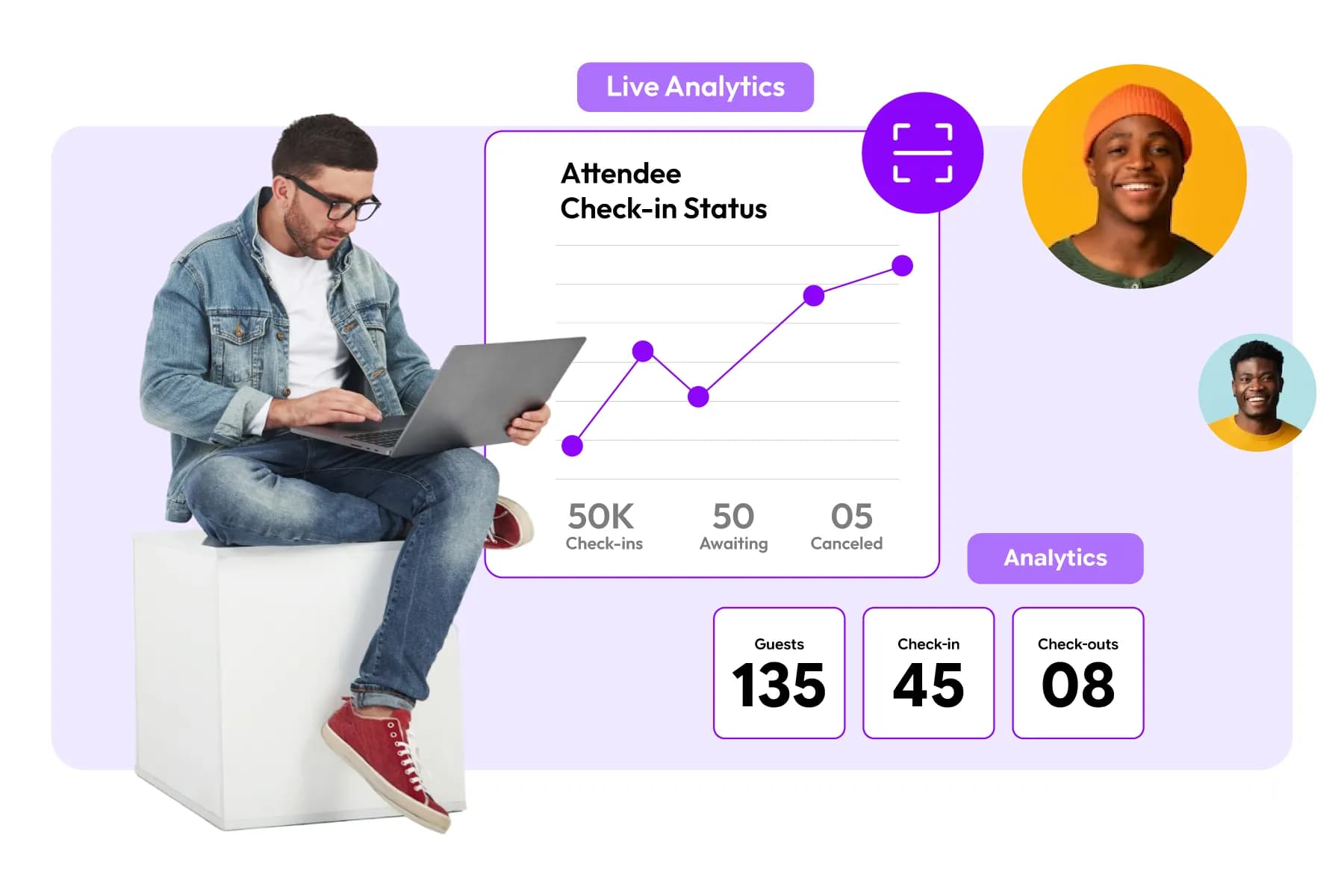
In most cases, yes- and many organizers prefer it that way.
Managing registration and ticketing separately often creates additional work.
For example, when attendee information and ticket sales are stored in different systems, organizers must regularly reconcile data. That increases the chance of mistakes.
When registration and ticketing are managed together, everything stays connected.
- An attendee registers.
- They select a ticket.
- Payment is processed.
- The registration is confirmed.
- The attendee record is updated.
- All within a single workflow.
Why This Matters
Consider a conference offering:
- Early-bird tickets
- Standard passes
- VIP passes
- Student passes
- Group registrations
If ticketing and registration operate separately, tracking attendance and revenue becomes more complicated. When both functions work together, organizers gain a clearer picture of event performance. This is one reason many modern event platforms combine registration and ticketing rather than treating them as separate tools.
Essential Features to Look for in an Event Registration Platform
| Feature | Why It Matters |
|---|---|
| Custom Registration Forms | Collect the right attendee information |
| Multiple Attendee Categories | Manage speakers, exhibitors, VIPs, and attendees separately |
| Integrated Ticketing | Simplifies registration and payment management |
| Automated Emails | Reduces manual communication workload |
| Real-Time Reporting | Provides visibility into registration performance |
| Badge Printing Support | Improves onsite event operations |
| QR Code Check-In | Speeds up attendee entry |
| Mobile Registration | Improves registration completion rates |
| Payment Processing | Enables secure online transactions |
| Analytics Dashboard | Helps track registrations and attendee behavior |
| Integrations | Connects registration with other event tools |
| Access Control Support | Manages attendee permissions and entry rights |
| Multi-Day Event Support | Handles complex conference schedules |
| Scalability | Supports growth from hundreds to thousands of attendees |
1. Custom Registration Forms
Every event collects different information. A good platform should allow you to create registration forms that match your event requirements, whether you're gathering basic attendee details or collecting session preferences, dietary requirements, and networking interests.
2. Multiple Attendee Categories
Business events often involve different participant groups, including attendees, speakers, exhibitors, sponsors, VIP guests, and media representatives. The platform should support separate registration paths for each audience while keeping all data centralized.
3. Integrated Ticketing and Payment Processing
Managing registrations and ticket sales through one system simplifies operations. It allows organizers to create multiple ticket types, process payments securely, manage discounts, and track registrations and revenue from a single dashboard.
4. Automated Email Communication
Registration doesn't end when someone completes a form. The platform should automatically send confirmation emails, payment receipts, reminders, event updates, and other important communications throughout the attendee journey.
5. Real-Time Reporting and Analytics
Access to live registration data allows organizers to monitor attendee growth, track ticket sales, identify registration trends, and make informed decisions throughout the registration period.
6. Badge Printing and Check-In Support
The information collected during registration should support event-day operations. Features such as badge printing, QR code check-in, and attendance tracking help reduce onsite delays and improve attendee flow. Study shows that over 65% of event planners are embracing event technology, including onsite check-in tools (53%), QR codes (49%), AI (42%), and virtual reality (40%).
7. Mobile-Friendly Registration Experience
Many attendees register using their phones. A mobile-friendly registration process helps improve completion rates and ensures a smooth experience across all devices.
This optimization is crucial, considering that industry UX data shows mobile form abandonment rates are typically 27% higher than desktop rates if the form lacks mobile responsiveness or autofill capabilities
8. Attendee Self-Service Options
Attendees frequently need to update information, transfer tickets, or modify session selections. Self-service capabilities reduce support requests and allow attendees to manage their registrations independently.
9. Access Control Management
For events with VIP areas, workshops, exclusive networking sessions, or restricted zones, access control features help ensure attendees can only enter the areas included in their registration.
10. Integration With Other Event Technologies
Event marketing report from Wave shows that 79% of high-performing marketing teams now fully integrate their event software directly into their CRM or marketing automation stack to eliminate data friction.
Registration platforms often work alongside CRM systems, event apps, email marketing tools, networking platforms, and check-in solutions. Integrations help keep attendee data consistent across all event systems.
11. Scalability
A platform should support both your current event and future growth. Whether you're managing 100 attendees today or planning for 5,000 attendees next year, the system should be able to scale without creating operational challenges.For events with VIP areas, workshops, exclusive networking sessions, or restricted zones, access control features help ensure attendees can only enter the areas included in their registration.
How to Choose the Best Event Registration Platform for Your Event Size and Goals
Many organizers make the mistake of asking:
"Which is the best event registration platform?"
A better question is:
"Which platform is best for my event?"
The answer depends on your event goals, attendee volume, operational requirements, and future growth plans.
Step 1: Consider Your Event Size
The registration needs of a 100-person workshop are very different from those of a 5,000-attendee conference.
Use this as a starting point:
| Event Size | What to Prioritize |
|---|---|
| Up to 100 attendees | Simplicity and ease of use |
| 100–500 attendees | Automation and attendee management |
| 500–2,000 attendees | Ticketing, reporting, session management |
| 2,000+ attendees | Scalability, integrations, check-in, badge printing, access management |
Choosing a platform designed for your event size helps avoid unnecessary complexity.
Step 2: Think Beyond Registration
Many organizers start by looking for registration software.
Six months later, they realize they also need:
- Ticketing
- Badge printing
- Check-in
- Event apps
- Networking tools
- Access control
- Reporting
This often leads to multiple disconnected systems.
A platform that supports broader event operations can help reduce that complexity.
Step 3: Match the Platform to Your Event Type
Different events have different priorities.
| Event Type | Important Capabilities |
|---|---|
| Conference | Session registration, agenda management |
| Trade Show | Exhibitor management, badge printing |
| Corporate Event | Multiple attendee categories, approvals |
| Networking Event | Attendee profiles and networking features |
| Training Program | Enrollment and attendance tracking |
A platform that works perfectly for a networking event may not be suitable for a large exhibition.
Step 4: Evaluate Long-Term Value
Don't choose a platform solely based on your next event.
Think about where your events may be one or two years from now.
Ask questions such as:
- Can this platform handle peak crowds?
- Will it support future event formats?
- Can it support in-person, virtual, and hybrid events?
- Will we outgrow it within a year?
Changing registration systems every year creates unnecessary work and data migration challenges.
Step 5: Compare Leading Platforms Based on Your Requirements
No event registration platform is the perfect fit for every event.
A platform that works well for a 100-person networking event may not be the best choice for a 5,000-attendee conference or trade show. That's why it's important to compare platforms based on your event goals, attendee volume, and operational requirements rather than simply choosing the most popular option.
Top 5 Event Registration Platforms Compared: Use Cases, Strengths, and Considerations
| Platform | Best For | Key Strengths | Considerations |
|---|---|---|---|
| Dreamcast | Conferences, trade shows, exhibitions, corporate events, hybrid events | Registration, ticketing, badge printing, QR check-in, networking, access control, event apps, attendee engagement, and onsite event management within one ecosystem | May offer more functionality than needed for very small events |
| Eventbrite | Small events, workshops, community events, local gatherings | Easy setup, simple ticketing, user-friendly interface, widely recognized by attendees | Limited event management capabilities for complex conferences and exhibitions |
| Bizzabo | Mid-size to large conferences and corporate events | Strong event marketing tools, attendee engagement features, event website creation, and analytics | Often better suited for conference-focused events than exhibitions or trade shows |
| Whova | Conferences, association events, networking-focused events | Strong attendee engagement, networking tools, agenda management, event app capabilities | Organizations often use additional tools for certain onsite event operations |
| Splash | Marketing events, brand activations, corporate gatherings | Event page creation, RSVP management, brand customization, event marketing workflows | Primarily focused on event marketing and registration rather than full-scale event operations |
Why Dreamcast is Better Than Other Event Registration Platforms
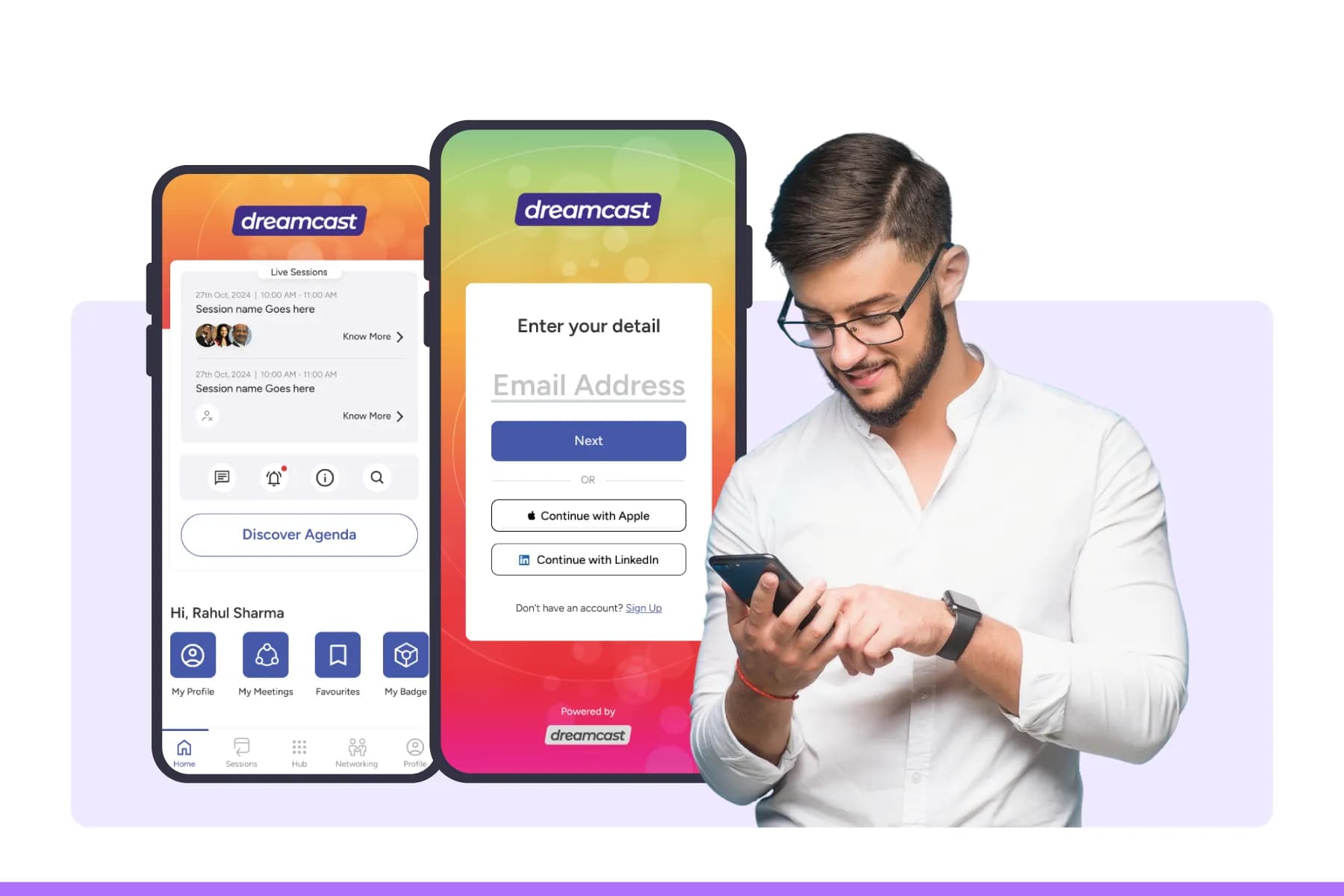
For organizers comparing platforms, one notable difference is that Dreamcast extends beyond registration and ticketing.
While many platforms focus primarily on attendee registration and event marketing, Dreamcast combines registration with several operational areas that event teams often manage separately, including:
- Ticketing
- Badge printing under 10 sec.
- QR code check-in
- Access control
- Mobile event apps
- Attendee engagement
- Onsite event management
This can be particularly useful for conferences, exhibitions, trade shows, and corporate events where attendee data collected during registration needs to support multiple event functions before, during, and after the event.
Dreamcast is a leading event technology provider with 15+ years of experience helping organizations manage large-scale events. The platform also holds a 4.8/5 rating on G2, reflecting positive feedback from verified users on platform functionality, customer support, and event execution.
User Testimonial- What Users Say
MS
“I liked the advanced event tech solutions of Dreamcast. It provides easy-to-use event registration solutions with the fastest check-in process. The customer support team is also quick and expert.”
Mayra S., Event Tech Specialist4.5/5M
“I recently attended an event managed through Dreamcast, and the experience was really smooth from start to finish. The registration process was simple, the software was easy to use, and everything felt very well organised. What I liked most was how simple and stress-free the whole experience felt as an attendee.”
Madhvi, Event Attendee5/5AP
"Dreamcast is an all-round solution for hybrid and virtual events. Users are experiencing smooth communication and networking even in the virtual environment with Dreamcast. They have great features that no one can ignore.”
Abhinav P., Verified Reviewer5/5Pros and Cons of Dreamcast
| Pros | Cons |
|---|---|
| Handles 50,000–100,000+ attendees efficiently | May offer more enterprise features than smaller events require |
| Strong onsite event operations and access control | Pricing may vary based on event complexity |
| Supports QR, RFID, and facial recognition check-ins | Some advanced customizations may require onboarding support |
| 10 sec onsite badge printing solution | |
| Strong hybrid and virtual event capabilities | |
| Centralized dashboard for end-to-end event management |
Real-World Example: Jaipur Literature Festival 2026
A good way to evaluate an event registration platform is to look at how it performs at large-scale events.
The Jaipur Literature Festival (JLF) 2026 welcomed 300,000+ attendees over five days, making it one of the largest literary festivals in the world. To support an event of this scale, Dreamcast provided enterprise-level event registration and attendee management solutions that helped organizers streamline attendee registrations, manage entry processes, and maintain smooth access throughout the festival. By centralizing attendee data and supporting onsite operations, the platform helped the organizing team handle large visitor volumes more efficiently.
JLF 2026 highlights an important lesson for event organizers: an event registration platform should not only collect registrations but also support attendee management and event operations as attendance grows.
Read the complete case study:
Behind the Scenes of JLF 2026: How Dreamcast Simplified the World’s Largest Literary Festival
Looking For An All-In-One Event Registration Platform?
Book A Demo Now!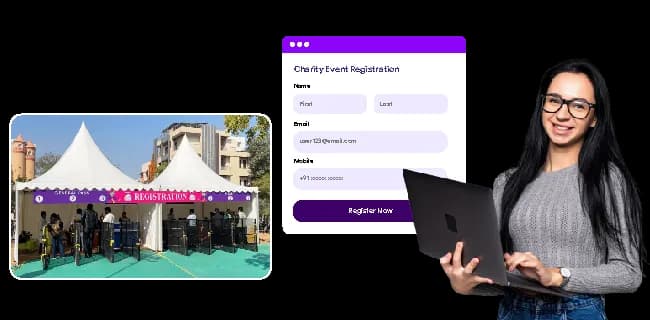
Planning Your Event Registration Setup
Before opening registrations, define your attendee categories, registration goals, ticket structure, data collection requirements, and registration policies. A well-planned setup helps prevent errors and reduces administrative work later.
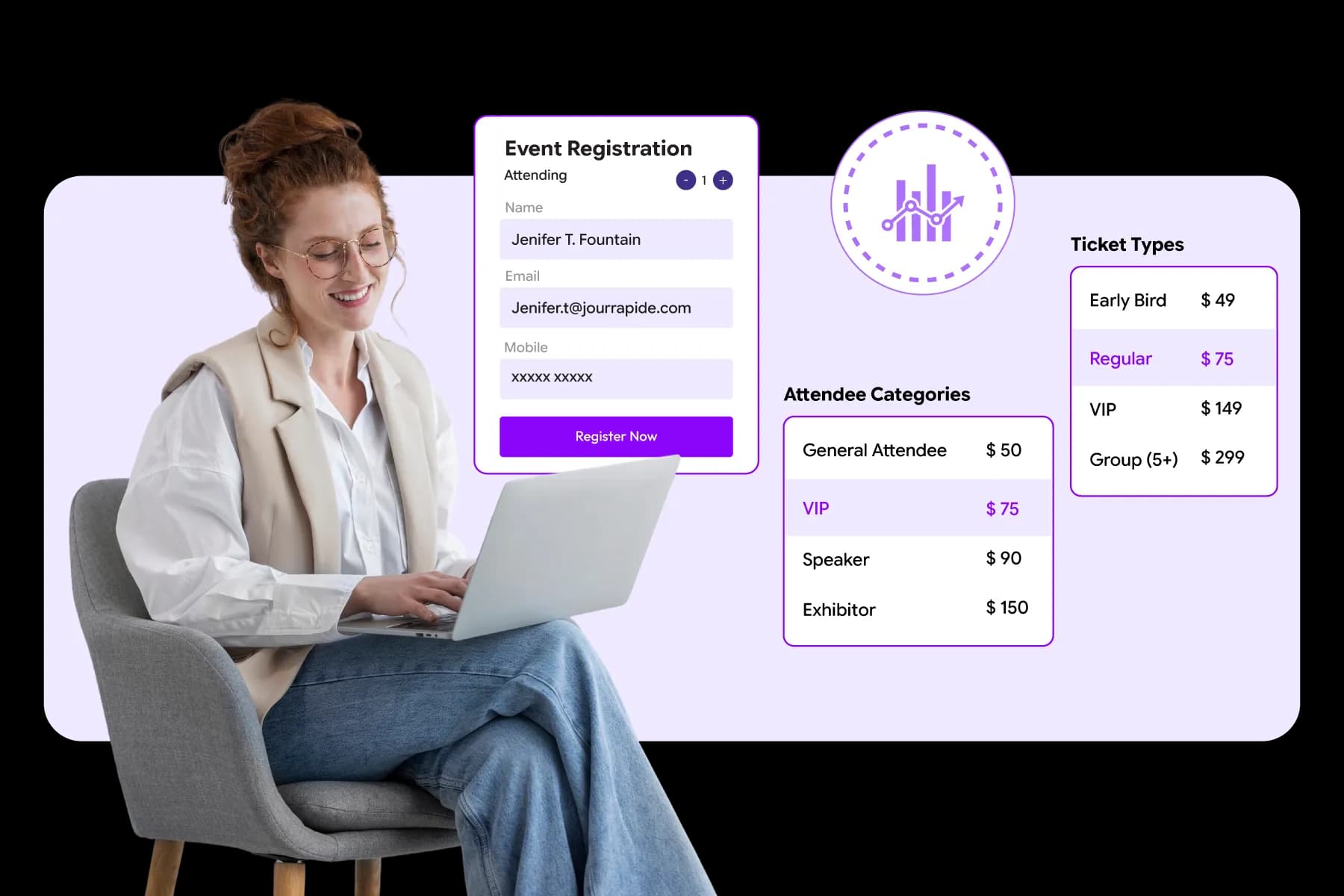
Many registration challenges begin long before attendees start signing up.
Organizers often rush into building registration forms without deciding what information they need, who will register, or how registrations will be managed. As attendance grows, these decisions become much harder to fix.
Taking time to plan your registration process upfront helps create a smoother experience for both organizers and attendees.
What Should You Decide Before Opening Event Registration?
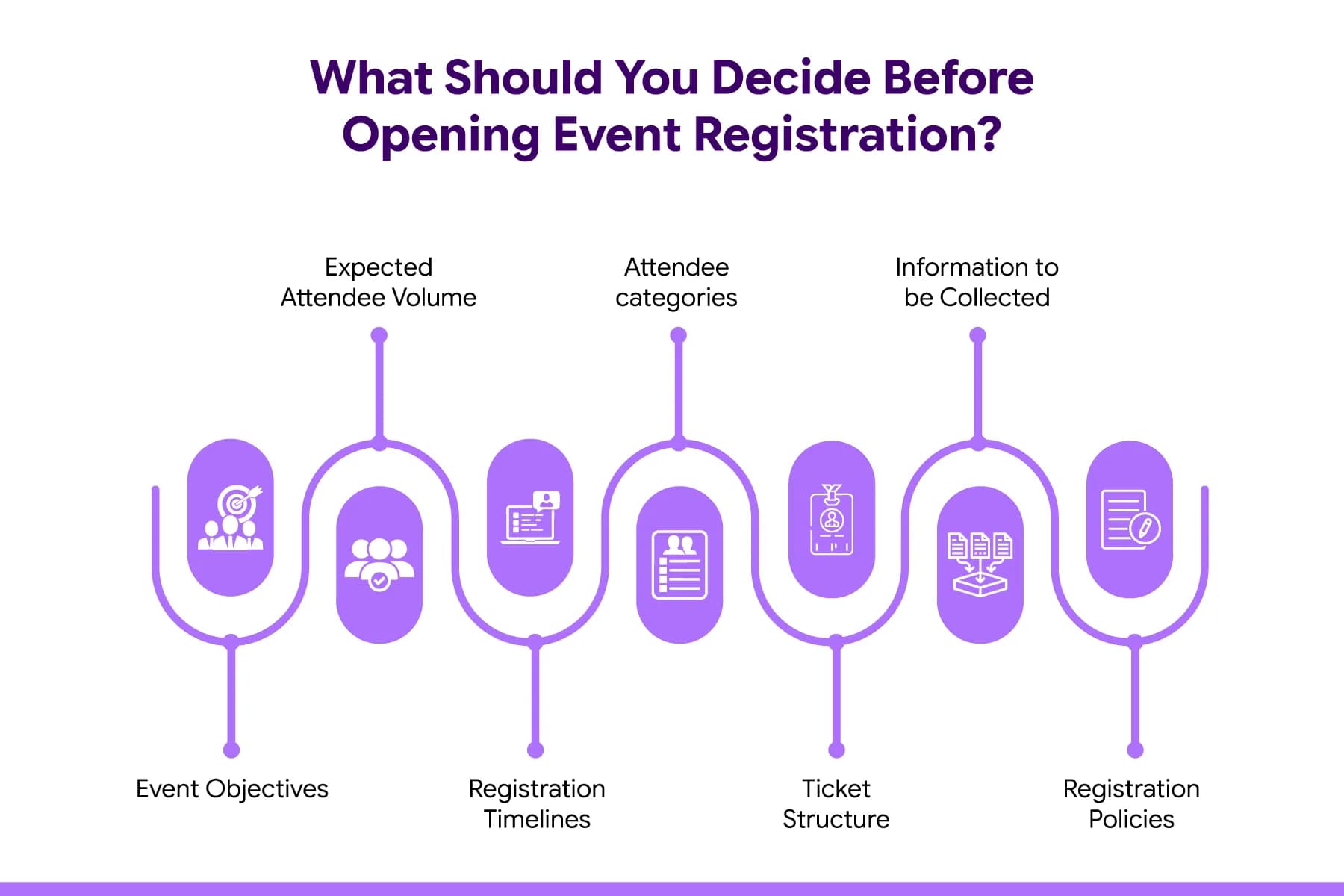
Before launching registration, establish the basics of your registration strategy. This includes:
- Event objectives
- Expected attendee volume
- Registration timelines
- Attendee categories
- Ticket structure
- Information to be collected
- Registration policies
These decisions will influence every part of your registration process.
What Are Your Registration Goals?
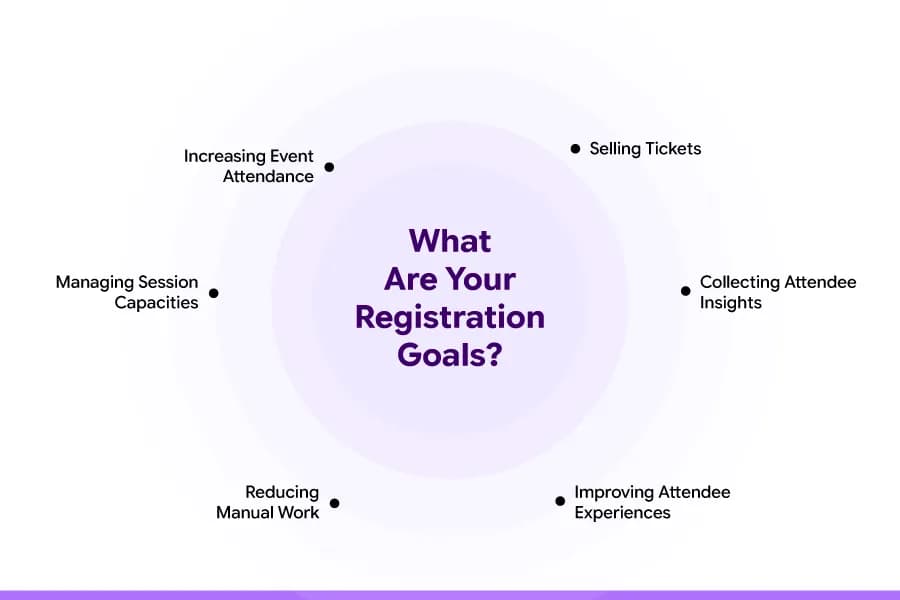
Registration is more than collecting attendee information. Think about what you want registration to achieve.
Your goals may include:
- Increasing event attendance
- Selling tickets
- Managing session capacities
- Collecting attendee insights
- Improving attendee experiences
- Reducing manual work
Clear goals make it easier to choose the right registration setup and measure success.
What Attendee Information Should You Collect?
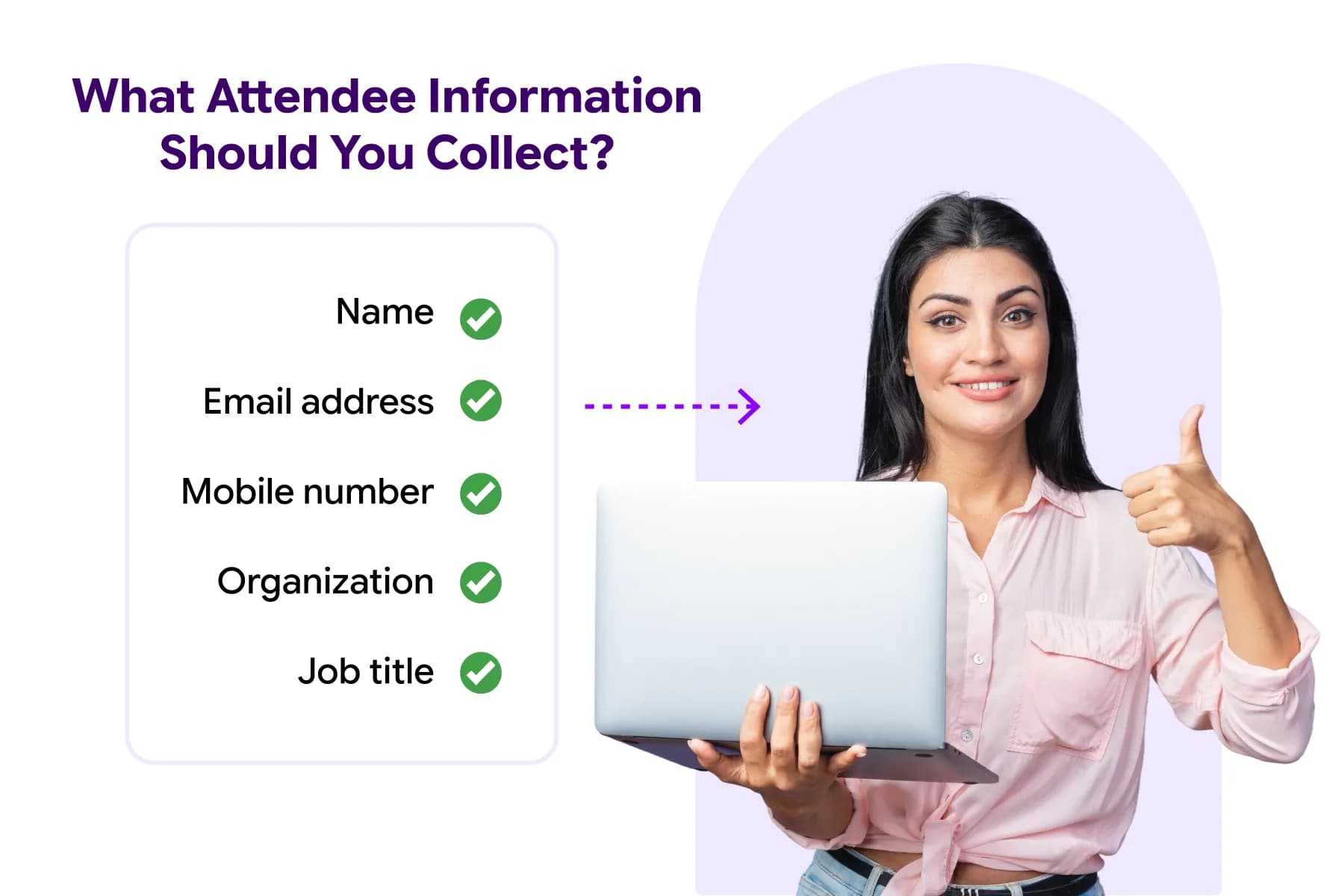
One of the most common registration mistakes is asking too many questions. Only collect information that helps you run the event effectively.
Most events typically require:
- Name
- Email address
- Mobile number
- Organization
- Job title
Additional questions should only be added when they serve a clear purpose.
Minimizing fields is a proven necessity for maximizing conversions; extensive industry UX tracking shows that registration forms with 3 to 5 fields capture the highest completion rates, averaging between 21% and 25%. (Source: Medium).
Furthermore, comprehensive digital form optimization studies reveal that approximately 18% of all online drop-offs occur solely because the user felt the form was too long or over-complicated, highlighting the clear risk of field overload.
Can One Registration Form Work for Different Attendee Categories?
It depends on the event.
For simple events, a single registration form may be enough.
For conferences, exhibitions, and corporate events, different attendee groups often require different registration experiences. Speakers, exhibitors, sponsors, and attendees typically provide different information and may need separate registration paths.
How Do You Manage VIP, Speaker, Exhibitor, and Visitor Registrations Separately?
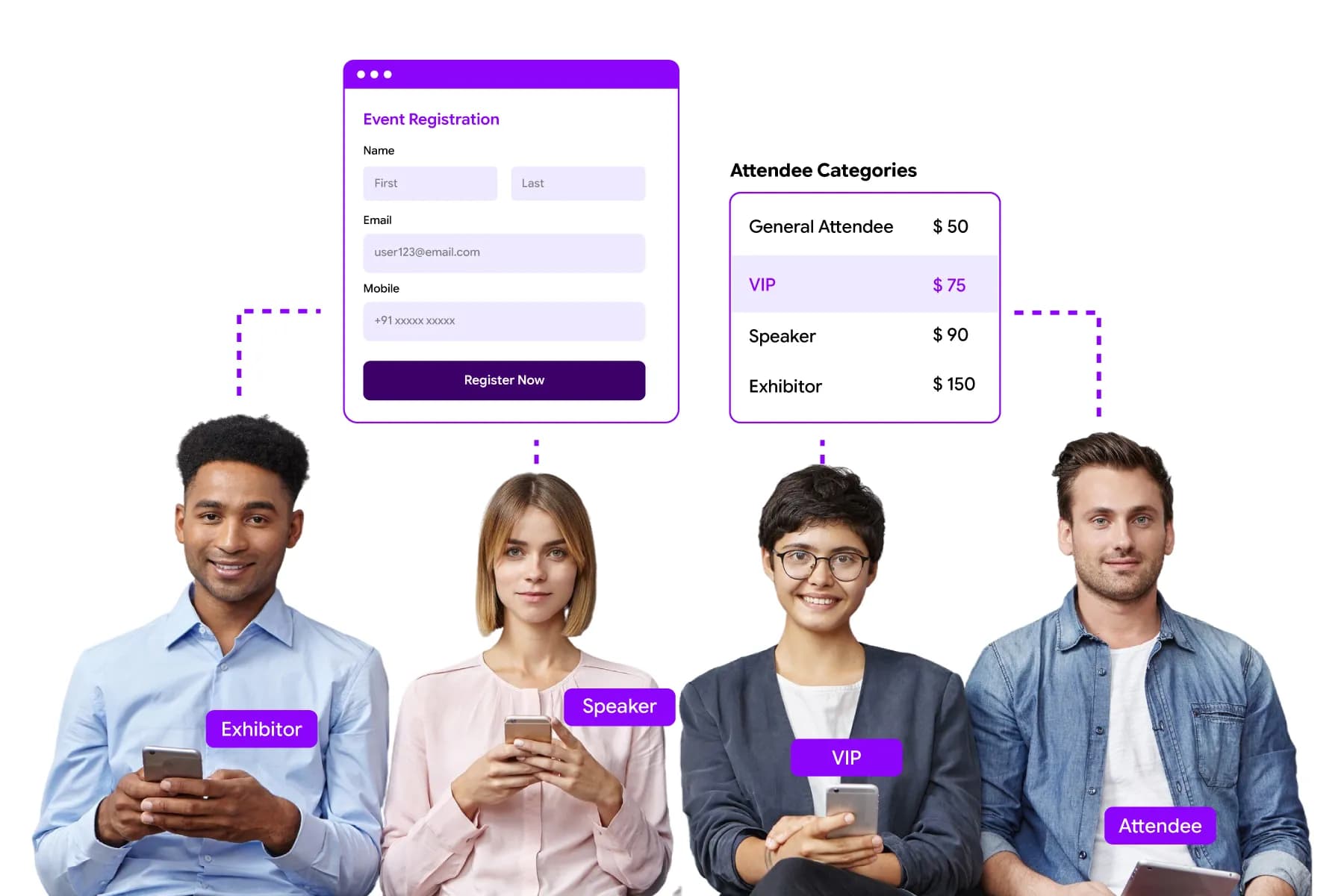
The easiest approach is to create category-based registration workflows.
Most modern event registration platforms such as Dreamcast allow organizers to build separate forms, ticket types, approval processes, and access permissions for different attendee groups while keeping all registration data in one place.
What Registration Policies Should Be Finalized Before Launch?
Before registration goes live, make sure attendees understand the rules. Key policies typically include:
- Cancellation policies
- Refund policies
- Ticket transfer rules
- Registration deadlines
- Session capacity limits
Clear policies help reduce confusion and support requests later.
Registration Planning Checklist
Before opening registrations, use this checklist to make sure the foundation of your registration process is in place.
| Planning Area | Questions to Ask Before Launch |
|---|---|
| Event Goals | What do you want registration to achieve? More attendees, ticket sales, session sign-ups, or attendee data collection? |
| Attendee Categories | Will you have attendees, speakers, exhibitors, sponsors, VIPs, media, or staff registrations? |
| Registration Form | What information is essential to collect, and which fields can be removed to keep the form simple? |
| Ticket Structure | Will you offer free tickets, paid tickets, early-bird pricing, VIP passes, or group registrations? |
| Session Registration | Do attendees need to select workshops, breakout sessions, or networking activities? |
| Payment Processing | How will payments be collected, tracked, and confirmed? |
| Registration Policies | Have cancellation, refund, transfer, and registration deadline policies been clearly defined? |
| Attendee Communication | Are confirmation emails, reminders, and event updates automated? |
| Check-In Planning | How will attendees check in on event day? QR codes, badges, mobile check-in, or manual verification? |
| Reporting & Tracking | How will you monitor registrations, ticket sales, attendance, and registration sources? |
| Access Management | Will different attendee groups have different levels of access to sessions, workshops, or VIP areas? |
| Technology Readiness | Has the registration platform been tested before going live? |
Building an Event Registration Form That Converts
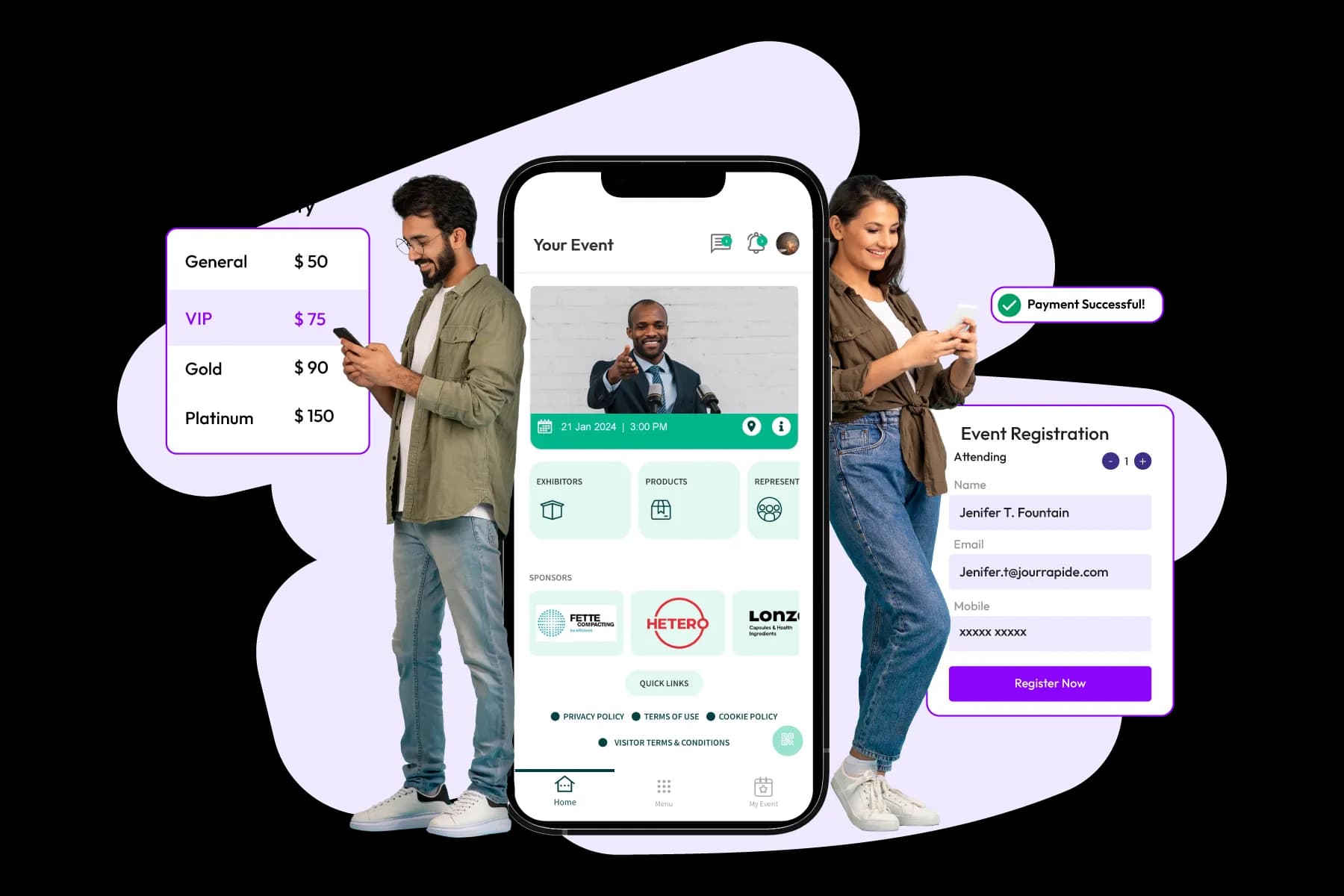
A high-converting event registration form is simple, mobile-friendly, easy to complete, and focused on minimizing friction. The fewer obstacles attendees face during registration, the higher your completion rates are likely to be.
Your registration form is where event marketing turns into actual registrations.
Even if attendees are interested in your event, a complicated registration process can cause them to abandon the form before completing it.
That's why form design deserves as much attention as event promotion.
Event Registration Form Best Practices
| Best Practice | Benefit |
|---|---|
| Keep forms concise | Higher completion rates |
| Minimize required fields | Lower abandonment rates |
| Optimize for mobile | Better user experience |
| Use progress indicators | Reduces form fatigue |
| Enable validation | Fewer registration errors |
| Allow self-service updates | Less admin work |
| Test before launch | Better registration experience |
How Long Should an Event Registration Form Be?
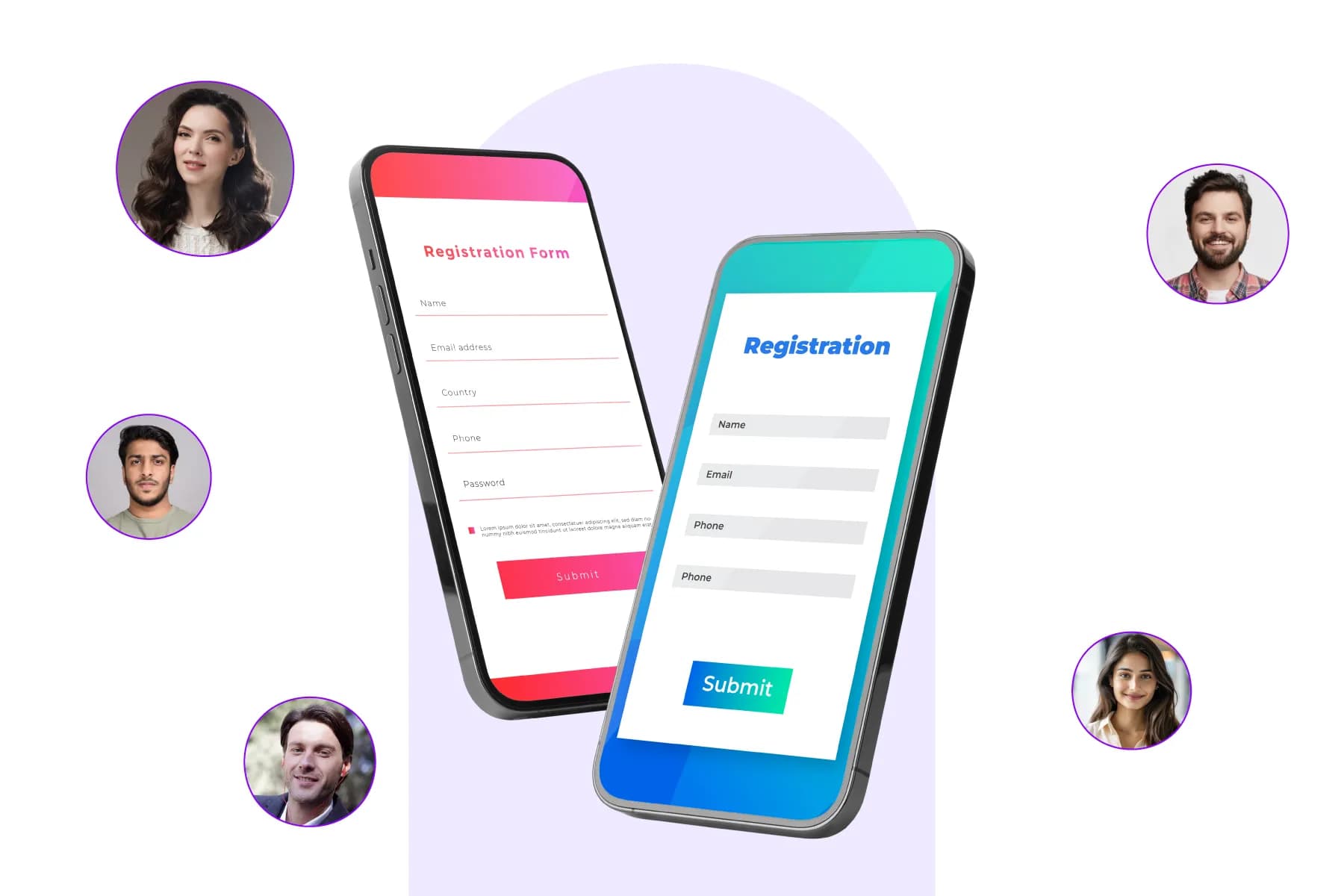
One of the biggest reasons attendees abandon registration forms is length. Most event organizers are tempted to collect as much information as possible. However, every additional field adds effort for the attendee.
As a general rule:
- Short forms work best for networking events and webinars.
- Medium-length forms are suitable for conferences and business events.
- Longer forms should only be used when information is essential.
The goal is simple: make registration feel fast.
Quick Form Length Guide
| Event Type | Recommended Form Length |
|---|---|
| Webinar | 4–6 fields |
| Networking Event | 5–8 fields |
| Conference | 8–10 field |
| Exhibition | 10–12 fields max |
| Speaker Registration | As needed |
How Can You Reduce Registration Abandonment?
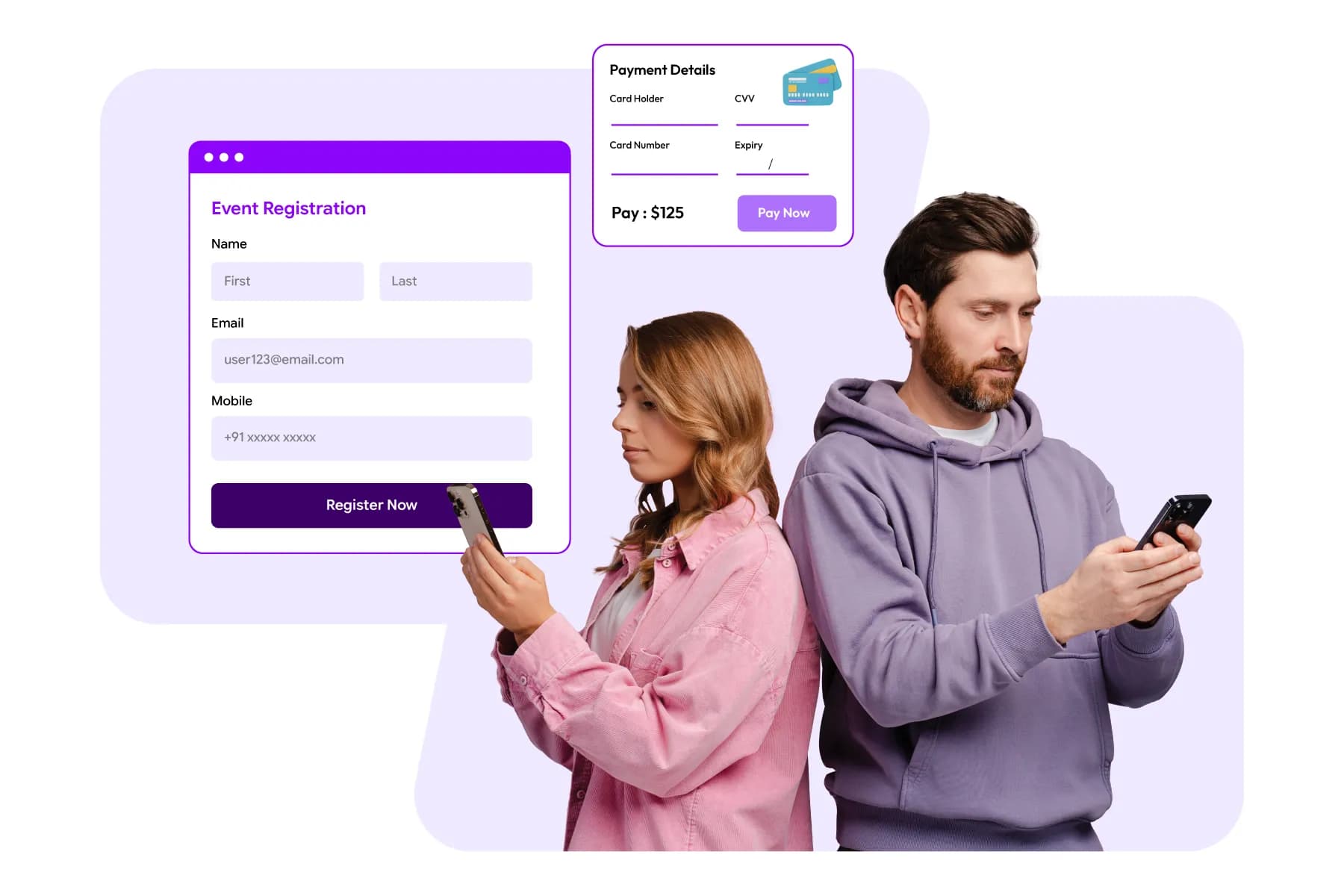
People abandon forms for many reasons.
- Sometimes they get distracted.
- Sometimes the process feels too complicated.
- Sometimes the form simply asks for too much information.
To improve completion rates:
- Remove unnecessary fields (Critical, According to WPForms, asking for a phone number alone can cause up to 37% of users to abandon a form unless it is marked as strictly optional)
- Clearly display pricing
- Reduce the number of registration steps
- Make forms mobile-friendly (Vital since mobile users face more distractions, and mobile form abandonment regularly runs up to 75.5%)
- Show progress indicators for longer forms
- Allow attendees to save and continue later
Small improvements can have a significant impact on registration numbers.
How Do You Make Event Registration Easy on Mobile Devices?
Mobile registrations continue to grow every year. If attendees struggle to complete registration on a phone, you're likely losing registrations.
A mobile-friendly registration experience should include:
- Responsive design
- Large form fields
- Simple navigation
- Fast page loading
- Mobile payment support
How Do You Reduce Registration Errors?
Incorrect attendee data creates problems throughout the event lifecycle. Common issues include:
- Misspelled names
- Invalid email addresses
- Duplicate registrations
- Incorrect ticket selections
Modern registration platforms help reduce errors through:
- Required field validation
- Email verification
- Duplicate registration detection
- Automated confirmations
How Do You Manage Registrations for Multiple Sessions in One Event?
For conferences and multi-track events, attendees often need to choose sessions during registration. The registration form should make session selection simple while helping organizers manage capacity limits.
Good session registration systems allow attendees to:
- Select sessions
- Join workshops
- Register for networking activities
- Build personalized agendas
At the same time, organizers should be able to track demand and avoid overbooking.
Managing Different Attendee Categories
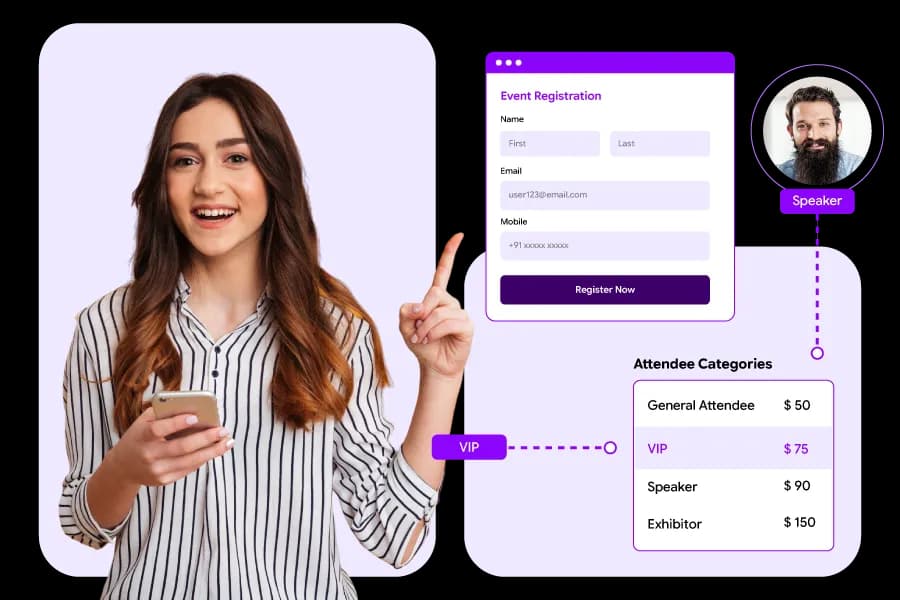
As events grow, a single registration process rarely works for everyone. The best approach is to create distinct registration journeys for attendees, speakers, exhibitors, sponsors, and VIP guests while managing all registrations from a single centralized platform.
One of the first signs that an event is becoming more complex is when you realize not everyone registering has the same needs.
For Example-
- A conference attendee may only need a ticket and event information.
- A speaker might need to submit a biography, presentation details, and session information.
- An exhibitor may need to register multiple booth staff members.
- A sponsor could require branding opportunities, activation details, and additional passes.
Trying to fit all these requirements into a single registration form often creates a poor experience for everyone involved.
Turn Attendee Complexity Into Organized Event Management With Dreamcast
Free Demo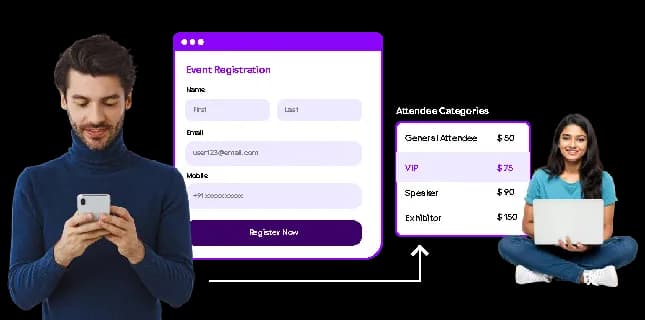
Why Different Attendee Categories Need Different Registration Experiences
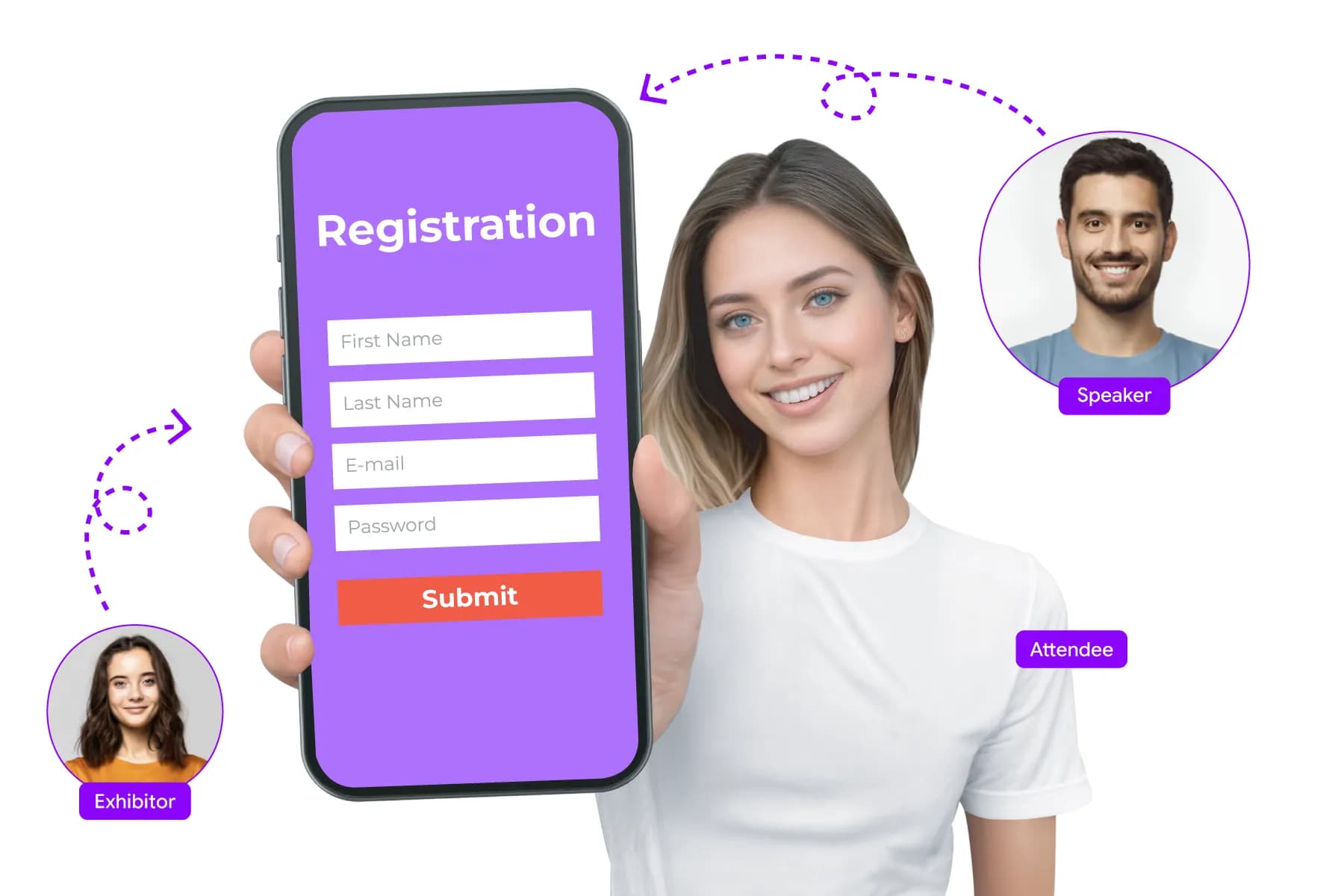
Think about the registration process from the attendee's perspective.
If a visitor is asked questions meant for exhibitors, or a speaker has to skip through pages that don't apply to them, registration becomes longer and more confusing than it needs to be.
That's why experienced event organizers build registration experiences around attendee roles rather than forcing everyone through the same process.
The goal is simple:
Show people only the questions and options that are relevant to them.
This keeps forms shorter, improves completion rates, and makes attendee data easier to manage later.
Common Attendee Categories and Their Needs
| Attendee Type | Registration Focus |
|---|---|
| Attendees | Tickets, event information, session selection |
| Speakers | Bio, session details, presentation requirements |
| Exhibitors | Company details, booth information, staff passes |
| Sponsors | Branding requirements, team registrations, and access privileges |
| VIP Guests | Invitation-based registration and exclusive access |
| Media | Accreditation and publication information |
Can One Registration Form Work for Different Attendee Categories?
Technically, yes.
Practically, it often creates unnecessary complexity.
A single form may work well for a small workshop or networking event where everyone follows the same journey. But for conferences, exhibitions, trade shows, and corporate events, separate registration paths usually create a much better experience.
Modern event registration platforms make this easy by allowing organizers to create category-specific forms while keeping all attendee data in one place.
This means attendees see attendee questions, speakers see speaker questions, and exhibitors see exhibitor questions- without creating separate systems for each group.
How Do Event Organizers Manage Registrations at Scale?

As registration numbers increase, attendee categories become even more important.
Imagine managing:
- 2,000 attendees
- 150 speakers
- 300 exhibitors
- 50 sponsors
- 100 VIP guests
Without a structured registration system, tracking requirements for each group quickly becomes difficult. This is why large conferences and corporate events rely on registration platforms that support attendee segmentation, automated workflows, and category-based permissions.
Instead of manually organizing registrations, the platform automatically places people into the appropriate category and applies the correct registration process.
The Goal Isn't More Forms- It's Less Confusion
Many organizers worry that creating multiple registration paths will make registration harder to manage. In reality, the opposite is usually true.
When attendee categories are clearly defined:
- Registration forms become shorter.
- Attendees complete registration faster.
- Communications become more relevant.
- Event data becomes cleaner.
- Event-day operations become easier.
Most importantly, organizers spend less time correcting registration issues later.
As your event grows, attendee segmentation stops being a "nice-to-have" feature and becomes one of the simplest ways to keep registration organized and scalable.
Setting Up Ticketing and Registration Options
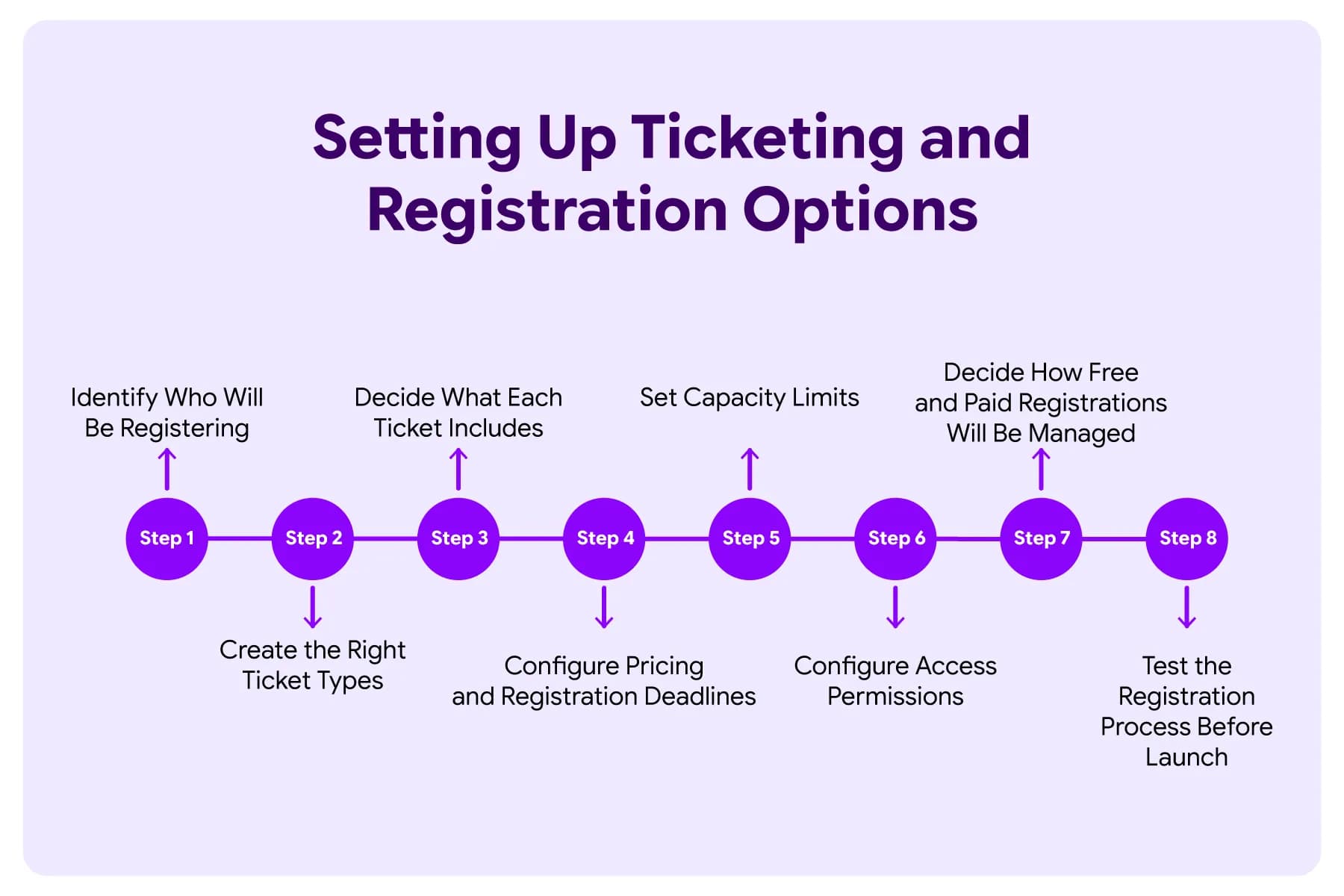
To set up event ticketing and registration successfully, define your attendee categories, create the right ticket types, establish pricing and capacity limits, and configure registration rules before opening registrations.
Once your registration form is ready, it's time to decide how attendees will register and what options they'll see during the sign-up process. A well-structured ticketing setup makes registration easier for attendees and helps organizers manage attendance, access, and revenue more effectively.
Let's walk through the key steps.
Step 1: Identify Who Will Be Registering
Before creating tickets, determine who will attend your event. Many events have more than one attendee category, such as:
- General attendees
- Speakers
- Exhibitors
- Sponsors
- VIP guests
- Media representatives
Not every group should follow the same registration process. Identifying attendee categories first makes it easier to build the right registration and ticketing structure.
Step 2: Create the Right Ticket Types
Your ticket structure should match your event goals. For most business events, common ticket options include:
| Ticket Type | Purpose |
|---|---|
| Early-Bird Pass | Encourages early registrations |
| Standard Pass | General event access |
| VIP Pass | Premium access and benefits |
| Group Pass | Supports team registrations |
| Student Pass | Discounted registration |
| Complimentary Pass | Used for speakers, sponsors, or special guests |
Note: Avoid creating too many ticket types. If attendees struggle to understand the differences, registration completion rates may suffer.
Step 3: Decide What Each Ticket Includes
Every ticket should clearly communicate what attendees receive.
For example:
- Event access
- Session access
- Workshop participation
- Networking opportunities
- VIP experiences
- Exclusive event areas
Clear ticket descriptions reduce attendee confusion and support requests.
A simple rule:
If two tickets offer different experiences, explain the differences clearly before attendees register.
Step 4: Configure Pricing and Registration Deadlines
If your event includes paid registrations, establish pricing before launching registration.
Many organizers use a tiered pricing strategy, such as:
- Early-bird pricing
- Standard pricing
- Last-minute pricing
Registration deadlines should also be defined in advance. This helps attendees plan and gives organizers more predictable registration trends.
Step 5: Set Capacity Limits
Every event has limits. You may need to control:
- Total event attendance
- Workshop participation
- Session capacity
- VIP registrations
- Group registrations
Capacity management prevents overselling and helps maintain a better attendee experience. Modern registration platforms can automatically close registrations once limits are reached.
Step 6: Configure Access Permissions
Not every attendee should have access to the same areas or experiences.
For example:
- VIP attendees may access exclusive networking events.
- Speakers may access speaker lounges.
- Exhibitors may receive exhibitor-only permissions.
- General attendees may access standard event sessions.
Defining these permissions during setup helps simplify event-day operations later.
Step 7: Decide How Free and Paid Registrations Will Be Managed
Many events combine free and paid registrations.
For example:
- General event access may be free.
- Workshops may require paid registration.
- VIP experiences may carry an additional fee.
Managing all registration types within the same platform helps maintain accurate attendee records and reporting.
Step 8: Test the Registration Process Before Launch
Before making registration public, complete a full test of the registration journey.
Review:
- Ticket selection
- Registration forms
- Payment processing
- Confirmation emails
- Capacity rules
- Mobile experience
Other Key Things to Consider Before Setting Up Ticketing and Registration Options
How Do You Manage Free and Paid Attendees Together?
Many events have a mix of free and paid registrations. For example:
- General attendees may register for free.
- Workshop participants may purchase paid passes.
- VIP attendees may receive premium access.
Managing these registrations separately often creates reporting and attendee management challenges. Using one registration platform allows organizers to manage both free and paid registrations from a single dashboard while maintaining a complete attendee database.
This makes reporting, communication, and event-day operations much easier.
What Ticket Types Work Best for Business Events?
Most business events use a combination of ticket categories rather than a single registration option. Some of the most common include:
| Ticket Type | Purpose |
|---|---|
| Early-Bird Pass | Encourages early registrations |
| Standard Pass | General event access |
| VIP Pass | Premium access and benefits |
| Group Pass | Supports team registrations |
| Speaker Pass | Reserved for approved speakers |
| Exhibitor Pass | Used for booth staff and exhibitors |
How Do You Control Capacity and Availability?
Registration is not just about collecting sign-ups. It's also about managing demand.
Most organizers need the ability to:
- Limit ticket quantities
- Set registration deadlines
- Cap workshop attendance
- Create waitlists
- Restrict access to certain attendee groups
Without these controls, events can become difficult to manage as registrations increase.
Simplify Ticketing, Pricing, And Registration From One Platform
Book A Demo
Payment Collection, Pricing Strategy, Discounts, and Refunds
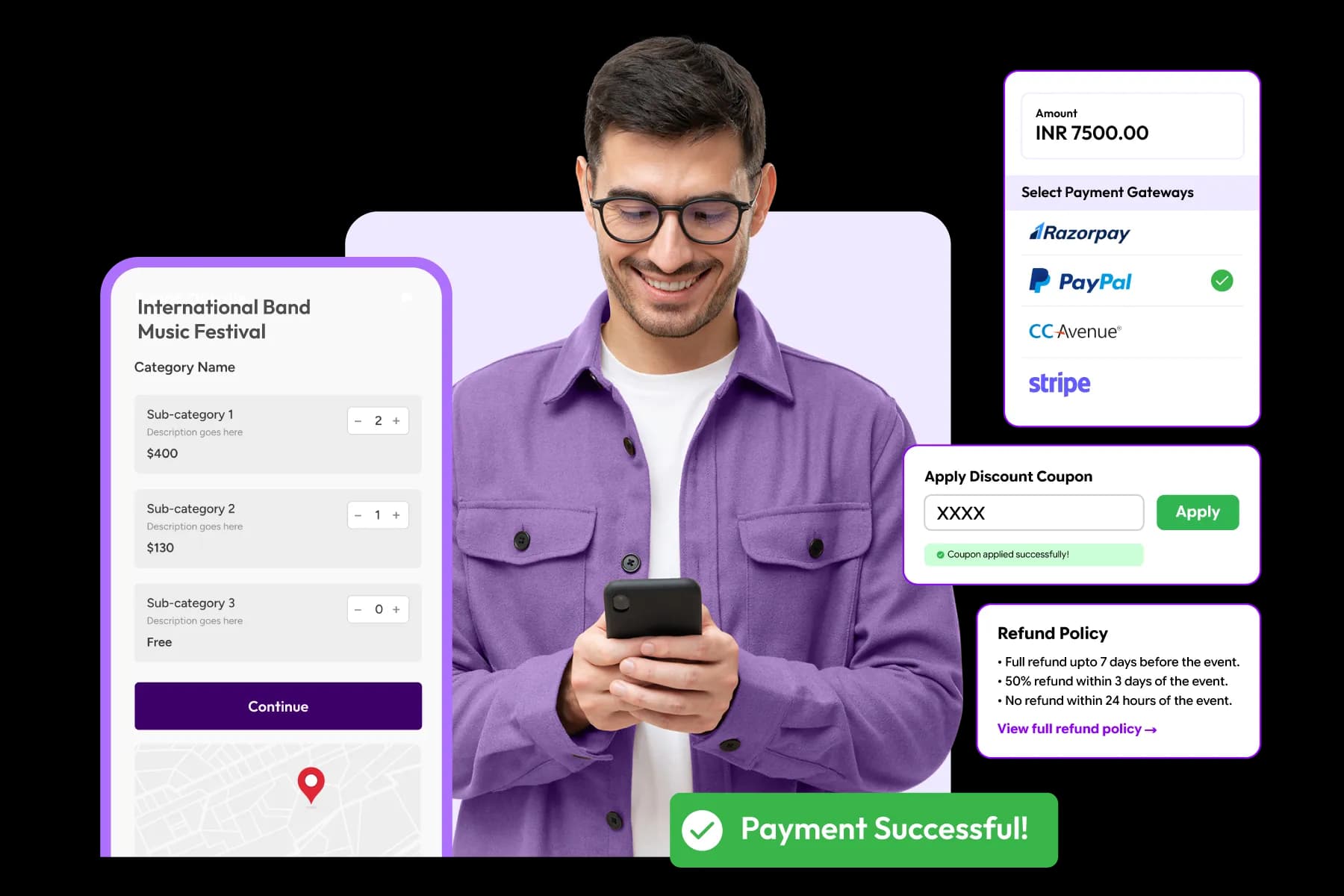
A successful event payment strategy combines simple payment collection, clear pricing, well-timed discounts, and transparent refund policies. When attendees understand exactly what they're paying for and how payments are handled, registration completion rates typically improve.
For paid events, registration and payment are closely connected.
An attendee may be interested in your event, but pricing confusion, complicated checkout processes, or unclear refund policies can prevent them from completing registration.
According to the Baymard Institute, the average online cart abandonment rate is nearly 70%, and extra costs, complicated checkout experiences, and trust concerns remain among the most common reasons people abandon purchases. While event registrations are different from retail purchases, attendee behavior often follows similar patterns during checkout.
That's why event organizers should think carefully about pricing, payment collection, and refund management before registration opens.

“Attendees decide they want to attend when they select a ticket. They decide to complete registration when the payment experience earns their trust.”
Ayushi Singh- Product Marketing Manager at DreamcastHow Should You Set Up an Event Payment Collection?
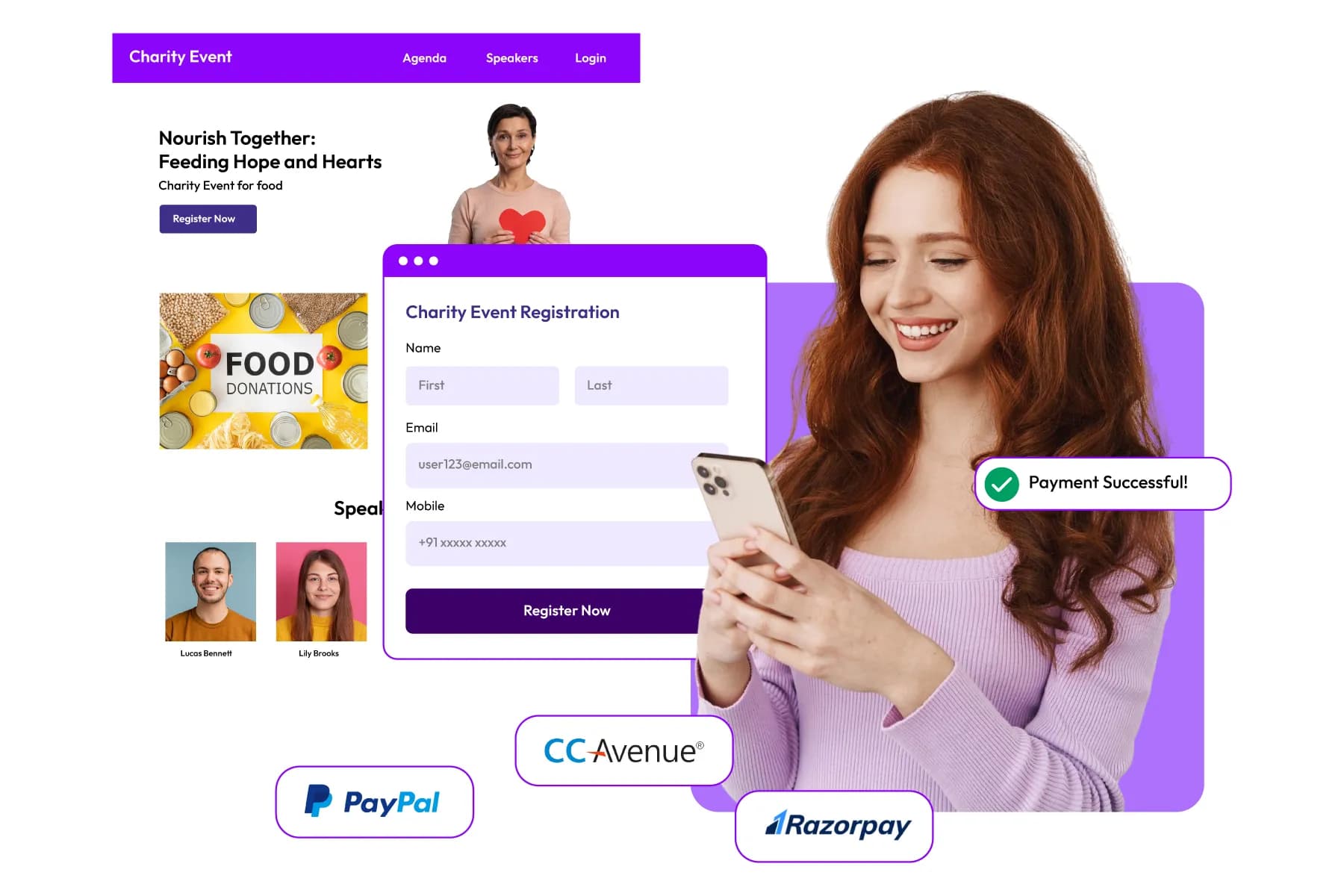
The best payment process is the one attendees barely notice. It should be fast, secure, and require as few steps as possible. When evaluating your payment setup, look for a registration platform that supports:
- Multiple payment methods
- Secure payment processing
- Automated invoices and receipts
- Real-time payment tracking
- Currency support (for international events)
- Refund management
Payment Setup Checklist
| Payment Requirement | Why It Matters |
|---|---|
| Credit/Debit Card Support | Faster checkout experience |
| UPI and Digital Wallets | Important for regional audiences |
| Automated Receipts | Saves administrative work |
| Secure Payment Processing | Builds attendee trust |
| Real-Time Payment Status | Improves reporting accuracy |
| Refund Tracking | Simplifies attendee support |
What Is the Best Pricing Strategy for an Event?
There is no universal pricing model, but most successful events use tiered pricing to encourage earlier registrations.
Instead of charging the same price throughout the registration period, organizers often create multiple pricing stages.
A common structure looks like this:
| Pricing Phase | Purpose |
|---|---|
| Early-Bird Registration | Reward early commitment |
| Standard Registration | Main registration period |
| Last-Minute Registration | Capture late demand |
This approach benefits both organizers and attendees.
Attendees save money by registering early, while organizers gain better visibility into expected attendance.
Research from event industry reports consistently shows that early-bird pricing can significantly improve registration momentum during the initial registration period.
When Should You Offer Discounts?
Discounts can increase registrations, but they should be used strategically. Rather than offering discounts to everyone, many organizers target specific groups.
Common discount strategies include:
- Early-bird discounts
- Student pricing
- Association member discounts
- Group registration discounts
- Sponsor and partner codes
- Returning attendee offers
The goal is not simply to lower prices. The goal is to encourage registrations from audiences you want to attract.
How Do Group Registration Discounts Help Increase Attendance?
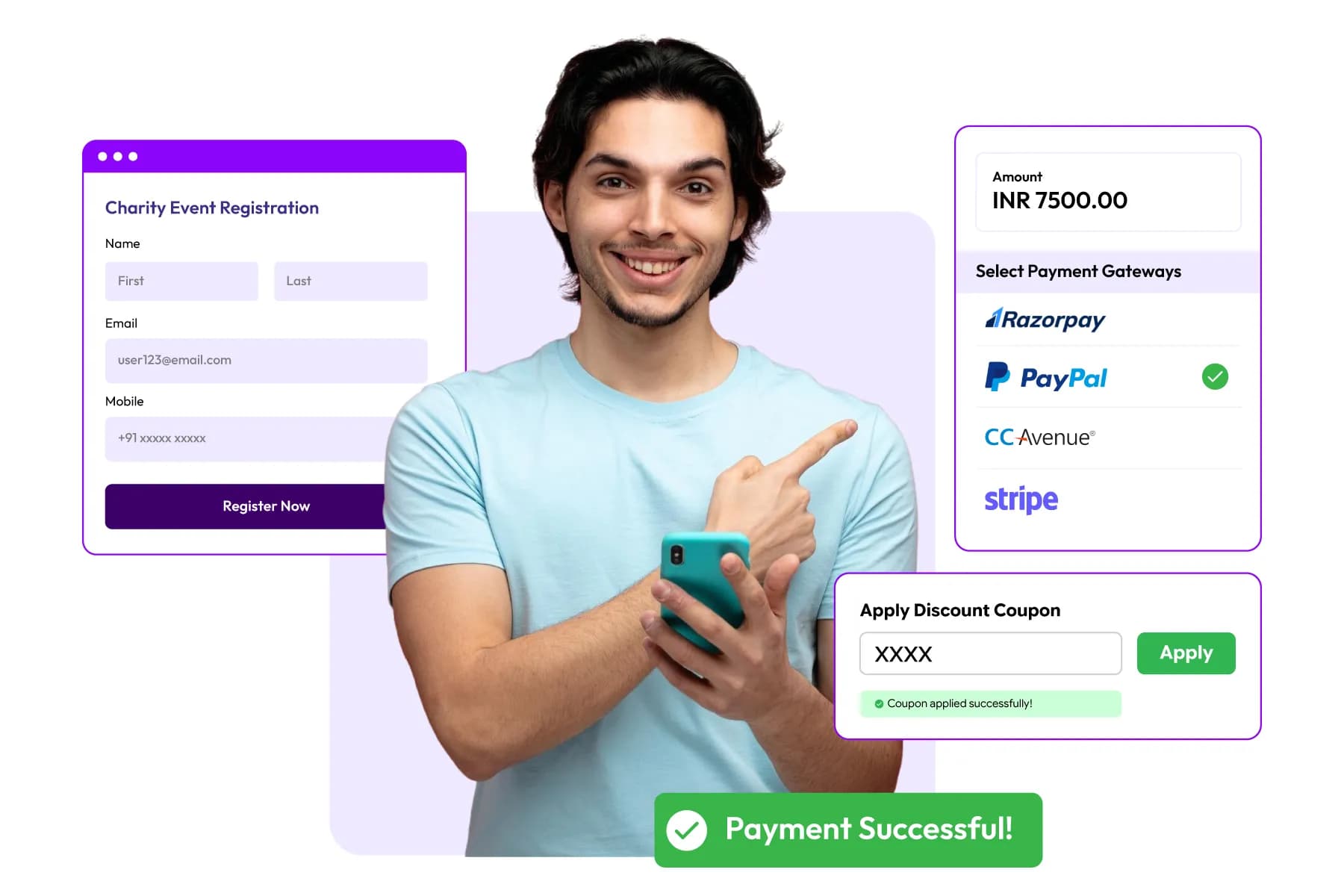
For conferences, corporate events, and training programs, group registrations can be highly effective.
Many organizations prefer sending teams rather than individual attendees.This alignment matches corporate spending patterns perfectly, as corporate procurement data shows that over 70% of professional development and training budgets are optimized for team-based packages rather than individual allocations.
A simple group discount can encourage larger registrations while reducing acquisition costs. For instance, introducing a dedicated group tier (e.g., "Buy 3, Get 1 Free" or 10% off for teams of 5+) can increase total ticket volume by up to 22%.
Example
| Number of Registrations | Discount |
|---|---|
| 5–9 Attendees | 10% Off |
| 10–19 Attendees | 15% Off |
| 20+ Attendees | Custom Pricing |
Group registrations can also help increase attendance predictability earlier in the registration cycle.
Why Transparent Pricing Matters
One of the fastest ways to lose registrations is to surprise attendees during checkout.
Hidden charges, unexpected fees, or unclear pricing often create hesitation.
It is true that most people abandon purchases because extra costs appear late in the buying process. The same principle applies to event registration.
Attendees should know:
- Ticket price
- Taxes
- Processing fees
- Upgrade costs
- Refund conditions
Before reaching the payment page.
Clear pricing builds trust and improves conversion rates. According to the Freeman 2025 Event Organizer Trends Report, 94% of professionals trust brands that are honest and transparent.
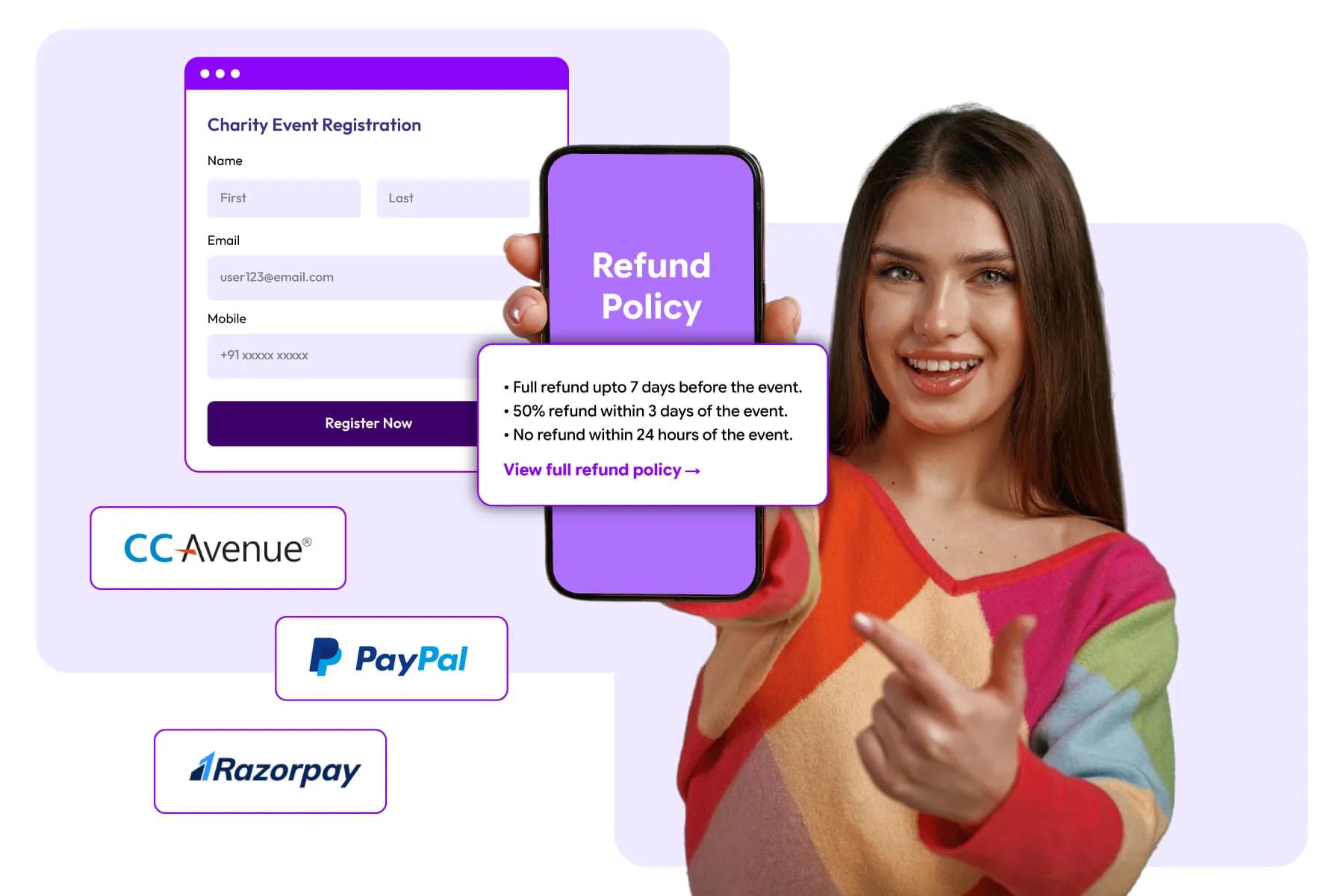
What Should Your Event Refund Policy Include?
Refund requests are inevitable.
Attendees may experience schedule conflicts, travel issues, budget changes, or unexpected circumstances.
A clear refund policy helps reduce confusion and support requests.
Your refund policy should define:
- Refund eligibility
- Refund deadlines
- Processing timeliness
- Transfer policies
- Ticket substitution rules
The policy should be visible before attendees complete payment.
Should You Allow Ticket Transfers Instead of Refunds?
For many events, ticket transfers can be more practical than refunds. In this case, instead of cancelling a registration entirely, attendees can transfer their ticket to another person.
This approach can help:
- Maintain attendance numbers
- Reduce refund requests
- Improve attendee flexibility
- Minimize revenue loss
Many conferences and corporate events include transfer options within their registration policies.
How Can Automation Simplify Payment and Refund Management?
Manual payment tracking becomes difficult as registration volumes increase.
Automation can help organizers:
- Process payments instantly
- Generate receipts automatically
- Track outstanding payments
- Manage discount codes
- Process approved refunds
- Update attendee records in real time
For large events, this can save significant administrative time while reducing errors.
What are the Common Payment and Pricing Mistakes to Avoid
| Mistake | Potential Impact |
|---|---|
| Complicated checkout process | Higher registration abandonment |
| Hidden fees | Reduced attendee trust |
| No early-bird pricing | Slower registration momentum |
| Unclear refund policies | Increased support requests |
| Limited payment methods | Lost registrations |
| Manual payment tracking | Administrative inefficiencies |
| Overuse of discounts | Reduced event revenue |
Automating the Registration Process
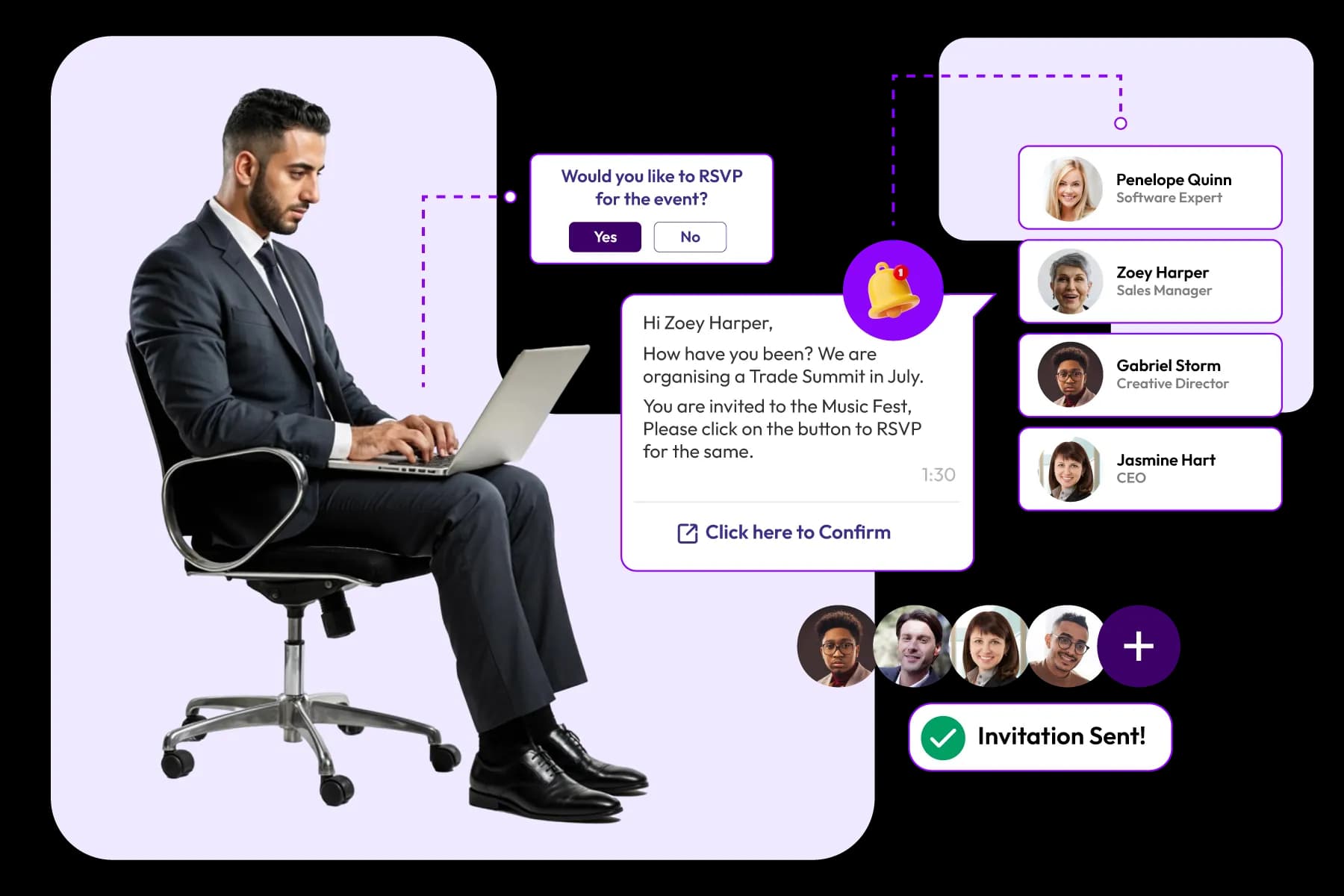
Event registration automation uses technology to handle confirmations, payments, attendee communications, ticket delivery, approvals, and reporting automatically. This reduces manual work, minimizes errors, and helps organizers manage registrations more efficiently.
As registration numbers grow, manual processes become harder to manage.
Sending confirmation emails one by one, updating spreadsheets, processing attendee requests manually, and tracking registrations across multiple systems can quickly consume valuable time.
Automation helps event teams focus less on administrative tasks and more on delivering a successful event.
Why Is Registration Automation Important?

Automation isn't only useful for large events. Even a few hundred registrations can create significant administrative work if every task requires manual effort.
Without automation, organizers often spend hours:
- Sending confirmation emails
- Tracking payments
- Updating attendee records
- Managing registration changes
- Monitoring registration numbers
- Responding to routine attendee requests
A modern event registration platform such as Dreamcast can handle many of these processes automatically.
Which Parts of Event Registration Can Be Automated?
Most registration platforms allow organizers to automate tasks throughout the attendee journey.
1. Registration Confirmations
As soon as attendees complete registration, the system can automatically send confirmation emails containing registration details, tickets, and event information.
This ensures attendees receive immediate confirmation without requiring manual intervention.
2. Payment Processing
For paid events, automation can:
- Process payments
- Generate receipts
- Confirm successful transactions
- Track payment status
This reduces administrative workload and improves financial tracking. According to Ardent Partners’ 2024 State of ePayables report, automated invoicing and payment tracking reduce transaction processing costs by up to 80% and practically eliminate human entry errors.
3. Ticket and QR Code Delivery
Instead of manually generating attendee credentials, registration platforms can automatically:
- Generate tickets
- Create QR codes
- Deliver attendee passes
This helps streamline check-in on event day.
4. Attendee Communication
Event organizers often need to send:
- Registration confirmations
- Event reminders
- Schedule updates
- Important announcements
Automation ensures attendees receive timely communication throughout the event lifecycle.
How Can You Automate Attendee Registration for an Event?
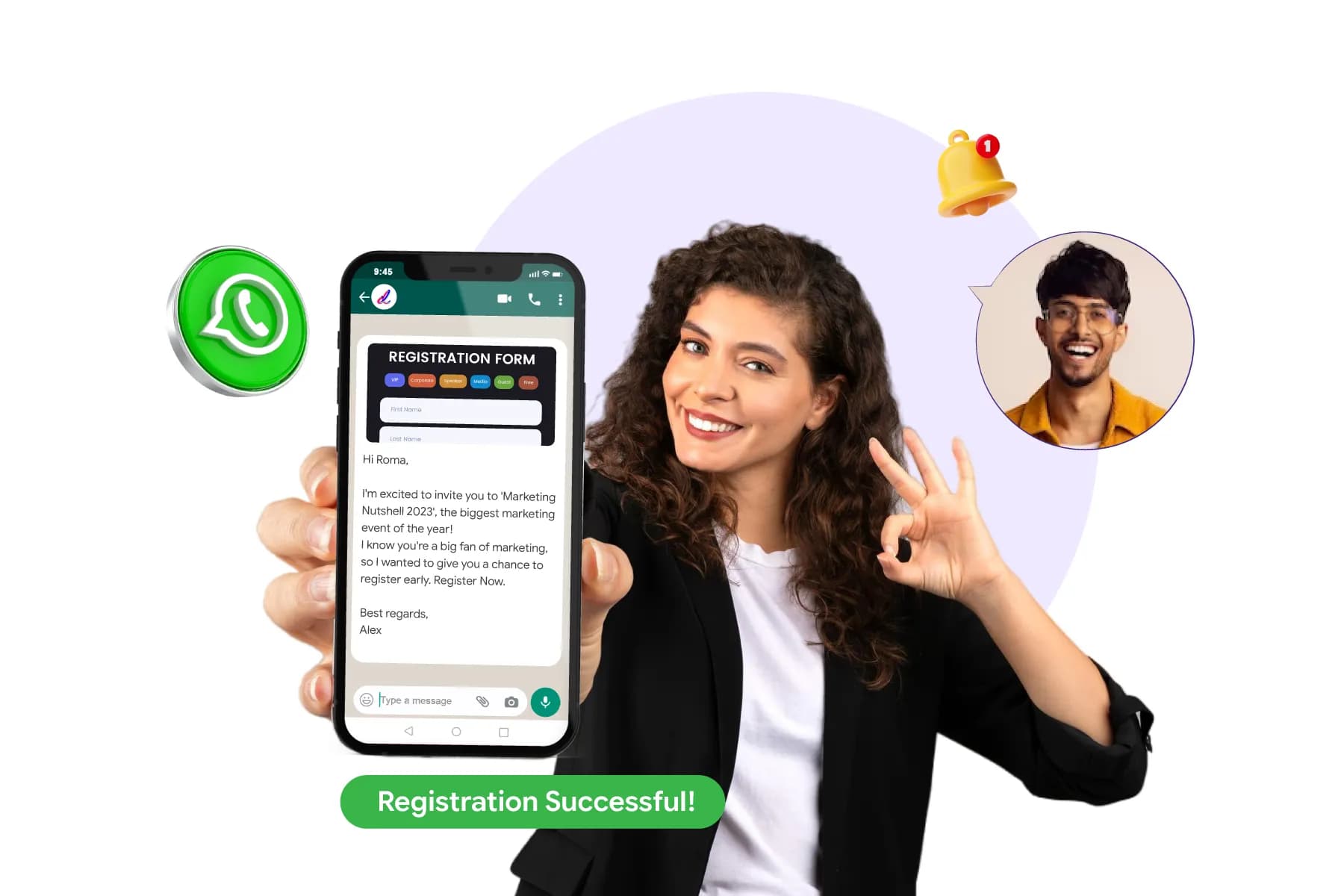
The easiest approach is to use an event registration platform that connects registration, ticketing, payments, and attendee communications within a single system.
Once workflows are configured, many registration activities happen automatically.
For example:
- An attendee completes registration.
- Payment is processed automatically.
- A confirmation email is sent.
- A ticket or QR code is generated.
- Registration data is added to reporting dashboards.
- Future reminder emails are scheduled automatically
The organizer doesn't need to perform each step manually.
Can Automation Reduce Registration Errors?
Yes
Many registration errors occur when data is entered, transferred, or updated manually.
Automation helps reduce issues such as:
- Duplicate registrations
- Missing attendee information
- Incorrect ticket assignments
- Payment tracking mistakes
- Communication errors
How Do Large Events Manage Registrations Efficiently?
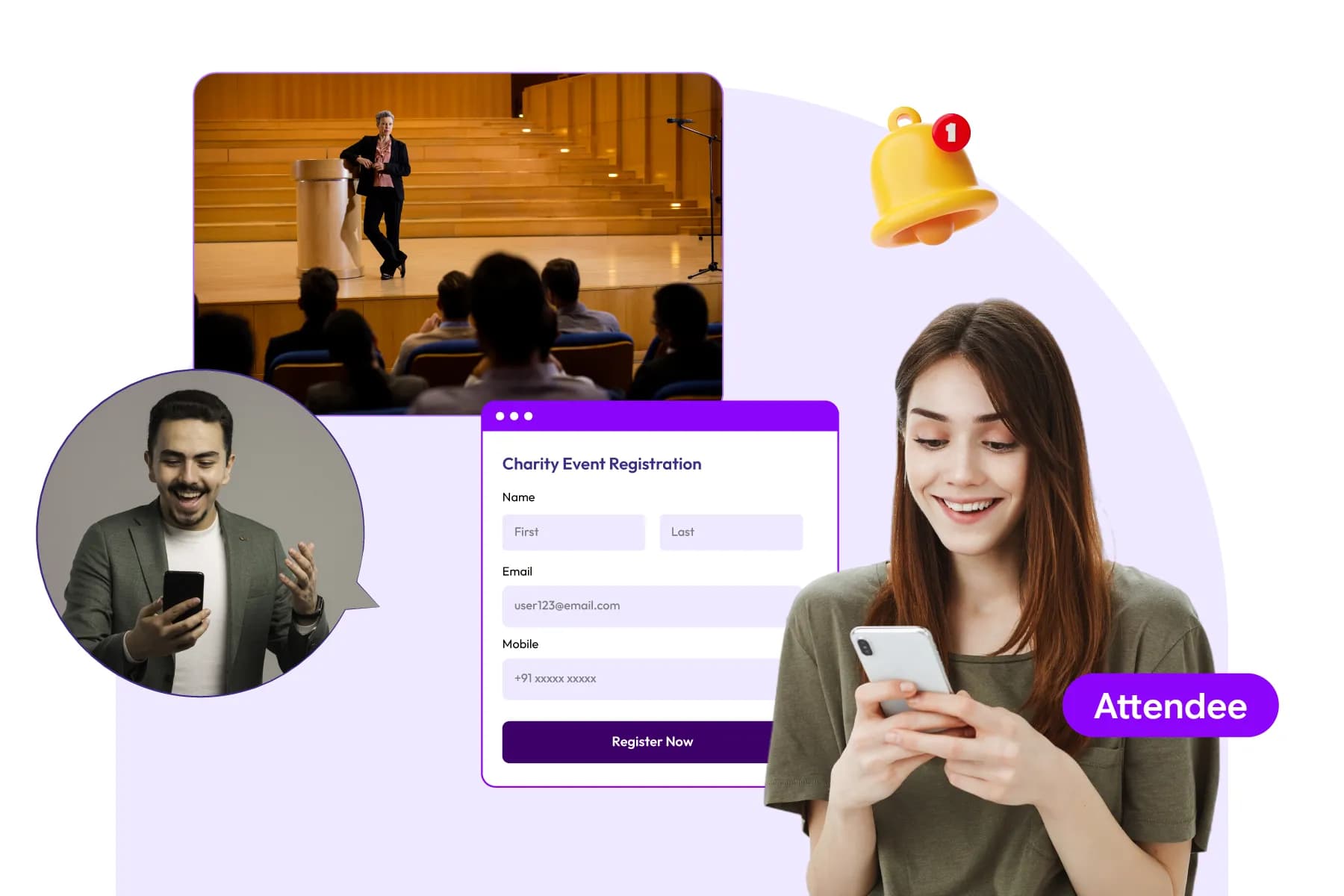
Large conferences, exhibitions, and corporate events often receive registrations from hundreds or thousands of attendees. Managing this volume manually becomes difficult very quickly. This is why many event teams automate:
- Registration approvals
- Ticket allocation
- Attendee communications
- Session registration
- Capacity tracking
- Reporting
Automation allows organizers to scale registration operations without significantly increasing workload.
Signs Your Registration Process Needs More Automation
These are often indicators that manual processes are slowing down registration management.
- Managing registrations in spreadsheets
- Sending manual confirmation emails
- Tracking payments separately
- Updating attendee records by hand
- Handling large volumes of attendee requests
- Maintaining multiple registration databases
Automate Every Step From Registration To Check-In
Book A Demo
| Automation Area | Recommended |
|---|---|
| Confirmation emails | Yes |
| Payment processing | Yes |
| Ticket delivery | Yes |
| QR code generation | Yes |
| Reminder emails | Yes |
| Session registration | Yes |
| Capacity management | Yes |
| Reporting and analytics | Yes |
| Registration approvals | Yes |
| Attendee data synchronization | Yes |
Confirmation Emails, Pre-Event Reminders, and Waitlist Management
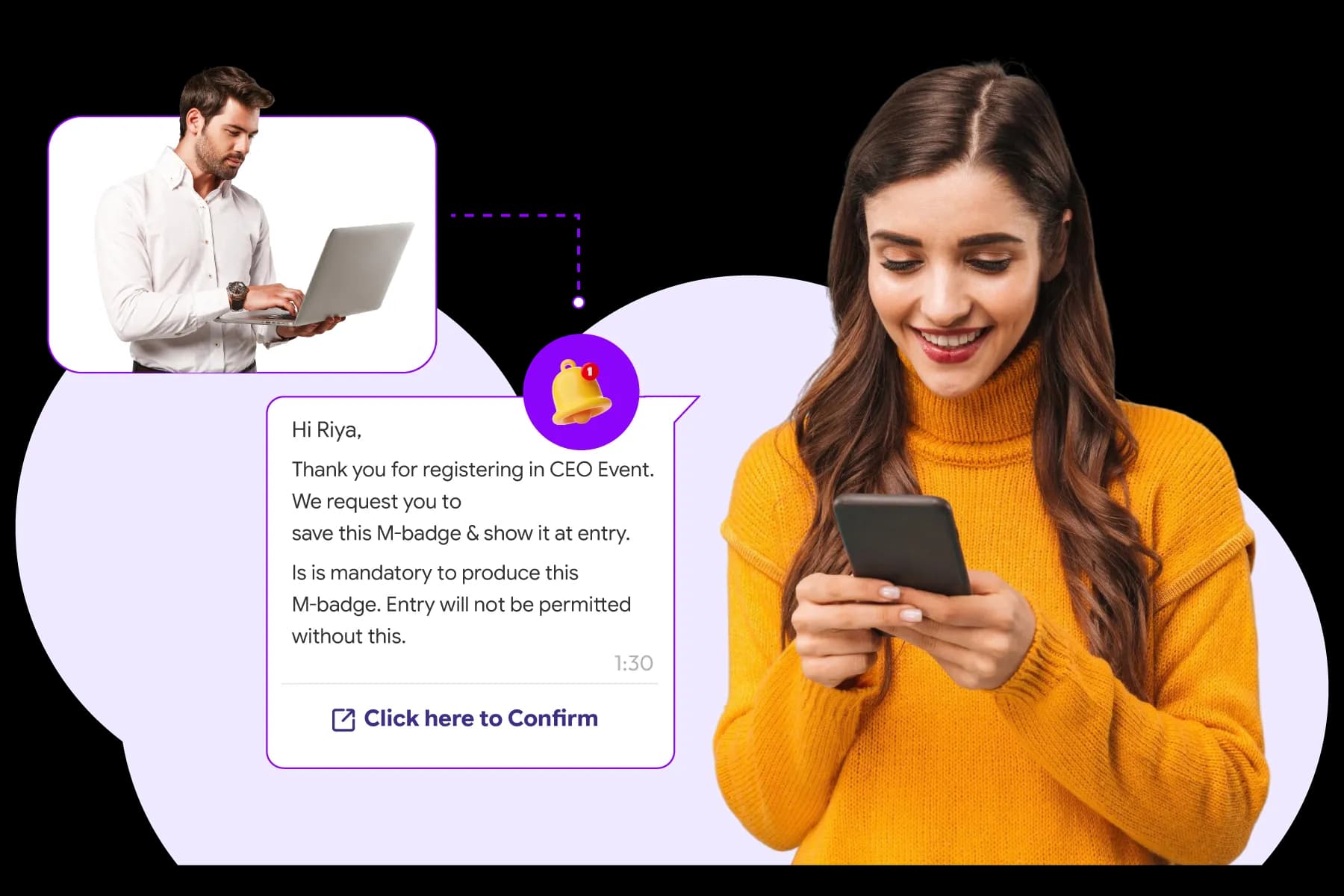
Registration isn't complete when someone signs up. Confirmation emails, reminder campaigns, ticket delivery, and waitlist management play a major role in turning registrations into actual event attendance.
Many organizers focus heavily on getting registrations. But attendee drop-off often happens after registration.
Someone registers, misses the confirmation email, forgets about the event, loses their ticket, or never receives important event updates.
This is why the communication chain between registration and event day is just as important as the registration process itself.
In fact, industry studies consistently show that event reminder campaigns can significantly improve attendance rates, while poor attendee communication is one of the leading causes of no-shows.
What Should a Registration Confirmation Email Include?
A registration confirmation email should immediately reassure attendees that their registration was successful and provide everything they need for the next step.
The best confirmation emails typically include:
- Registration confirmation message
- Event name and date
- Venue or virtual event details
- Ticket information
- QR code or digital pass
- Event agenda or key highlights
- Contact information for support
- Calendar add-to-event links
Think of the confirmation email as the attendee's first event guide.
If attendees need to search for basic event information later, the confirmation email isn't doing its job.
Never Let Attendees Miss Important Event Updates
Try Dreamcast Now!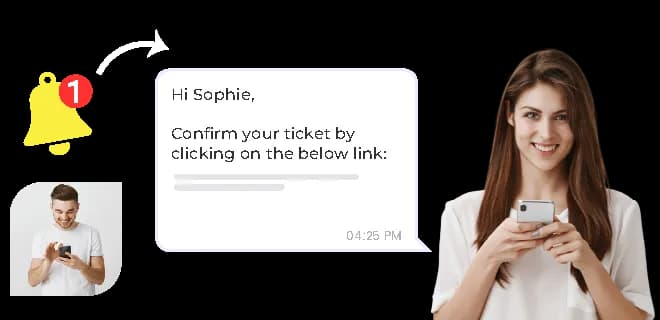
Registration Confirmation Email Checklist
| Include | Why It Matters |
|---|---|
| Registration ID | Helps with attendee verification |
| Event details | Reduces attendee confusion |
| QR code or ticket | Speeds up event entry |
| Venue information | Improves event-day experience |
| Support contact | Reduces attendee frustration |
| Calendar link | Helps reduce no-shows |
How Do You Send Automated Reminder Emails Before the Event?
Most successful events don't rely on a single confirmation email. They create a structured reminder schedule.
Attendees are busy.
Someone who registered three months ago may completely forget about the event without follow-up communication.
A typical reminder sequence might include:
Immediately After Registration
- Confirmation email
- Ticket or QR code delivery
7–14 Days Before the Event
- Event agenda
- Session highlights
- Travel and venue information
1–3 Days Before the Event
- Final reminder
- Check-in instructions
- Important event updates
Event Day
- Entry instructions
- Venue access details
- Real-time event updates
Automated reminder workflows ensure every attendee receives the right information at the right time without requiring manual effort from organizers.
How Do You Resend a Confirmation Email or QR Ticket?
Lost tickets are extremely common.
Attendees often:
- Delete confirmation emails
- Register using the wrong email address
- Misplace their QR code
- Cannot find their ticket on the event day
An enterprise-level event registration platform such as Dreamcast allows organizers to resend:
- Confirmation emails
- Digital tickets
- QR codes
- Registration receipts
With a single click.
Some event tech solution providers also allow attendees to retrieve tickets themselves through a self-service Kiosk, reducing support requests.
Can You Send Different Confirmation Emails to Different Attendee Categories?
Yes, and for larger events, you should.
A speaker doesn't need the same information as an attendee.
An exhibitor has different requirements from a VIP guest.
Segmented communication allows organizers to send relevant information to each audience.
For example:
| Attendee Category | Information Often Included |
|---|---|
| Attendees | Agenda, venue details, session information |
| Speakers | Session schedules, presentation deadlines |
| Exhibitors | Booth setup instructions, logistics details |
| Sponsors | Branding opportunities, activation schedules |
| Support contact | Reduces attendee frustration |
| VIP Guests | Exclusive access information and hospitality details |
Personalized communication improves attendee experiences and reduces confusion.
How Do You Set Up and Manage a Waitlist When an Event Is Full?
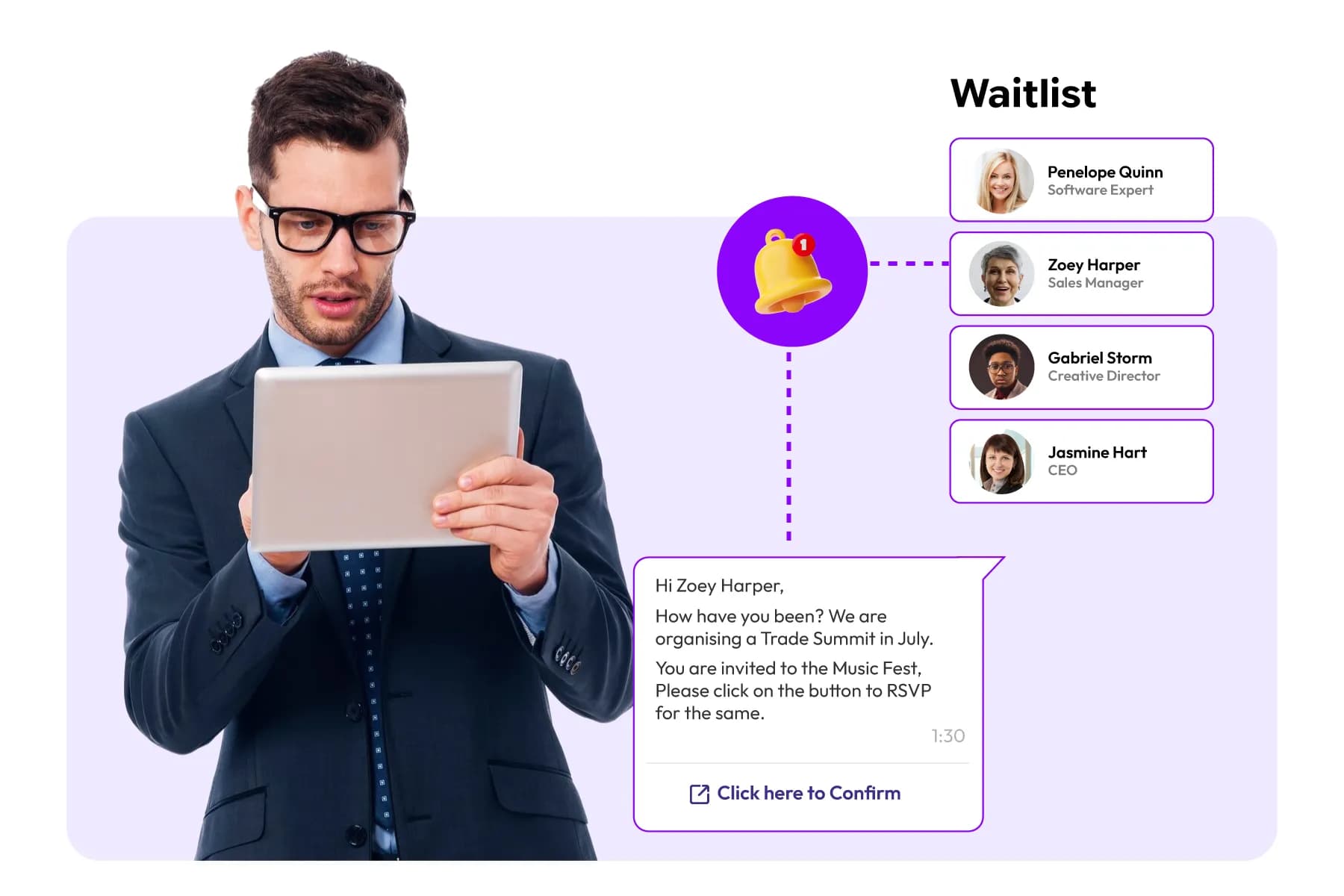
Popular events often reach capacity before registration closes.
Without a waitlist, organizers risk losing potential attendees.
A waitlist allows interested participants to join a queue after tickets or registrations are no longer available.
This helps organizers:
- Capture additional demand
- Fill cancelled registrations
- Improve attendance numbers
- Better understand event interest levels
For high-demand conferences and corporate events, waitlists are often an essential part of registration management.
How Does Waitlist Progression Work When a Spot Opens Up?
The most effective waitlist systems operate automatically.
When a registered attendee cancels:
- A spot becomes available.
- The next person on the waitlist is notified.
- They receive a limited time window to register.
- If they don't respond, the invitation moves to the next person.
This process continues until the available spot is filled.
Automation prevents organizers from manually managing waitlists and helps ensure available seats don't go unused.
Can Attendees Update or Cancel Their Registration After Confirming?
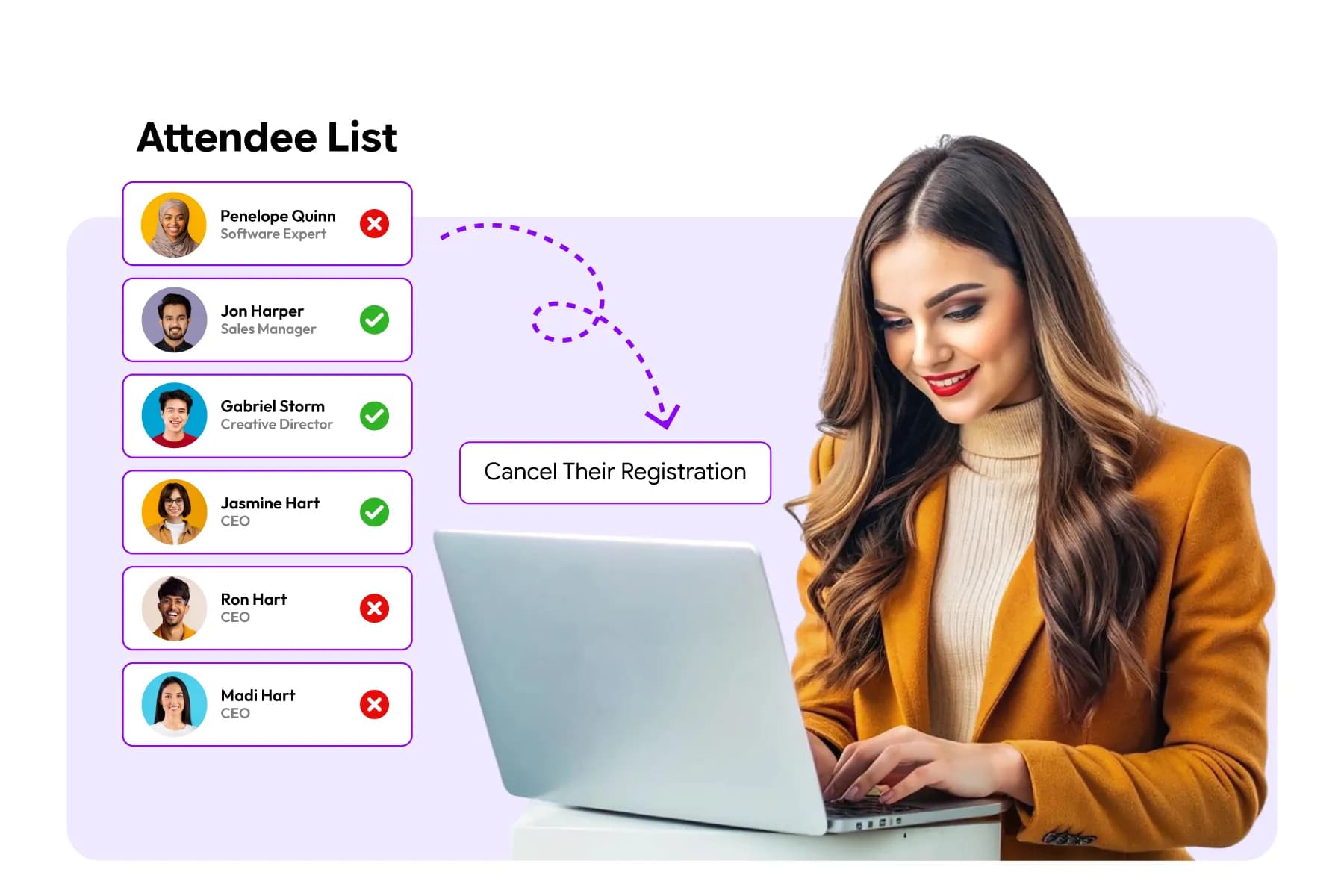
Yes. In fact, attendee self-service has become an important feature for modern event registration.
After registering, attendees often need to:
- Update contact information
- Change company details
- Modify session selections
- Transfer registrations
- Cancel attendance
Allowing attendees to manage these changes themselves reduces administrative work and helps keep attendee records accurate.
This becomes especially valuable for large events where even a small percentage of attendee changes can generate hundreds of support requests.
Why Communication Matters More Than Most Organizers Realize
Many organizers think registration ends when an attendee clicks "Submit." In reality, registration ends when the attendee arrives at the event.
The period between registration and arrival is where many events lose attendees through missed emails, forgotten tickets, unanswered questions, and poor communication.
A strong communication strategy- combined with automated reminders, ticket delivery, attendee self-service, and waitlist management- helps ensure that more registered attendees become actual attendees.
Post-Registration Communication Checklist
- Confirmation email sent immediately
- QR code or ticket delivered
- Reminder emails scheduled
- Attendee category-specific communications configured
- Waitlist automation enabled
- Ticket resend functionality available
- Registration update and cancellation options enabled
- Event-day instructions prepared
Scaling Registration for High-Attendance Events
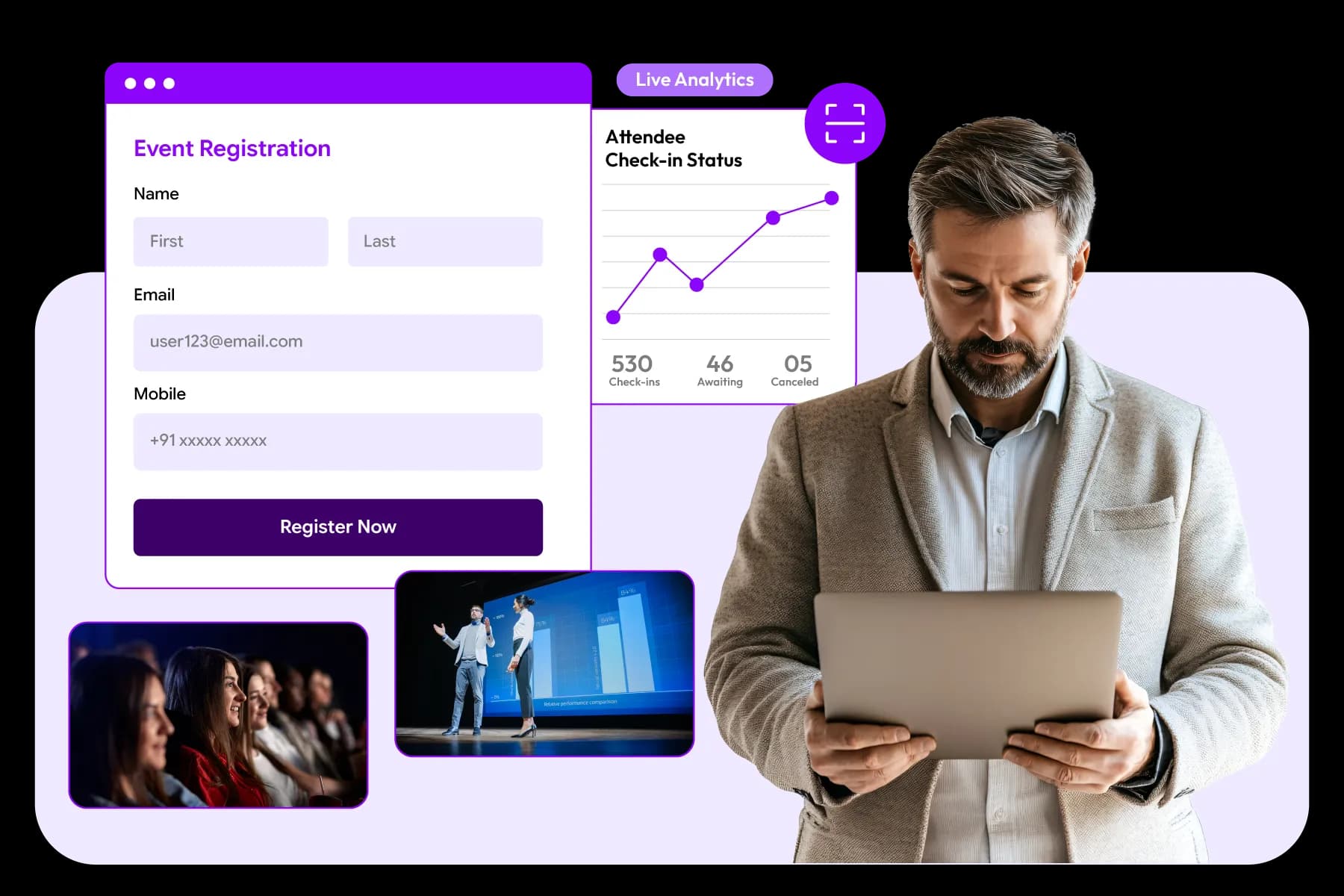
High-attendance events require more than a registration form. Organizers need scalable registration technology, automated workflows, attendee segmentation, capacity management, and real-time reporting to efficiently manage hundreds or thousands of registrations.
Managing registrations for 100 attendees is very different from managing registrations for 1,000, 5,000, or 10,000 attendees.
At smaller events, manual processes can sometimes work.
At larger events, they quickly become a risk.
A single registration error can affect hundreds of attendees. Delayed confirmation emails can generate hundreds of support requests. Poor attendee data can create check-in bottlenecks and long entry queues on event day.
That's why event planners managing high-attendance events focus heavily on scalability from the beginning.
What Changes When Registration Numbers Grow?
As attendance increases, registration becomes more than a sign-up process. It becomes an operational system that supports attendee management, communications, reporting, access control, and event-day execution.
For example:
| Registration Volume | Typical Challenges |
|---|---|
| Up to 500 attendees | Basic registration management |
| 500–2,000 attendees | Session management, attendee segmentation, communication workflows |
| 2,000–10,000 attendees | Capacity planning, multiple attendee categories, reporting, check-in efficiency |
| 10,000+ attendees | High-volume registration processing, access control, large-scale attendee management, and onsite operations |
How Large Event Teams Handle Attendee Registrations
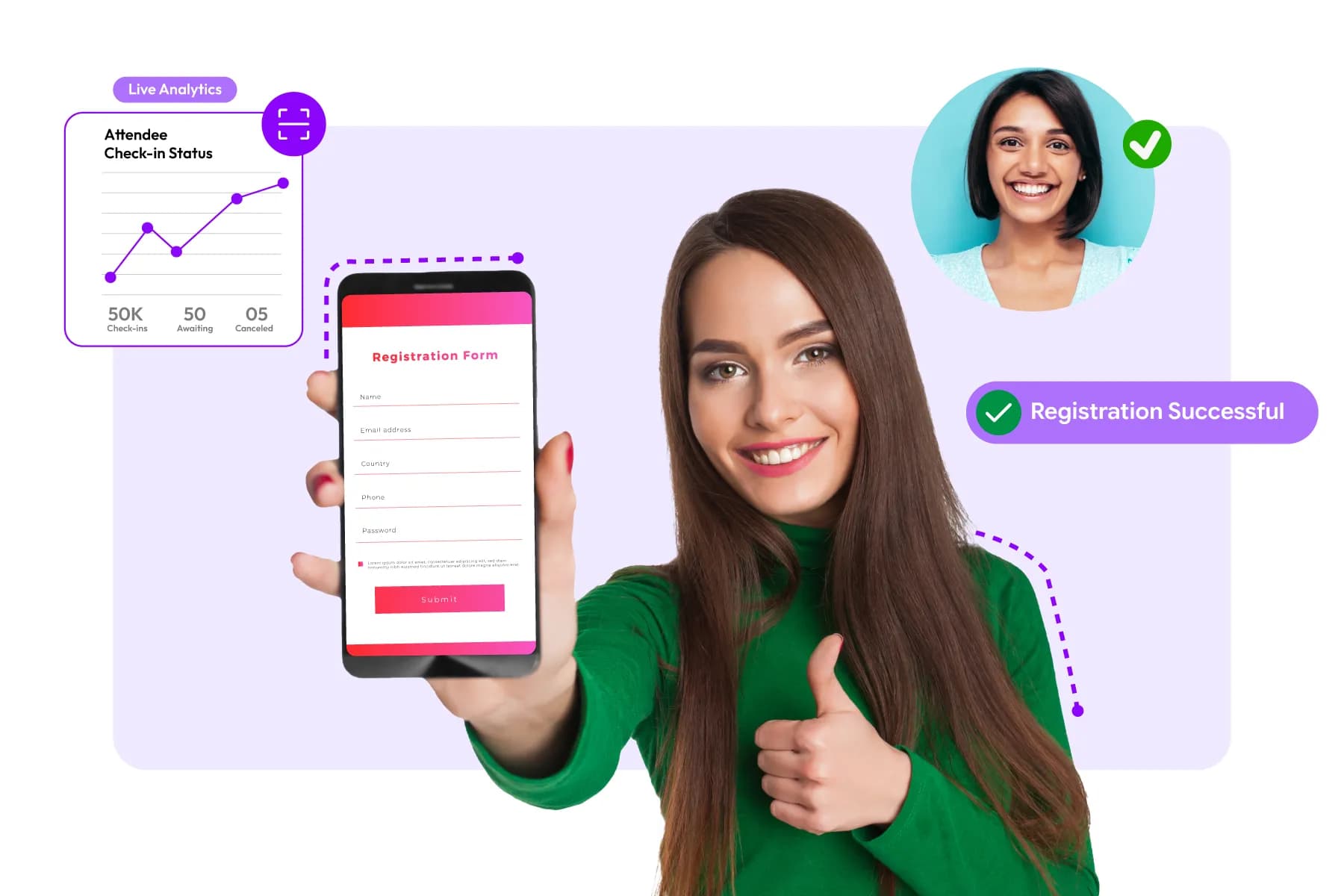
The most successful event teams rely on systems, not spreadsheets.
Industry research indicates that organizations that automate event workflows can reduce administrative workload by up to 20% to 30% compared to manual registration management processes.
Instead of managing attendee information across multiple files, large event teams typically centralize:
- Registrations
- Ticketing
- Payments
- Session selections
- Attendee communications
- Check-in data
- Reporting
How Can You Simplify Registration for High-Attendance Events?
When thousands of people are registering, simplicity becomes a competitive advantage. The most effective registration strategies often include:
Shorter Registration Forms
Every additional field increases the time required to complete registration. Many organizers only collect information that directly supports attendee management, event experiences, or reporting.
Automated Communications
Confirmation emails, reminders, tickets, and event updates should be delivered automatically. Without automation, communication workloads can become difficult to manage as attendee numbers grow.
Mobile-First Registration
Mobile registrations continue to increase across industries. A registration experience that works well on smartphones helps reduce abandonment and improve completion rates.
Self-Service Attendee Management
Allowing attendees to update information, modify registrations, and manage session selections reduces support requests and administrative workload.
Why Do Large Events Need Attendee Segmentation?

Not every attendee should follow the same registration journey. A conference with 5,000 attendees may include:
- General attendees
- Speakers
- Sponsors
- Exhibitors
- VIP guests
- Media representatives
Segmenting registrations allows organizers to:
- Collect category-specific information
- Send relevant communications
- Manage different access levels
- Improve reporting accuracy
As event size grows, attendee segmentation becomes increasingly important.
How Do Companies Handle Registration for Large Corporate Events?
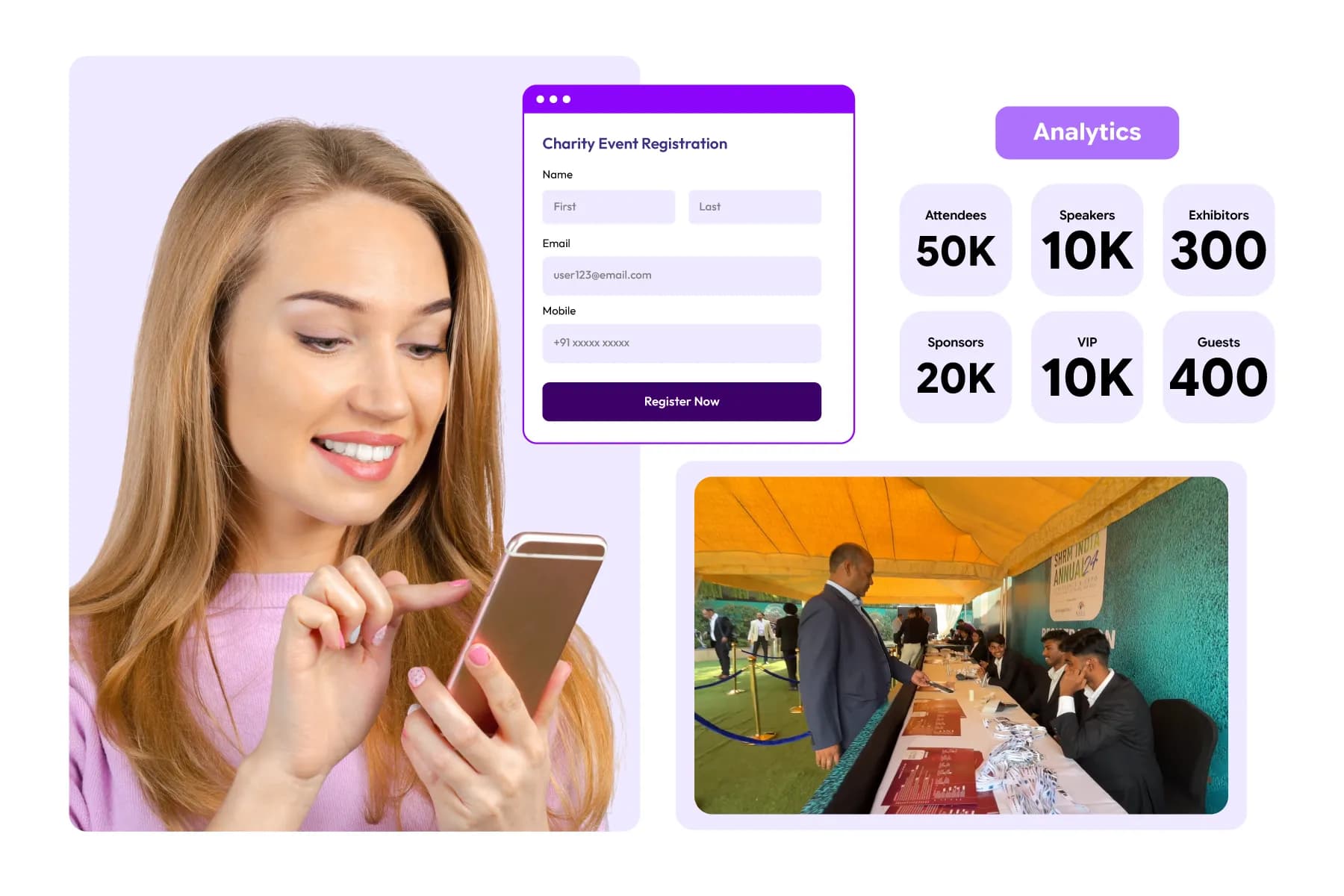
Large organizations rarely manage registrations through standalone forms.
Instead, they typically use event registration platforms that integrate registration, ticketing, attendee management, communications, reporting, and check-in workflows.
This helps event teams:
- Monitor registrations in real time
- Track attendee categories
- Manage approvals
- Control event capacities
- Reduce manual work
Signs Your Registration Process May Not Scale
Different issues often become more noticeable as registration volumes increase. If you are experiencing any of the following, your registration setup may struggle as attendance increases:
- Heavy reliance on spreadsheets
- Manual attendee updates
- Separate systems for registration and ticketing
- Delayed reporting
- Manual email communications
- Difficulty tracking attendee categories
- Long check-in queues at previous events
High-Attendance Event Registration Checklist
| Area | Best Practice |
|---|---|
| Registration Forms | Keep them concise and mobile-friendly |
| Communications | Automate confirmations and reminders |
| Attendee Categories | Segment registrations by role |
| Capacity Management | Set registration and session limits |
| Reporting | Monitor registrations in real time |
| Check-In | Use QR codes and digital credentials |
| Data Management | Centralize attendee information |
| Scalability | Choose a platform that can support future growth |
India Mobile Congress (IMC) 2025 Case study: Real-World Proof (Why Scalability Matters)
A good event registration platform should perform just as smoothly with 10,000 attendees as it does with 100 attendees.
One example is India Mobile Congress (IMC) 2025, one of Asia's largest technology and telecom events. The event brought together 147,000+ attendees, 400+ exhibitors, 465+ startups, delegates from 101+ countries, and facilitated 712 investor meetings across four days.
Managing registrations at this scale required much more than a basic registration form.
Dreamcast helped IMC 2025 by providing:
- Self-service online registration for faster attendee onboarding
- Digital badges delivered through email and WhatsApp
- QR-code-based access management
- Self-registration kiosks for walk-in attendees
- High-speed badge printing within seconds
- Real-time attendee verification and access control
- Registration management for exhibitors, startups, delegates, students, VIPs, and international guests
The result was a registration system capable of handling 147,000+ attendees while maintaining efficient entry management and attendee movement throughout the event. Dreamcast also supported access management across a venue, helping organizers manage large visitor volumes more effectively.
For event organizers, IMC 2025 highlights an important lesson:
As attendance grows, registration is no longer just about collecting attendee information. It becomes the foundation for check-in, access control, attendee management, reporting, and event-day operations.
Read the complete case study: India Mobile Congress (IMC) 2025 Case Study
Handle Growing Attendee Volumes Without Operational Complexity
Book A Demo!
Handle Growing Attendee Volumes Without Operational Complexity
Book A Demo!
On-Ground Event Registration Support

On-ground registration support helps organizers manage walk-ins, badge printing, attendee verification, ticket issues, and last-minute registrations on event day. Even when online registration works perfectly, onsite support remains essential for a smooth attendee experience.
Many event organizers focus heavily on online registration.
However, registration doesn't stop when attendees arrive at the venue.
In fact, some of the most critical registration moments happen on event day.
An attendee may have forgotten their confirmation email. A VIP guest may arrive without a printed ticket. Someone may need to upgrade their pass. Others may register at the venue as walk-ins.
Without proper on-the-ground registration support, these situations can quickly create long queues and frustrated attendees.
Why Is On-Ground Registration Support Important?
The registration experience directly affects attendees' first impression of your event.
According to industry surveys, long entry lines and slow check-in processes remain among the most common attendee complaints at conferences, exhibitions, and business events.
A registration desk is more than a help counter.
It acts as the operational hub for handling attendee issues, verifying registrations, issuing badges, and supporting event entry.
For large events, even a small delay can impact hundreds of attendees within a short period.
What Should an Onsite Registration Setup Include?
A well-prepared onsite registration area typically includes:
- Registration help desks
- QR code scanning stations
- Badge printing stations
- Walk-in registration counters
- Payment collection support
- Attendee support staff
- Internet and backup connectivity
The exact setup depends on event size, attendee volume, and venue layout.
For example, A 200-person workshop may need one registration desk. A conference with thousands of attendees may require multiple registration zones and self-service kiosks.
How Do You Manage Walk-In Registrations on Event Day?

Walk-in registrations are common at:
- Conferences
- Trade shows
- Exhibitions
- Networking events
- Public events
The challenge is registering attendees quickly without disrupting pre-registered attendee check-in.
The best practice is to use a registration platform that allows staff to:
- Create registrations instantly
- Collect payments if required
- Print badges immediately
- Generate attendee credentials in real time
This reduces manual paperwork and shortens waiting times.
Why is Instant Badge Printing Important?
Badge printing often becomes a bottleneck during busy registration periods.
Imagine an event with 2,000 attendees arriving within a one-hour window.
Even small delays can create long queues.
Modern event registration systems help by automatically generating badges based on attendee data collected during registration.
This allows organizers to:
- Print badges on demand
- Update attendee information instantly
- Reduce manual badge preparation
- Speed up check-in operations
For conferences and exhibitions, badge automation can significantly improve attendee flow.
A growing number of event organizers are also adopting self-service badge printing kiosks to reduce wait times further. Instead of waiting at a registration counter, attendees can scan their QR code, verify their registration, and print their badge within seconds.
For example, Dreamcast Badge Kiosk is designed to automate onsite badge printing and attendee verification. One of its key advantages is its 10-second badge printing process, allowing attendees to check in and receive their badge almost instantly. The kiosk enables self-service registration verification, rapid badge generation, and seamless attendee entry without relying heavily on registration desk staff.
Read More: Dreamcast Badge Kiosk: What is it and Why Do Your Check-Ins Need This Upgrade?
For high-attendance conferences, exhibitions, trade shows, and corporate events, this can significantly reduce queue lengths during peak arrival periods while improving the overall check-in experience. As attendee numbers grow, solutions like self-service badge kiosks help organizers process more attendees efficiently without adding more registration counters or staff.
Read More: A Brief Overview of Pre-Printed Vs. On-Demand Badges
How Does QR Code Check-In Improve Registration Operations?
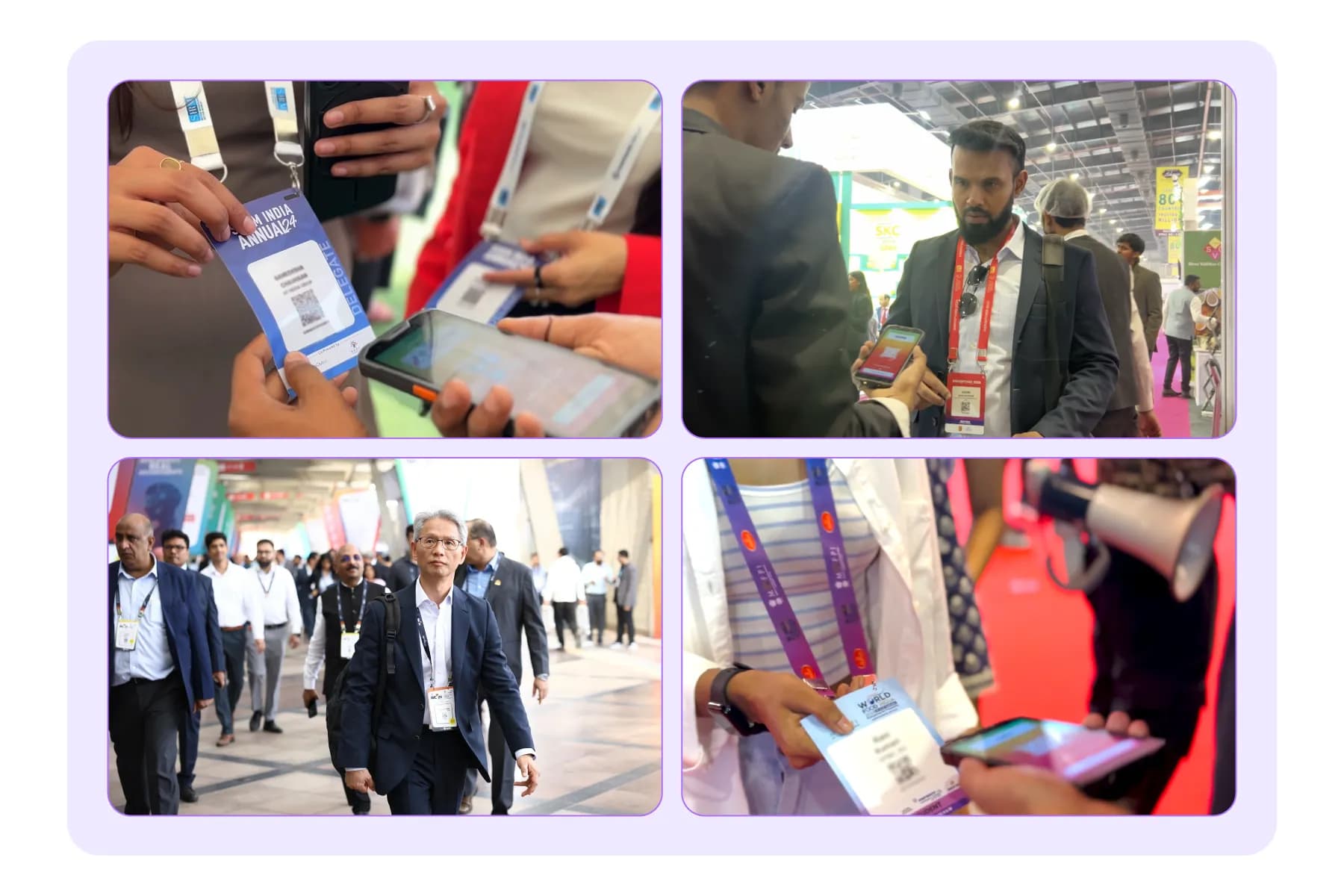
QR code-based check-in has become a standard feature at many events. Instead of searching attendee lists manually, staff can simply scan a QR code from:
- Mobile tickets
- Confirmation emails
- Event apps
- Printed passes
This process helps:
- Verify registrations quickly
- Reduce entry delays
- Improve attendance tracking
- Support access control
For high-attendance events, QR-based check-in can process attendees much faster than manual verification methods
How Do You Handle Registration Problems on Event Day?
Even well-planned events encounter attendee issues.
Common situations include:
| Common Issue | Typical Resolution |
|---|---|
| Lost confirmation email | Resend ticket or QR code |
| Incorrect registration details | Update attendee profile |
| Lost badge | Reprint badge |
| Payment verification issue | Review the transaction record |
| Wrong ticket category | Upgrade or modify registration |
| Walk-in attendee | Register onsite |
Having trained registration staff and centralized attendee data makes these issues much easier to resolve.
On-Ground Registration Support Checklist
Before the event day, confirm that you have:
- Registration help desks configured
- QR code scanning devices are ready
- Badge printers tested
- Walk-in registration process established
- Staff training completed
- Internet backup available
- Payment collection process verified
- Attendee support procedures documented
- Lost badge and ticket replacement workflow prepared
- Real-time attendee database access available
Solving Common Event Registration Challenges
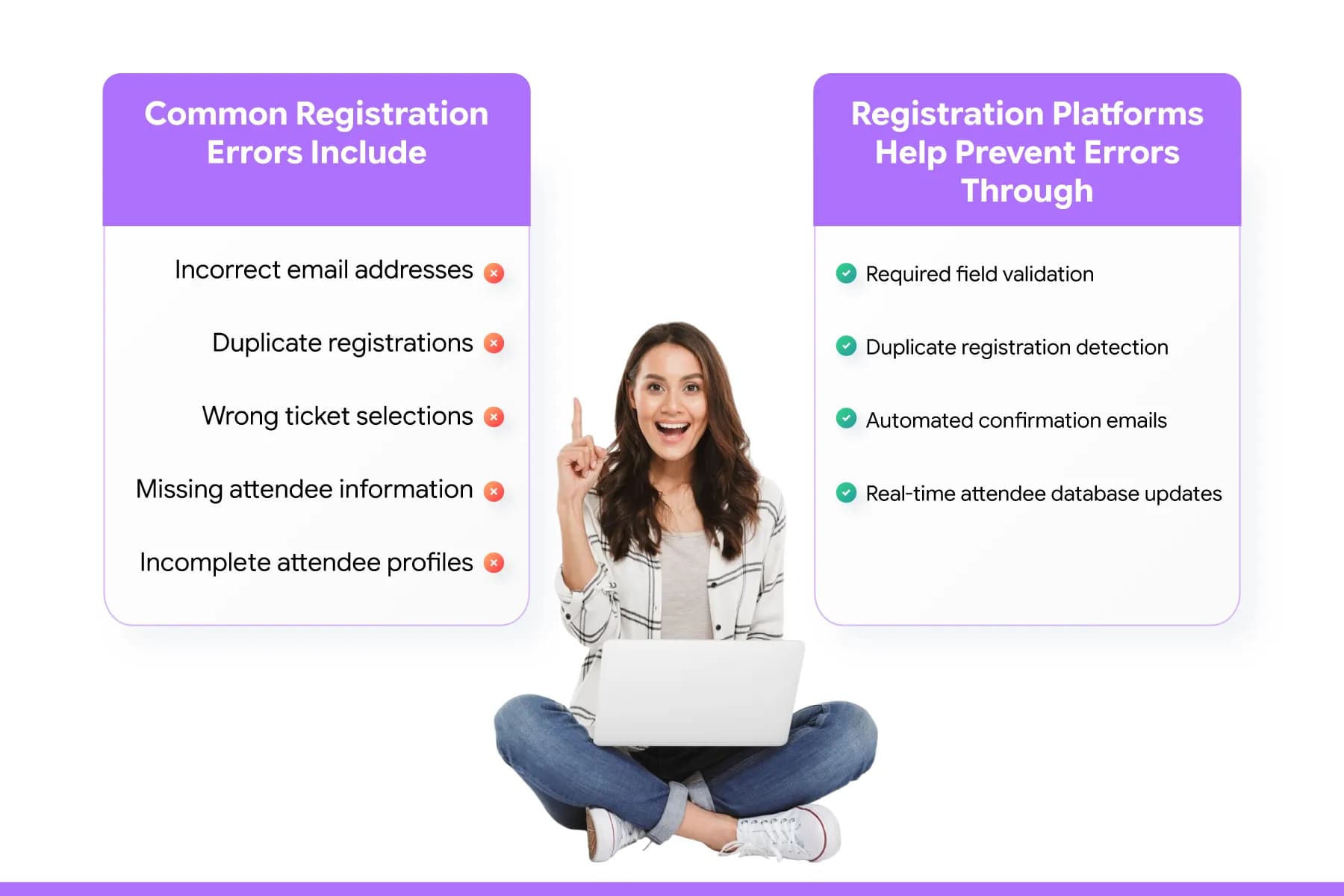
The most common event registration challenges are incomplete registrations, registration errors, duplicate attendee records, and managing registrations from multiple sources. The good news is that most of these problems can be reduced through automation, form optimization, and centralized attendee management.
Even the best-planned events face registration challenges.
The difference is that experienced event teams identify and solve these issues before they affect attendee experiences. A study on the event industry shows that registration and check-in issues are among the biggest factors affecting first impressions at events. In fact, 68% of attendees say long check-in lines are one of their biggest event frustrations.
Let's look at the most common challenges and how successful organizers address them.
How Do You Reduce Registration Errors for an Event?
The easiest way to reduce registration errors is to automate data validation and eliminate manual data entry wherever possible.
Registration errors may seem minor, but they often create larger problems later, including badge printing issues, inaccurate attendee reports, duplicate records, and slower check-in experiences.
Common registration errors include:
- Incorrect email addresses
- Duplicate registrations
- Wrong ticket selections
- Missing attendee information
- Incomplete attendee profiles
Many of these issues occur when organizers rely on spreadsheets or manually transfer attendee data between systems.
Modern event registration platforms help prevent errors through:
- Required field validation
- Duplicate registration detection
- Automated confirmation emails
- Real-time attendee database updates
How Do You Stop Incomplete Registrations During Event Sign-Up?
Registration abandonment is a bigger problem than many organizers realize.
Research shows that 81% of online forms are started but never completed, while registration forms often achieve completion rates of only 20%–40%, depending on their complexity.
Some of the most common reasons attendees abandon registration include:
| Reason for Drop-Off | Why It Happens |
|---|---|
| Long registration forms | Too many questions create friction |
| Mobile usability issue | Forms are difficult to complete on phones |
| Multi-step registration processes | Too many actions are required |
| Unclear pricing | Unexpected costs create hesitation |
| Technical issues | Slow loading or payment failures |
Research also shows that mobile form completion rates can be 35% lower than desktop completion rates, making mobile optimization increasingly important.
To improve completion rates:
- Keep forms concise
- Remove unnecessary fields
- Display pricing clearly
- Optimize for mobile devices
- Automate confirmations immediately after registration
Can I Manage Event Registration if Attendees Are Registering From Different Sources?
Yes, but only if all registrations flow into one centralized system. Today's attendees register from multiple channels, including:
- REvent websites
- Partner websites
- Sponsor campaigns
- Social media promotions
- Email campaigns
- Direct invitation links
When organizers manage each source separately, reporting becomes inaccurate and duplicate registrations become more common.
A centralized registration platform helps event teams:
- Track registration sources
- Maintain one attendee database
- Eliminate duplicate records
- Improve reporting accuracy
- Simplify attendee communications
This becomes especially important for conferences, exhibitions, and corporate events with multiple marketing partners.
Why Do Registration and Check-In Problems Often Happen Together?
Many organizers view registration and check-in as separate processes.
Attendees don't.
From the attendee's perspective, registration, badge printing, and event entry are all part of one experience.
Industry experts consistently point out that disconnected systems often create the biggest operational issues. Missing registration data, badge synchronization delays, and duplicate attendee records can all contribute to long entry queues and attendee frustration.
That's why many large events now use connected platforms that link:
- Registration
- Ticketing
- Badge printing
- QR code check-in
- Access control
- Attendee management
What Happens When Registration Challenges Scale?
A registration issue that affects five attendees at a small event may affect hundreds at a large conference.
For example:
- Duplicate records can create badge printing delays.
- Missing attendee information can slow check-in.
- Poor attendee segmentation can lead to communication mistakes.
- Inaccurate reporting can affect staffing and capacity planning.
This is why event planners managing high-attendance events focus heavily on automation and data accuracy from the beginning.
Quick Snap of Common Event Registration Challenges and Solutions
| Challenge | Potential Impact | Recommended Solution |
|---|---|---|
| Registration errors | Incorrect attendee data | Form validation and automation |
| Incomplete registrations | Lower attendance | Shorter forms and mobile optimization |
| Duplicate registrations | Reporting inaccuracies | Centralized attendee database |
| Multiple registration sources | Data fragmentation | Unified registration platform |
| Manual attendee updates | Higher administrative workload | Self-service attendee portals |
| Long check-in lines | Poor attendee experience | QR code check-in and badge automation |
| Disconnected systems | Operational inefficiencies | Integrated event technology stack |
Note: Most event registration challenges are not caused by attendee volume alone. They are usually caused by manual processes, disconnected systems, and poor registration workflows.
By simplifying registration forms, automating attendee communications, centralizing registration data, and connecting registration with event-day operations, organizers can reduce errors, improve attendee experiences, and scale registrations more confidently. Recent industry data shows that attendee expectations continue to rise, making registration efficiency more important than ever.
What are the Common Event Registration Mistakes and How to Avoid Them

The most common event registration mistakes include using lengthy forms, relying on spreadsheets, failing to optimize for mobile users, collecting unnecessary attendee data, and waiting too long to test registration workflows. These issues can reduce registration completion rates and create operational problems later.
Even experienced event organizers make registration mistakes.
The challenge is that many of these mistakes aren't obvious when registration opens. They become visible weeks later through lower registration numbers, attendee complaints, reporting issues, or event-day check-in delays.
Understanding the most common mistakes can help you avoid costly fixes later.
Mistake #1: Asking for Too Much Information
One of the biggest registration mistakes is treating the registration form like a survey. Many organizers ask for information they never use.
The result? Lower completion rates.
It is a fact that reducing the number of form fields can significantly improve conversion rates, while unnecessary questions often increase abandonment. Attendees generally prefer shorter forms that can be completed quickly.
How to Avoid It
Ask only for information that directly supports:
- Event operations
- Ticketing
- Attendee communications
- Networking opportunities
- Session planning
If a piece of information won't be used later, consider removing it.
Mistake #2: Managing Registrations With Spreadsheets
Spreadsheets may work for small gatherings, but they become difficult to manage as registration volume increases.
A spreadsheet doesn't automatically:
- Send confirmations
- Process payments
- Prevent duplicates
- Track attendee categories
- Manage capacity limits
As events grow, manual data management also increases the risk of errors.
A spreadsheet doesn't automatically:
How to Avoid It
Use a dedicated event registration platform that centralizes registration, ticketing, communications, and reporting in one system.
Mistake #3: Ignoring Mobile Registration Users
Mobile registrations are no longer the exception.
According to Statista, mobile devices account for more than half of global web traffic, making mobile optimization essential for any registration process.
If attendees struggle to complete registration on a phone, many simply leave.
How to Avoid It
- Before launching registration
- Test forms on smartphones and tablets
- Minimize scrolling
- Simplify navigation
- Ensure payment pages work smoothly on mobile devices
Mistake #4: Failing to Test the Registration Journey
Many organizers test the registration form but forget to test the entire attendee experience. Registration is more than a form submission.
It includes:
- Ticket selection
- Payments
- Confirmation emails
- Session selection
- Registration updates
How to Avoid It
Complete multiple test registrations before launch and review every step from the attendee's perspective.
Mistake #5: Not Planning for Different Attendee Categories
Treating all attendees the same often creates unnecessary complexity. A speaker, exhibitor, sponsor, and attendee usually require different information and different event experiences.
Using one registration path for everyone often leads to longer forms and less accurate attendee data.
How to Avoid It
Create separate registration journeys for different attendee groups while managing all data through one platform.
Mistake #6: Waiting Too Long to Open Registration
Many organizers underestimate how long attendees need to plan their schedules, budgets, and travel arrangements. Early registration periods help organizers forecast attendance more accurately and provide attendees with more planning flexibility.
Opening registration late can reduce attendance opportunities and limit marketing effectiveness.
How to Avoid It
Launch registration early and use milestone campaigns such as:
- Early-bird registration
- Standard registration
- Final registration period
This creates multiple opportunities to attract attendees.
Mistake #7: Not Connecting Registration With Event-Day Operations
Registration should not operate independently of check-in, badge printing, access control, and attendee management.
Disconnected systems often create:
- Long entry queues
- Badge printing delays
- Duplicate records
- Access management issues
According to attendee experience surveys, long wait times at entry remain one of the most common complaints at large events.
How to Avoid It
Choose a registration platform that integrates with:
- Ticketing
- Badge printing
- QR code check-in
- Access control
- Access management
The Cost of Registration Mistakes
While individual mistakes may seem small, their impact grows as attendance increases.
| Registration Mistake | Potential Impact |
|---|---|
| Long forms | Higher abandonment rates |
| Manual spreadsheets | Increased administrative workload |
| Poor mobile experience | Lost registrations |
| Lack of testing | Attendee frustration |
| No attendee segmentation | Poor data quality |
| Late registration launch | Reduced attendance opportunities |
| Disconnected event systems | Check-in and operational issues |
Quick Checklist to Avoid Registration Mistakes
Before launching registration, ask yourself:
- Is the registration form as short as possible?
- Have all registration workflows been tested?
- Is the registration process mobile-friendly?
- Are attendee categories clearly defined?
- Is registration connected to ticketing and check-in?
- Are automated confirmations enabled?
- Can attendees update their information if needed?
- Is registration data stored in one centralized system?
Event Registration Best Practices (Keys to Event Team Success)
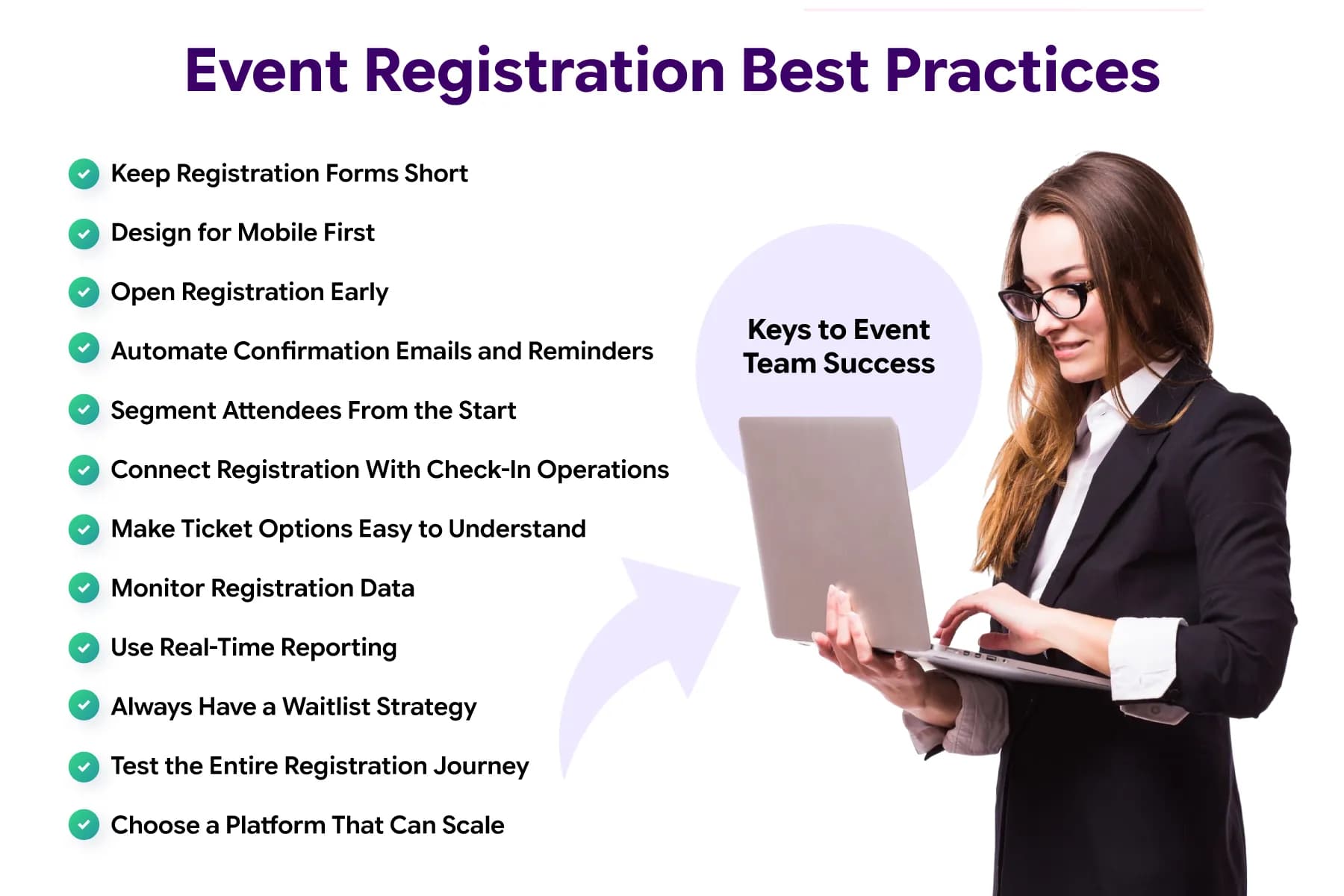
Successful event registration comes down to simplicity, automation, accurate data collection, and attendee convenience. Small improvements in the registration process can significantly improve completion rates, attendee satisfaction, and event-day operations.
The following best practices can help organizers create a smoother registration experience while avoiding common operational issues.
1. Keep Registration Forms Short
Long forms create friction.
Research shows that reducing unnecessary form fields can improve conversion rates and increase form completions. Collect only the information you truly need to manage the event and serve attendees effectively.
2. Design for Mobile First
Mobile traffic now accounts for more than 60% of global web traffic, according to Statista. If attendees struggle to register from their phones, you may be losing registrations without realizing it. Always test the registration journey on mobile devices before launch.
Read More: Stop Losing Visitors Before Checkout: Event Website Design That Converts
3. Open Registration Early
Many attendees need time to secure budgets, arrange travel, and coordinate schedules. Launching registration early not only gives attendees more flexibility but also helps organizers forecast attendance and identify demand trends sooner.
4. Automate Confirmation Emails and Reminders
Attendees should never wonder whether their registration was successful. Automated confirmations, reminder emails, ticket delivery, and event updates reduce manual work while helping improve attendance rates.
5. Segment Attendees From the Start
A speaker has different needs from an exhibitor. A VIP guest requires different communications than a general attendee. Attendee segmentation makes registration simpler, communications more relevant, and reporting more accurate.
6. Connect Registration With Check-In Operations
Registration data should flow directly into badge printing, QR code check-in, access control, and attendee management systems. Disconnected systems often create longer queues and more event-day issues.
Read More: Faster Onsite Experiences in 2026 with QR Code Event Check-In: The Complete Guide
7. Make Ticket Options Easy to Understand
Too many ticket choices can overwhelm attendees. Keep ticket structures simple, clearly explain what each ticket includes, and avoid creating multiple ticket types that offer nearly identical benefits.Registration data should flow directly into badge printing, QR code check-in, access control, and attendee management systems. Disconnected systems often create longer queues and more event-day issues.
8. Monitor Registration Data
Registration data provides early warning signs.
Tracking registrations, ticket sales, attendee categories, and cancellation trends helps organizers make adjustments before small issues become larger problems.
9. Use Real-Time Reporting
Modern event platforms provide live visibility into registrations and attendance trends. This allows event teams to make faster decisions about staffing, marketing, capacity planning, and attendee engagement.
10. Always Have a Waitlist Strategy
Popular events often reach capacity before demand ends.
A structured waitlist helps recover cancelled spots, capture additional interest, and maximize attendance without overselling the event.
11. Test the Entire Registration Journey
Many organizers test the form but forget to test the complete attendee experience. Before launch, complete a full registration, payment, confirmation, ticket download, and check-in test to identify issues before attendees do.
12. Choose a Platform That Can Scale
A platform that works well for 200 attendees may not perform the same way with 20,000 attendees. Look for a solution that supports registration, ticketing, communications, badge printing, check-in, and attendee management from a single system.
Read More: From 500 to 5 Lakh Attendees: How Dreamcast Delivers at Scale
Event Registration Best Practices at a Glance
| Best Practice | Why It Matters | Impact on Event Success |
|---|---|---|
| Keep Registration Forms Short | Reduces friction during sign-up | Higher registration completion rates |
| Optimize for Mobile Devices | More than 60% of web traffic comes from mobile devices | Fewer abandoned registrations |
| Open Registration Early | Gives attendees more time to plan and secure approval | Better attendance forecasting |
| Automate Confirmation Emails | Ensures attendees receive instant registration confirmation | Fewer support requests |
| Schedule Reminder Campaigns | Keeps attendees engaged before the event | Higher attendance rates |
| Segment Attendee Categories | Different audiences require different registration journeys | Better attendee experience and reporting |
| Simplify Ticket Options | Makes purchasing decisions easier | Faster registration process |
| Offer Multiple Payment Methods | Supports attendee preferences and reduces checkout friction | Improved conversion rates |
| Connect Registration With Check-In | Eliminates manual data transfers between systems | Faster event-day operations |
| Enable QR Code-Based Entry | Speeds up attendee verification | Shorter check-in lines |
| Use Real-Time Registration Reporting | Provides visibility into attendee trends and registrations | Better event planning decisions |
| Create a Waitlist Strategy | Helps fill spots created by cancellations | Maximized event attendance |
| Allow Self-Service Attendee Updates | Reduces manual administrative work | More accurate attendee data |
| Test the Complete Registration Journey | Identifies issues before attendees encounter them | Smoother registration experience |
| Choose a Scalable Registration Platform | Supports growth from hundreds to thousands of attendees | Long-term operational efficiency |
Read More: 10 Smart Strategies to Reduce High Event Registration Congestion
What High-Performing Event Teams Consistently Do
| Area | Common Practice |
|---|---|
| Registration Forms | Collect only the necessary information |
| Communications | Automate confirmations and reminders |
| Ticketing | Keep ticket structures simple and transparent |
| Attendee Management | Segment audiences from the start |
| Event Operations | Integrate registration with check-in and badge printing |
| Reporting | Monitor registration trends regularly |
| Scalability | Use platforms that support future event growth |
Why Many Event Organizers Choose Dreamcast for Event Registration

If you're looking for more than a basic registration tool, Dreamcast is worth considering. It combines event registration, ticketing, attendee management, check-in, badge printing, access control, and event engagement in a single platform.
By now, you've seen that successful event registration involves much more than collecting attendee details.
You need a system that can handle registrations, automate communications, support payments, manage attendee categories, print badges, enable fast check-ins, and provide real-time reporting.
This is where many organizers start looking beyond traditional registration software.
Built on Years of Event Technology Experience
Dreamcast is an event technology company with 15+ years of experience supporting conferences, exhibitions, trade shows, corporate events, government events, and large-scale business gatherings. The platform has helped deliver thousands of events across different industries and event formats.
The company also maintains a 4.8/5 rating on G2, based on reviews from verified users who frequently mention platform reliability, support quality, onsite execution, and event management capabilities.
See Dreamcast in Action
Reading about event registration technology is helpful. Seeing it work at real events is even better.
If you'd like to see how Dreamcast solutions are used in real event environments, explore these event showcases and client success stories:
Watch Dreamcast Event Success Story #1:
Watch Dreamcast Event Success Story #2:
Watch Dreamcast Event Success Story #3:
Watch Dreamcast Event Success Story #4:
These examples provide a closer look at how event organizers use Dreamcast to simplify event registrations, manage attendee experiences, improve check-in efficiency, and support large-scale event operations.
More Than an Event Registration Platform
Many registration tools focus primarily on attendee sign-ups. Dreamcast extends registration into the rest of the event lifecycle, helping organizers manage multiple event functions from a single ecosystem.
| Registration Need | Supported by Dreamcast |
|---|---|
| Online Registration Forms | Yes |
| Event Ticketing | Yes |
| RSVP Management | Yes |
| QR Code Check-In | Yes |
| Self Check-In Kiosks | Yes |
| On-Demand Badge Printing | Yes |
| Access Control | Yes |
| WhatsApp Automation | Yes |
| Real-Time Reporting | Yes |
| Multi-Tier Registration | Yes |
Read More:- Why Do Enterprise Events Need More Than Basic Registration Tools?
Designed for the Entire Attendee Journey
A registration form is only the beginning.
Dreamcast helps organizers manage the complete attendee experience, including:
- Registration and ticket purchases
- Confirmation emails and WhatsApp communication
- Digital tickets and M-Badges
- Self-service check-in
- Facial recognition-based event registration
- Badge printing
- Access management
- Real-time analytics and reporting
Instead of stitching together multiple tools, organizers can manage these functions through a connected event technology ecosystem.
Is Dreamcast the Right Choice for Your Event?
Dreamcast is particularly well-suited for:
- Conferences
- Corporate events
- Exhibitions
- Trade shows
- Association events
- Government events
- Hybrid events
- Multi-day events
- High-attendance events
If your goal is simply collecting registrations, many platforms can do that.
If your goal is to manage registrations, attendee experiences, check-ins, badge printing, access control, and event operations from one platform, Dreamcast becomes a strong option to evaluate.
Research Methodology
This guide was created using a combination of event industry research, event technology best practices, platform analysis, and real-world event registration case studies.
To ensure accuracy and practical relevance, we reviewed:
- Event registration workflows used for conferences, exhibitions, trade shows, corporate events, and association meetings
- Industry reports from organizations such as Statista, Freeman, HubSpot, Wave, Maritz RegReport, Tinyform Baymard Institute, etc
- Research on attendee behavior, mobile usage, registration conversion rates, and event operations
- Publicly available event management and event marketing studies
- Real-world event registration examples and large-scale event implementations
- Event technology trends, automation practices, and attendee experience recommendations
We also incorporated insights from Dreamcast's experience supporting event registration, attendee management, ticketing, badge printing, check-in, and access control for events ranging from small business gatherings to large-scale conferences and exhibitions.
The goal of this guide is to provide practical, experience-backed information that helps event organizers make informed decisions when planning and managing event registration.
Sources Referenced Throughout This Guide
- Industry Benchmark: Online Conversion Rates for Live Events
- Cart & Checkout Usability Research
- How Much Time Are Event Planners Really Losing?
- Online form statistics in 2026: Insights, data, and best practices for SMBs
- Maritz Pdf
- How Many Fields Should You Have on a Form?
- The Impact of Workflow Automation on Modern Business
- Form Abandonment Statistics 2026
- Unveiling 2025: Mobile Form Statistics & UX Trends
- How to Reduce No-Shows at Your Events | 8 Proven Tactics
- Event Marketing Statistics 2026: 65+ Facts and Data
- How Many Form Fields Do I Really Need for Conversions?
- Fortunebusinessinsights
- G2 Dreamcast Reviews
- Trade Show Secrets: Why Networking Is the Heart of Every Successful Event
- Jaipur Literature Festival (JLF)
- Ayushi Singh (Linkedin)
- Forms completion rates - statistics, insights, and takeaways
- 50 Event industry statistics and insights
- Multi-Step Form Drop-Off Rates: How to Reduce Them
- Event Management Software Market Report 2026
- 61 Shopping Cart Abandonment Statistics (2026)
- Softwaresuggest Dreamcast Reviews
- Mobile Accounts for Nearly 60 Percent of Web Traffic
- Trustpilot Dreamcast Reviews
- 2025 Freeman Trust Report.pdf
- Fastest Indian Badge Kiosk is Here ⚡ 10 Seconds. No Queues
Let’s get your event going!
Create. Connect. Communicate
Dreamcast is a renowned event tech solution provider known for its capabilities to transform the event experience with an array of customizable services. We aim to empower you as a host to create your visionary event into reality while performing the best-in-class industry practices and helping you build global connections.