

Event ticket page abandonment is a common problem for organizers. All their effort goes to waste when visitors don’t buy event tickets. They simply visit the event website, take a look at stuff, and leave. Some make up their minds, reach the ticketing page, and still leave. Every abrupt exit like this costs event organizers a lot of revenue. Event ticket sales optimization remains a distant dream. In this blog, we will explore the reasons behind event ticket page abandonment and how to deal with it. If you are an event planner who is looking for best practices for event ticket checkout to boost your event ticket sales, read on!
Table of Contents
What is Event Ticket Page Abandonment?
Have you ever wondered what confuses event planners the most? It’s when people visit the ticket page but don’t actually buy tickets. This is called event ticket page abandonment. It is a big problem because it means less money for the event and fewer people attending. You might think a great marketing plan is all you need, but that’s not always true. It still doesn’t guarantee or improve the event ticket conversion rate. So, what’s the reason? A few things could be the issue: a complicated ticket page, limited payment options, a lack of personal touch, etc. These problems can really make a lot of people leave without buying tickets.
According to industry research, more than 60% of people who might go to an event start buying tickets but don’t finish. That’s a lot of missed opportunities! It’s important to figure out why this happens and what event planners can do to fix it. By looking closely at the reasons behind event ticket page abandonment, event organizers can improve their event ticket conversion rate. It also helps them find out how to make the whole ticket-buying process smoother and easier, so possible attendees are more likely to complete their purchase.
Key Causes Of Event Ticket Page Abandonment
To get more people to buy tickets, we need to figure out why they leave the site without buying. Here are some probable reasons:
Complex Checkout Process
One of the key reasons behind event ticket page abandonment is checkout processes that feel like a maze. Collecting attendee details is important, but you have to put a cap on the number of questions you ask. Too many irrelevant questions and unnecessary fields can make attendees lose patience. That is when they close the ticketing page. The problem gets even worse when users are forced to create an account before buying. This extra step feels like an unwanted chore, especially when they just want to grab their tickets quickly and move on.
Poor Mobile-Friendliness
Most people purchase tickets on their mobile phones. If your event ticket page is messy and difficult to navigate, people either get frustrated or leave due to a lack of any other option. Slow loading time, tiny buttons, foggy readability, etc., cannot hold your attendees on the ticketing page for more than a few seconds.
Security Concerns Regarding Payment
When people buy tickets for an event, they have to give out personal and payment information. Of course, they want to know their info is safe. So, you have to make them feel secure. If your ticket page has no security badges, a strange web address, or looks old, people will worry. If they don’t trust the site, they won’t be excited about the event and will just leave without buying a ticket.
Limited Payment Options
These days, everyone’s paying digitally. People expect to pay super fast, so you should probably have mobile wallets and UPI on your ticketing site. If you just have cards and net banking, you might miss out on sales. It’s always a good idea to give people choices in how they pay!
Unclear Event Details And CTA
Your event ticketing website needs to speak clearly to visitors, or they won’t know what to do. Think about it: if you visit a site for an event and can’t find key things like the date, where it is, how much it costs, or where you’ll sit, would you buy a ticket? Missing info makes people unsure about what they’re paying for. Also, if the “Buy Tickets” button is confusing or hard to find, people get annoyed. Buy tickets for what, exactly?

No Incentives or Sense Of Urgency
If you know of a big sale that’s going to end in two days, you’ll take out time to visit it ASAP, right? It’s because the deadline creates a sense of urgency. Ticketing works on the same principle. If you don’t create a sense of urgency or offer any attractive offers to potential attendees, why would they feel motivated to buy the ticket? Either they will delay buying the tickets or drop the idea completely.
Missing Personalization
These days, events are all about making attendees feel in control of their event. So, if a ticket page feels like it’s the same for everyone, people won’t be thrilled. If they can’t pick different ticket types, where they want to sit, or special deals, they might feel stuck. Also, if the messages are just standard or the directions aren’t clear, it feels impersonal. If attendees don’t get that special touch, they might just leave the page and find some other site that gets what they need.
Best Practices For Event Ticket Checkout To Reduce Ticket Page Abandonment Rate
Event ticket page optimization automatically leads to event ticket sales optimization. Let’s walk through the best practices to keep people from leaving the ticket page and buying tickets:
Make Your Checkout Easy
– Just ask for important info in your forms. This is crucial for your event ticket page optimization.
– Let people buy tickets without making an account.
– Keep things short by only showing the important questions.
Mobile Optimization For Event Ticket Sales Optimization
– Check your ticket page’s loading speed so that it doesn’t lead to attendee drop-offs.
– Work on the page’s UI/UX for event ticket page optimization. See that the buttons work smoothly and the page fits different screen sizes.
– Go for an intuitive mobile booking interface as provided by Dreamcast’s novel ticketing solutions.
Simple, Secure Payments
– Let people pay you with credit cards, digital wallets, and local payment methods.
– Use reliable ticketing systems like Dreamcast for secure payments.
– Make checkout fast and easy, so people finish their purchase. This is one of the best practices for event ticket checkout that can improve your event ticket conversion rate.
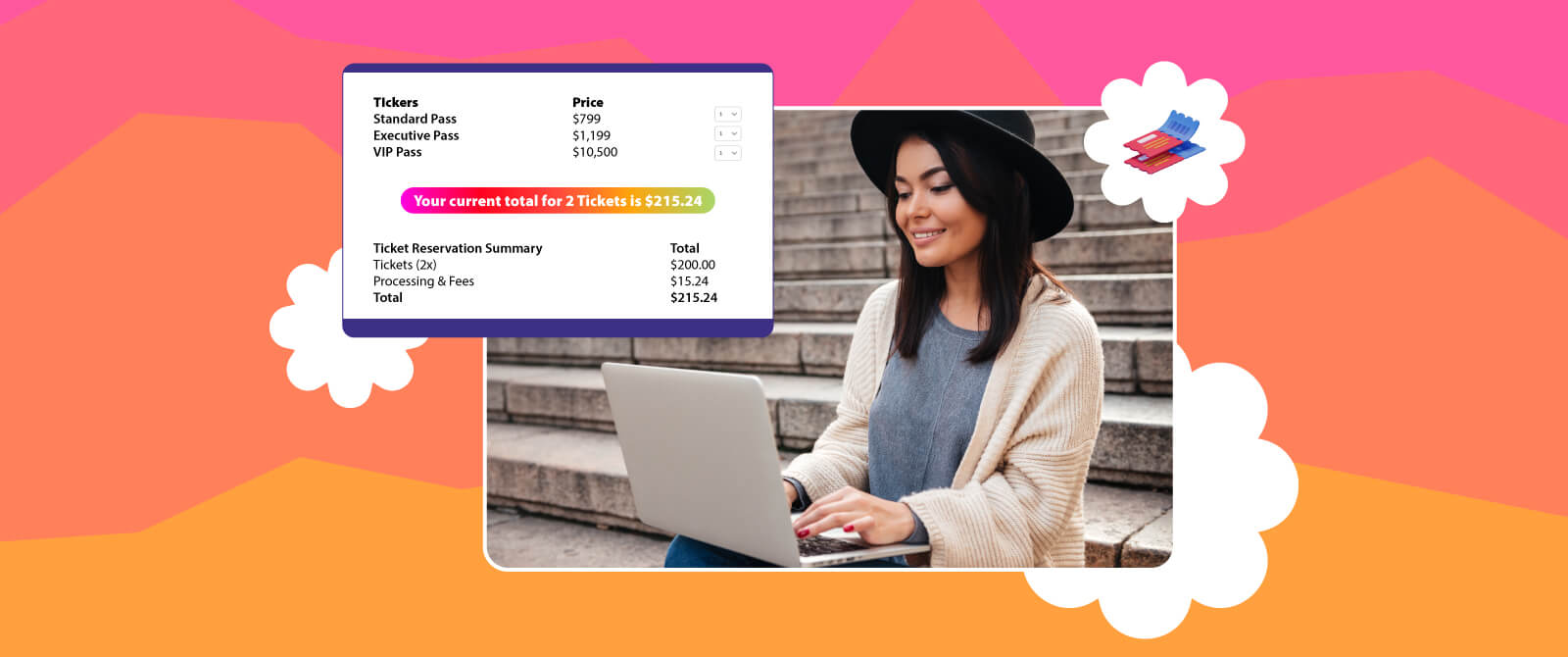
– Always show a clear price breakdown, so everyone knows what they’re paying.

Make It Feel Personal For Event Ticket Sales Optimization
– Customize your ticket types, how you price things, and your sign-up forms with event tech tools like Dreamcast. This helps your event ticket sales optimization.
– Use your own branding for event ticket page optimization. With Dreamcast, for example, you can add your brand’s colors, logos, and messages to the ticket process.
– Make your communication better through things such as WhatsApp automated messages, which send people quick ticket confirmations and updates. Dreamcast helps with that, too!
M-Badge: No Paper, No Waiting for Check-Ins
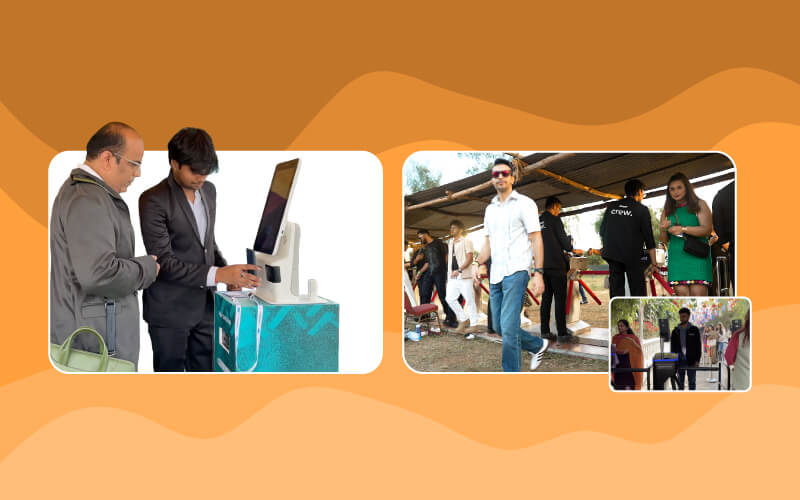
You’ve decided to buy a ticket, but the idea of standing in a long line to get in can be a real turn-off, right? Dreamcast’s M-Badge uses mobile QR codes to make getting into events quick and easy. If people know they can skip the line, they’re much more likely to buy tickets. This can really help with event ticket sales optimization.
Making Ticket Buying Easier With Ticket Purchase Funnel Optimization
– If getting tickets is hard, people might not bother. When you make buying tickets simple, people can easily choose an event and pay without problems.
– Show people their progress and make it easy to go back and forth on the website. This can stop them from leaving.
– When you fix your ticket purchase funnel optimization, you cut down on the number of people who leave without buying tickets. Take care of this, and your ticket sales will get better by themselves.
Final Thoughts:
As an event organizer, you want potential attendees to buy your event tickets and become confirmed attendees. You can market your event across multiple platforms and send a hundred sign-up reminders to people in your database, but the real conversion happens on the event ticketing website. This is where you must create a foolproof ticket purchase funnel optimization. Most people come to visit an event website, take a good look around, and leave without buying tickets! Why is that?
Apart from a lack of time or lost interest, there are a variety of causes behind event ticket page abandonment. From poor event ticket page optimization to a lack of personalization, any reason can affect your event’s ticket sales. But there are some best practices for event ticket checkout to reduce the event ticket abandonment rate. Proper ticket purchase funnel optimization, mobile-friendly design, safe payment options, and simplified check-out process are some ways in which you can improve your event ticket conversion rate.