

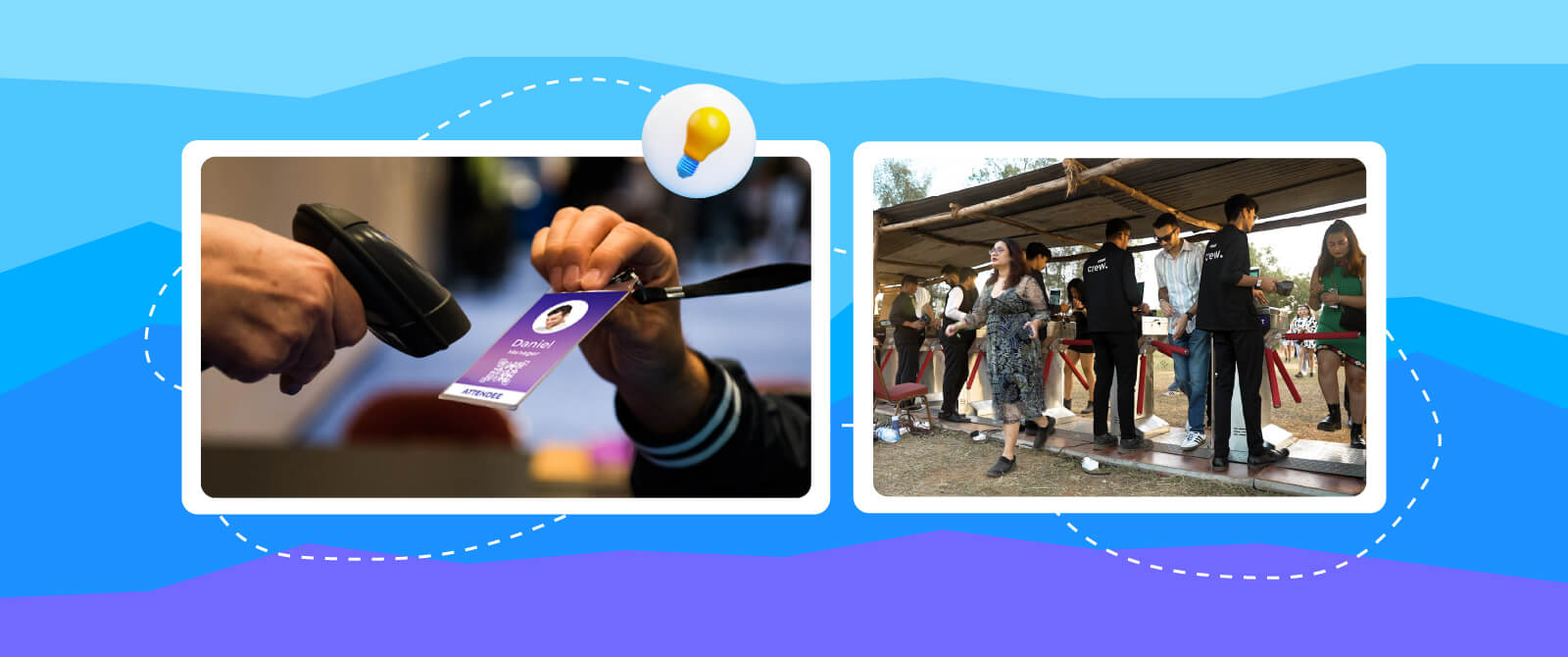
Planning an event is one thing. And getting people inside smoothly is another. You can have the best venue, great speakers, and perfect lighting, but if your guests are stuck in long lines at the entrance, that first impression gets ruined. That is why event check-in management matters more than most people think. It is not just about scanning tickets. It is about setting the tone. In this blog, we will explore best event check-in tips to improve check-in and attendee experience.
Best Ways To Improve Event Check-In And Attendee Experience
Whether you are organizing a small seminar or a large conference, these event check-in tips will help you speed up entry and keep attendees in a good mood.
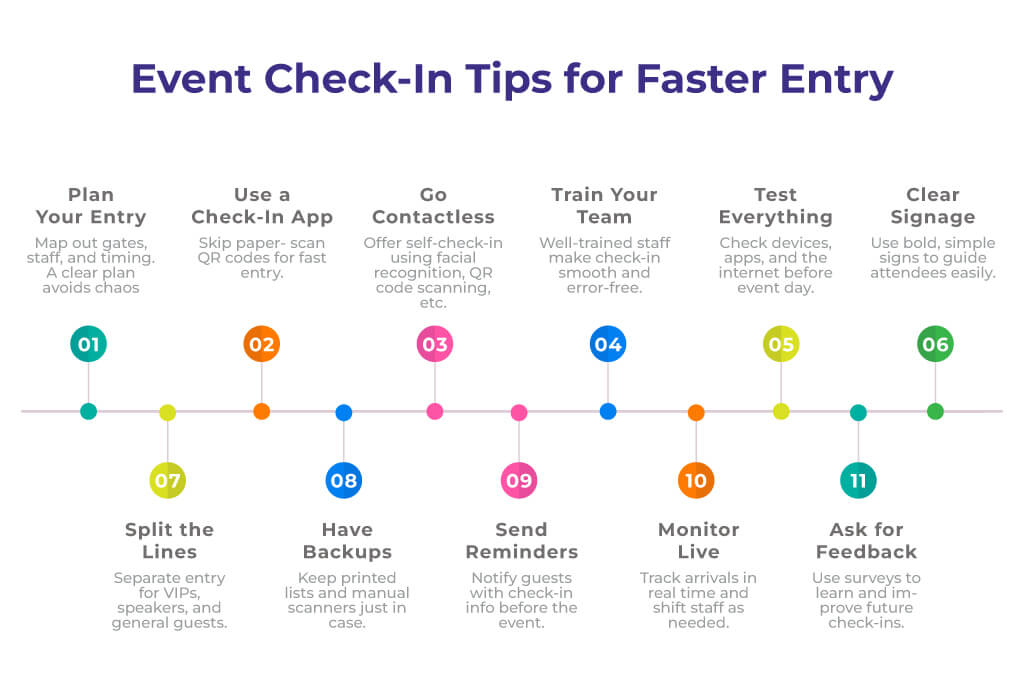
1. Start With a Clear Entry Plan
Before anything else, you need a plan. Not a complicated one. Just something that shows who enters where, how many staff you will need, and what tools you will use. Event access management begins with knowing your layout. If you have multiple entry points, assign staff to each one. If there is only one gate, ensure it is wide enough and not obstructed by furniture or banners. Also, think about timing. If your event starts at 10 AM, don’t wait till 9:55 to open the doors. Give people time to settle in. It helps reduce stress for both guests and staff.
A well-prepared entry plan prevents last-minute chaos and confusion. It also ensures that even during peak arrival times, the process stays smooth and controlled. If you are going to organize an event for a large crowd, consider turnstile gates for better attendee access management and to reduce long lines.
2. Use an Event Check-In App
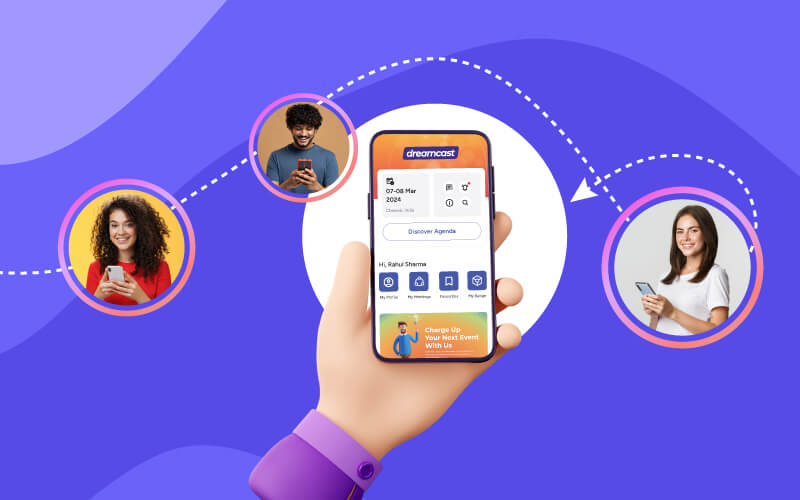
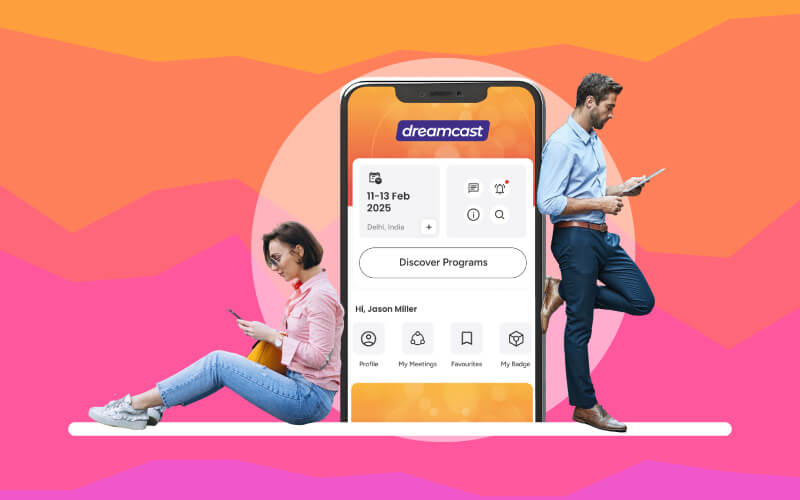
It is true that paper lists are slow. They get messy. And they don’t work well when you’ve got hundreds of names. A mobile event check-in app makes things faster. You just search the name, tap, and it’s done. Some mobile event apps, such as Dreamcast, even let you scan QR codes for events, which is even quicker. Plus, these apps often sync with your registration system. So if someone registered online, their name is already there. No need to type anything. That saves time and avoids mistakes.
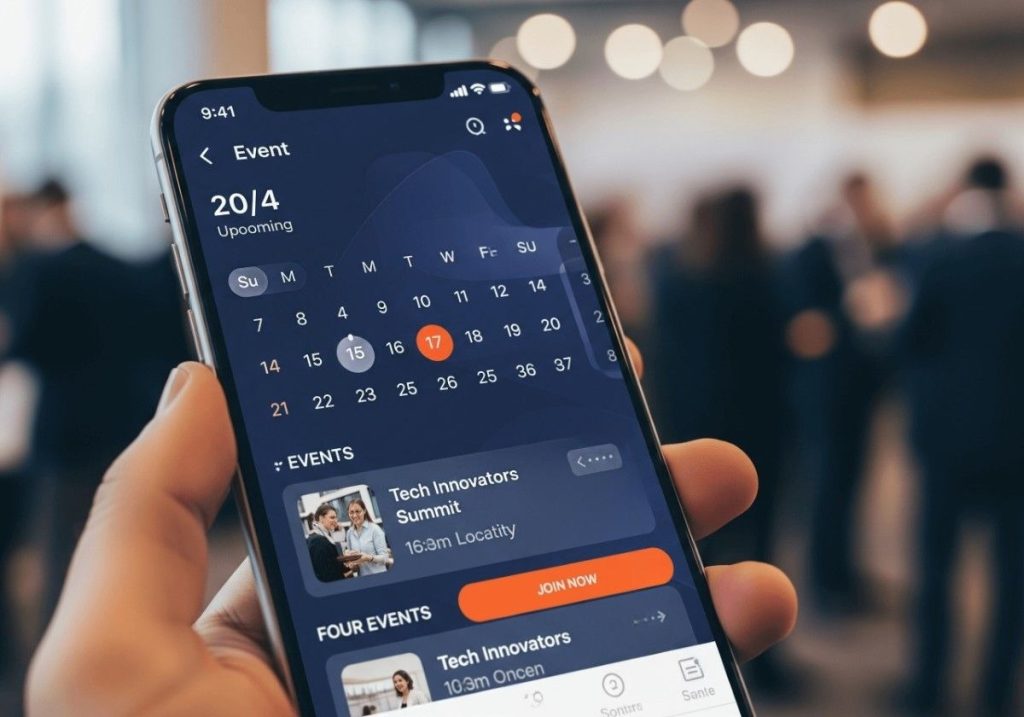
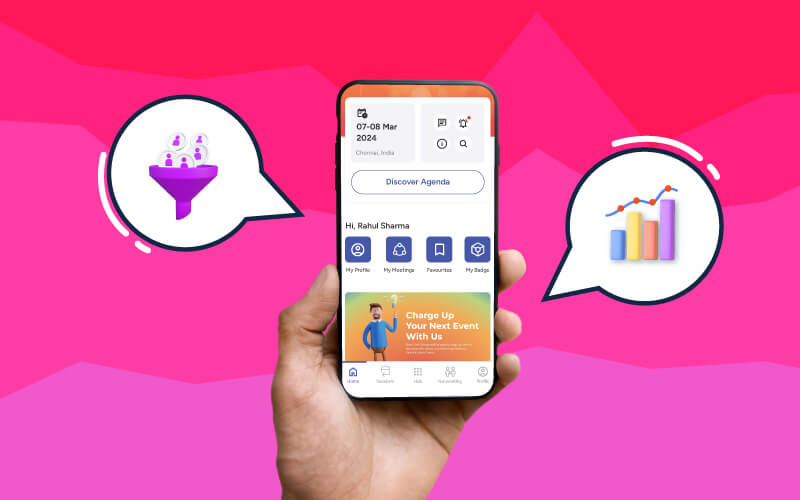
Most apps also provide real-time data, helping you track attendance instantly. This event check-in tip not only speeds up check-in but also gives you insights you can use during and after the event.
Related Blog:- Questions to Ask Before Choosing a Mobile Event App
3. Go Contactless When You Can
Contactless event Check-In isn’t just about safety. It is about speed and a better experience. When guests can check in using their phones, there is less waiting. No need to hand over papers or touch screens. Just scan and walk in. This works well with a QR code for events. You send the code to the attendee before the event. They show it at the gate. Your staff scans it. That’s it. No talking, no typing, no delay, and no confusion.
So, considering this contactless event check-in tip also creates a more professional and modern experience. Attendees appreciate the convenience, which leaves a strong positive impression right from the start.
4. Train Your Staff Properly
Even the best tools won’t help if your team doesn’t know how to use them.
So spend some time training your check-in staff. Show them how the event check-in app works. Let them practice scanning QR codes. Teach them what to do if someone’s name isn’t showing up. Also, remind them to stay calm. Guests might be tired, confused, or in a hurry. A friendly face at the gate can make a big difference. If your staff is confident and polite, the whole process feels smoother.
Regular training sessions also prepare staff for unusual scenarios, like duplicate entries or lost tickets. The more confident they are, the faster the lines move.
5 Test Everything Before the Event
Don’t wait till the event day to test your system. Try it out a few days before. Check if the app loads fast. See if the QR codes scan properly. Make sure the internet works at the venue. If you are using tablets or phones, charge them fully and bring backups. Testing helps you catch problems early. Maybe the app crashes. Maybe the scanner is slow. You won’t know unless you try. Fixing things on the spot is harder. So it is best to test first.
A test run also helps your staff get used to the flow before guests arrive. Think of it as a dress rehearsal that ensures the real event runs without hiccups.
6. Use Signage That Makes Sense
People don’t like asking for directions. If they don’t know where to go, they will just stand around. That slows down entry. So, using proper signage in an event is one of the essential event check-in tips.
Use clear signs and put them at eye level. Use big fonts. Keep the message short. For example, “VIP Check-In This Way” works better than “Welcome to Our Annual Gathering.” Here, you are not writing poetry. You are guiding people. So Fmake it easy for them.
Well-placed signage reduces stress for guests and minimizes the burden on staff. It ensures that even first-time visitors feel guided without needing constant help.
7. Separate Lines Based on Ticket Type
Not all guests are the same. Some are VIPs, some are speakers, and some are regular attendees. Mixing them all in one line creates confusion. So split the lines. Use signs to show who goes where. This event check-in tip helps to improve event access management. VIPs get in faster. Speakers don’t miss their slots. Regular guests don’t feel ignored. Everyone wins.
If you are using QR codes for events, you can even color-code them. Blue for VIP, green for general, red for staff. That way, your team knows who’s who just by looking. Additionally, you can use on-site badge printing solutions in order to print different badges for different people (ticket type).
Segregating lines also improves efficiency by reducing bottlenecks. It makes the check-in process feel more personalized for different groups of attendees.
8. Keep Backup Options Ready
It is very important to understand that tech is great and useful. But it can fail. Maybe the app crashes. Maybe the internet goes down. Maybe someone forgot their phone. You need a backup. Print a list of names. Keep a few pens handy. These things don’t take much effort, but they save you when things go wrong. Also, keep a manual QR scanner. Some phones don’t scan well. A handheld scanner can help in those cases. If you are using an event tech solution from a professional services provider like Dreamcast, you don’t need to worry about these issues. Because we offer 24/7 customer support that can help you resolve the problem.
In simple words, being prepared with backups reassures staff and attendees alike. It shows professionalism and avoids embarrassing delays caused by unexpected tech issues.
9. Send Reminders Before the Event
Sending a reminder before the event is one of the best and essential event check-in tips. A day before the event, send a message with the check-in details. Include the QR code. Mention the entry time. Tell them which gate to use. If you are using a mobile event app, use it to send push notifications. That is faster than email. These reminders reduce confusion. Guests come prepared. They know what to expect. That makes check-in smoother.
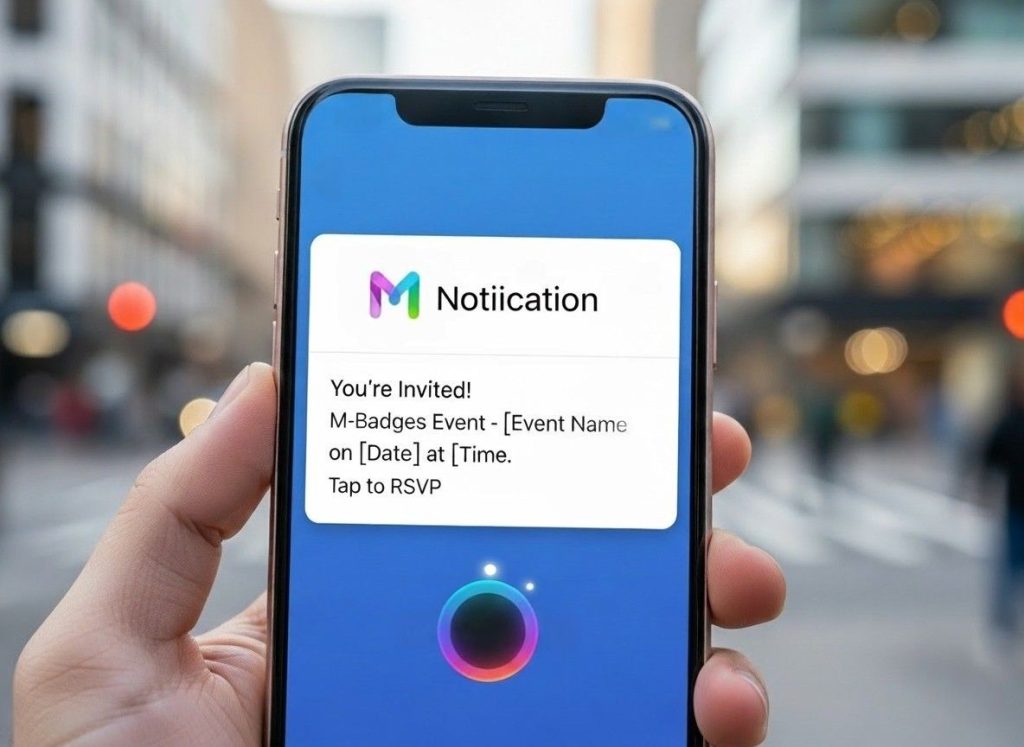
A clear reminder also helps reduce last-minute no-shows. It reinforces event details and ensures attendees feel well-prepared before they even arrive.
10. Monitor Entry in Real Time
Once the event starts, keep an eye on the entry. Use your event check-in app to see how many people have arrived. If one gate is slow, send more staff there. If a line is getting long, open another counter. Real-time monitoring helps you adjust quickly. You don’t have to guess. You see the numbers and act. That is smart event check-In management.
Also, if someone complains about waiting, you can check the data. Maybe they came early. Maybe they were in the wrong line. Having the facts helps you respond better.
Real-time monitoring also provides valuable insights you can use for future events. This event check-in tip helps identify peak times and improves planning for the next check-in.
11. Ask for Feedback After the Event
Check-in doesn’t end at the gate. It ends when the guest feels satisfied. So ask them how it went. Send a short survey using a mobile event app. Ask if the entry was fast. Ask if the staff was helpful. Ask if they liked the mobile event app. This feedback helps you improve. Maybe people found the signs confusing. Maybe the app was slow. Maybe the QR code didn’t work for some phones. You won’t know unless you ask.
Also, when guests see that you care, they are more likely to return. Obviously, that is good for future events. Collecting feedback also helps you track long-term improvements. Over time, you can refine your check-in strategy and create consistently better guest experiences.
Related Blog:- Why Choose Dreamcast for Last-Minute Attendee Check-In Changes
Final Words:-
Event Check-In Tips are not just for speed. They are ideal for making people feel welcome. When guests walk in without stress, they enjoy the event more. They talk about it. They share it. They come back next time. Event check-in management is a mix of planning, tech, and people skills. You need the right tools, like an event check-in app and a QR code for events. You also need the right attitude. Be ready, calm and helpful.
Contactless event check-in is becoming more common. It is fast and safe. Best part? It works well with mobile event apps. If you haven’t tried it yet, maybe it is the right time. So next time you plan an event, don’t just focus on the stage or the food. Connect with Dreamcast in order to improve event access management and guest experience.